

Açıklama
Design stunning, professional contact cards and profiles right in the block editor – no shortcodes, no custom CSS, responsive in seconds.
Business Card | Documentation | Pricing | Support | Demo
Why Business Card Block?
First impressions matter. Business Card Block turns plain contact details into polished, eye-catching profile cards – built entirely inside the Gutenberg editor. Skip the complicated shortcodes and custom CSS: pick a theme, add your details, and publish a responsive card that matches your brand perfectly.
Whether you need a digital vCard visitors can download, a team member directory, a freelancer profile, or an elegant author box, the plugin gives you flexible layout controls, styling options, and a modern GPU-accelerated animation system to make every card stand out.
Free Features
- Multiple Card Themes: Choose from Default, Theme 1, Theme 2, and Theme 3 for personal, team, or company profiles.
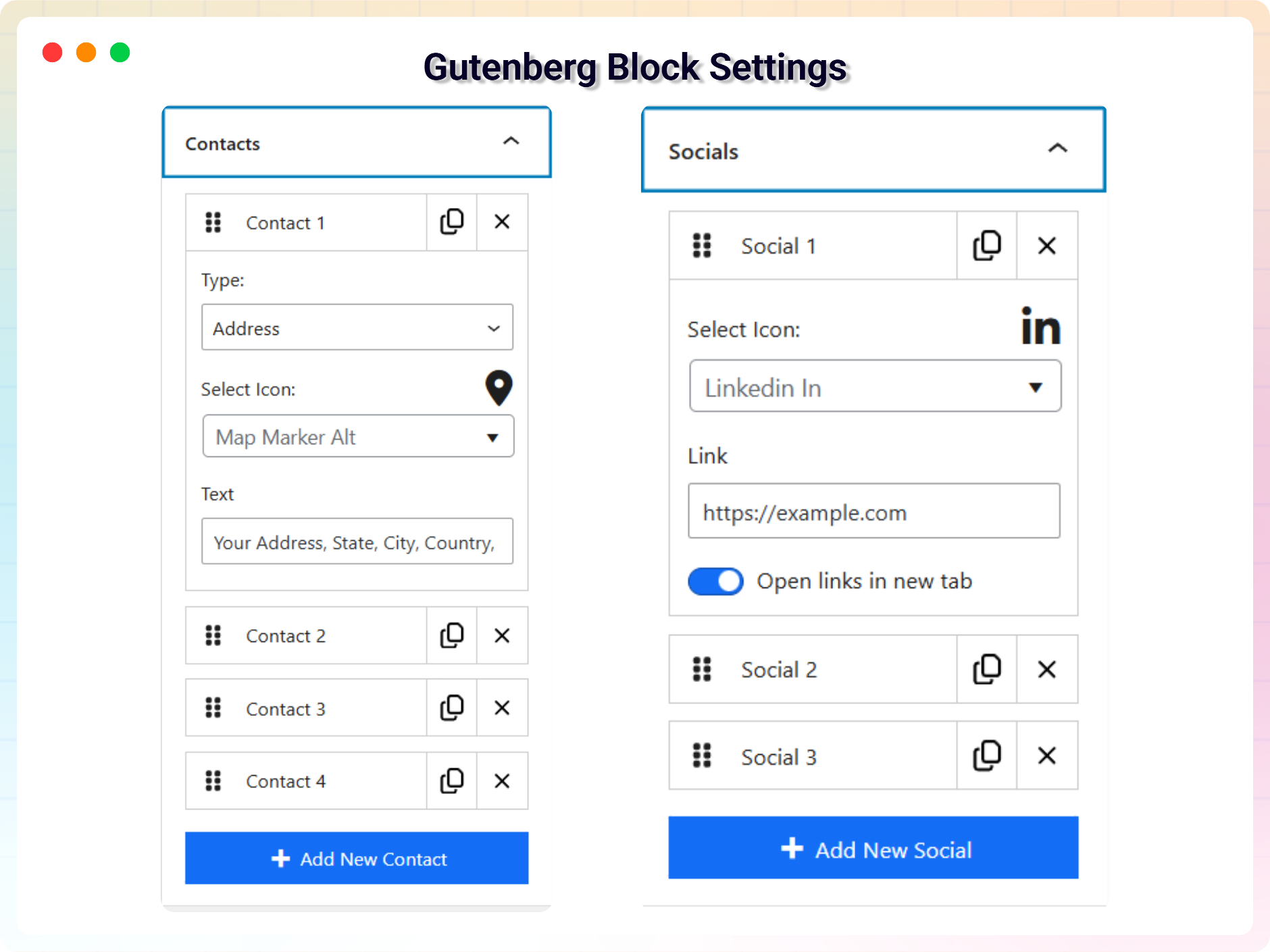
- Card Content Management: Add name, job title, company name (supported themes), taglines (Theme 3), contact details, custom contact icons and links, and social media icons directly in the block.
- Layout Controls: Adjust card width in px, %, em, or rem, enable auto width, set minimum card height, and control header alignment and margins.
- Download Button: Enable a downloadable business card button so visitors can save your contact information easily.
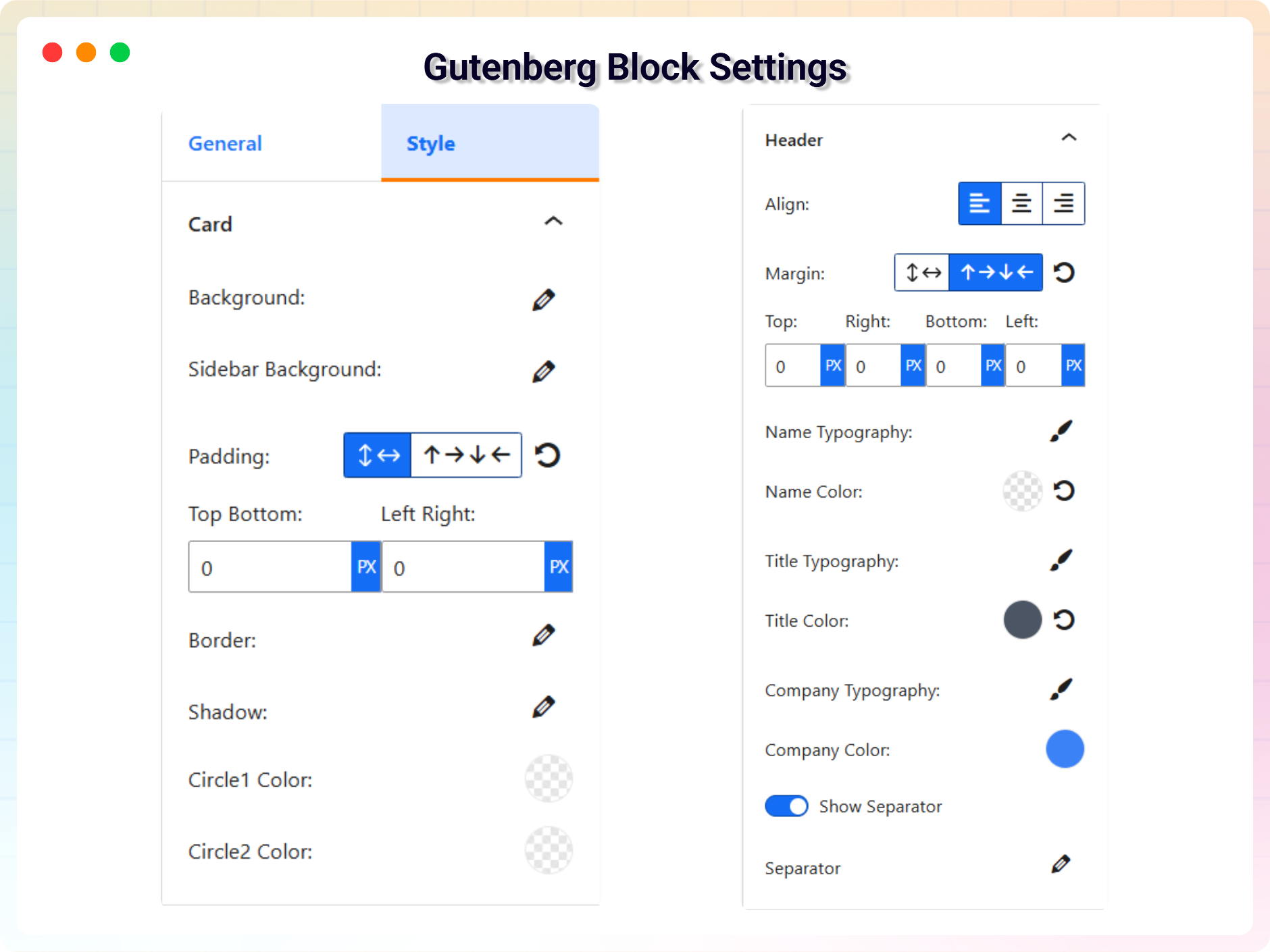
- Styling Options: Use solid colors, gradients, or background images; adjust padding, borders, text colors, icon colors, and section separators per theme.
- Animation System: GPU-accelerated animations with viewport-aware triggering, 5 modern types (Reveal, Slide, Flip, Polaroid, Zoom), and controls for duration, delay, staggering, and easing.
- Branding & Identity System: Overlap and Stack layouts for avatars and logos, custom masking shapes, hover micro-interactions, and a monochrome mode.
Pro Version – Unlock Advanced Features
Business Card Block Pro adds advanced layout and design control.
Pro features include:
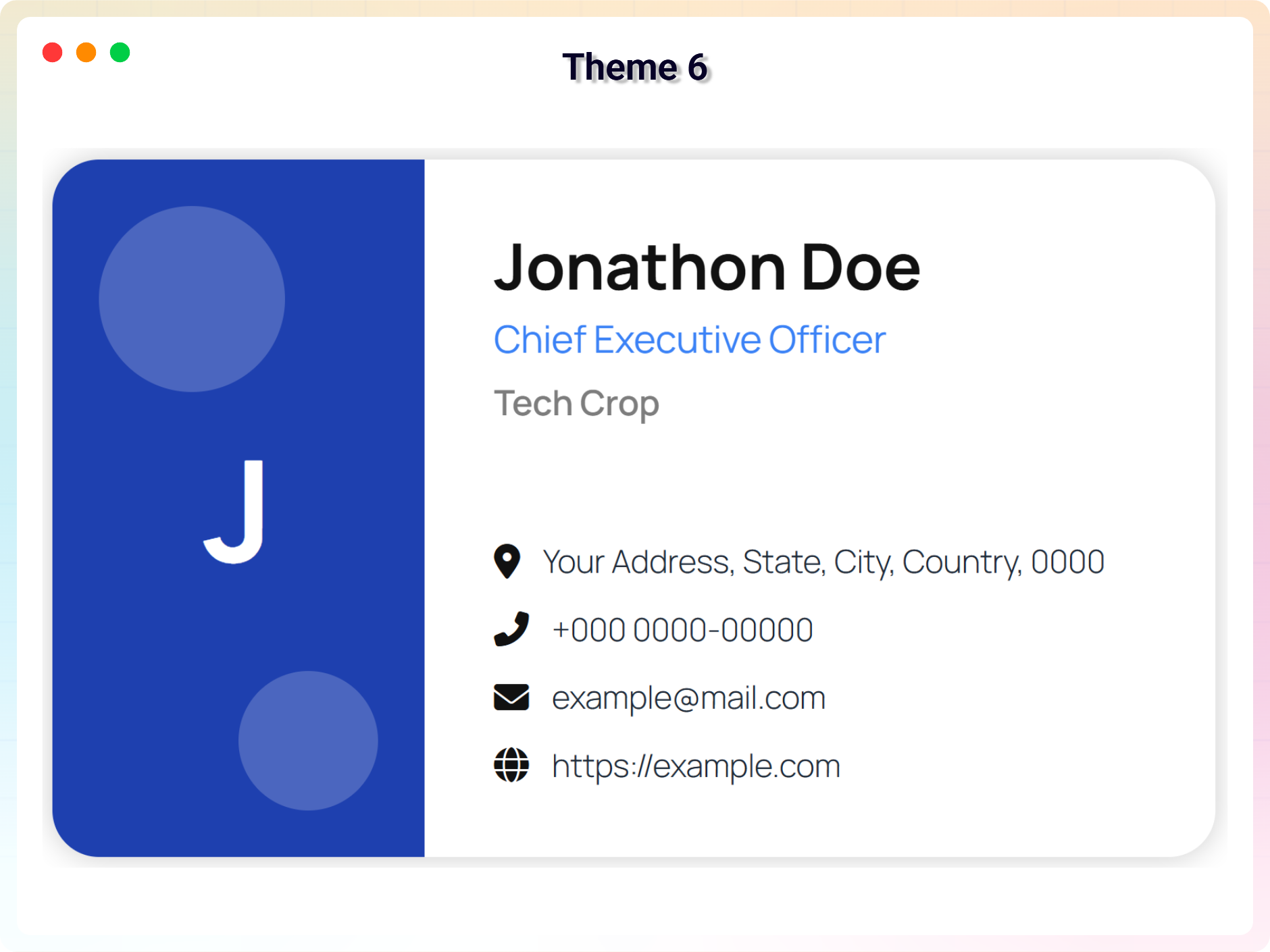
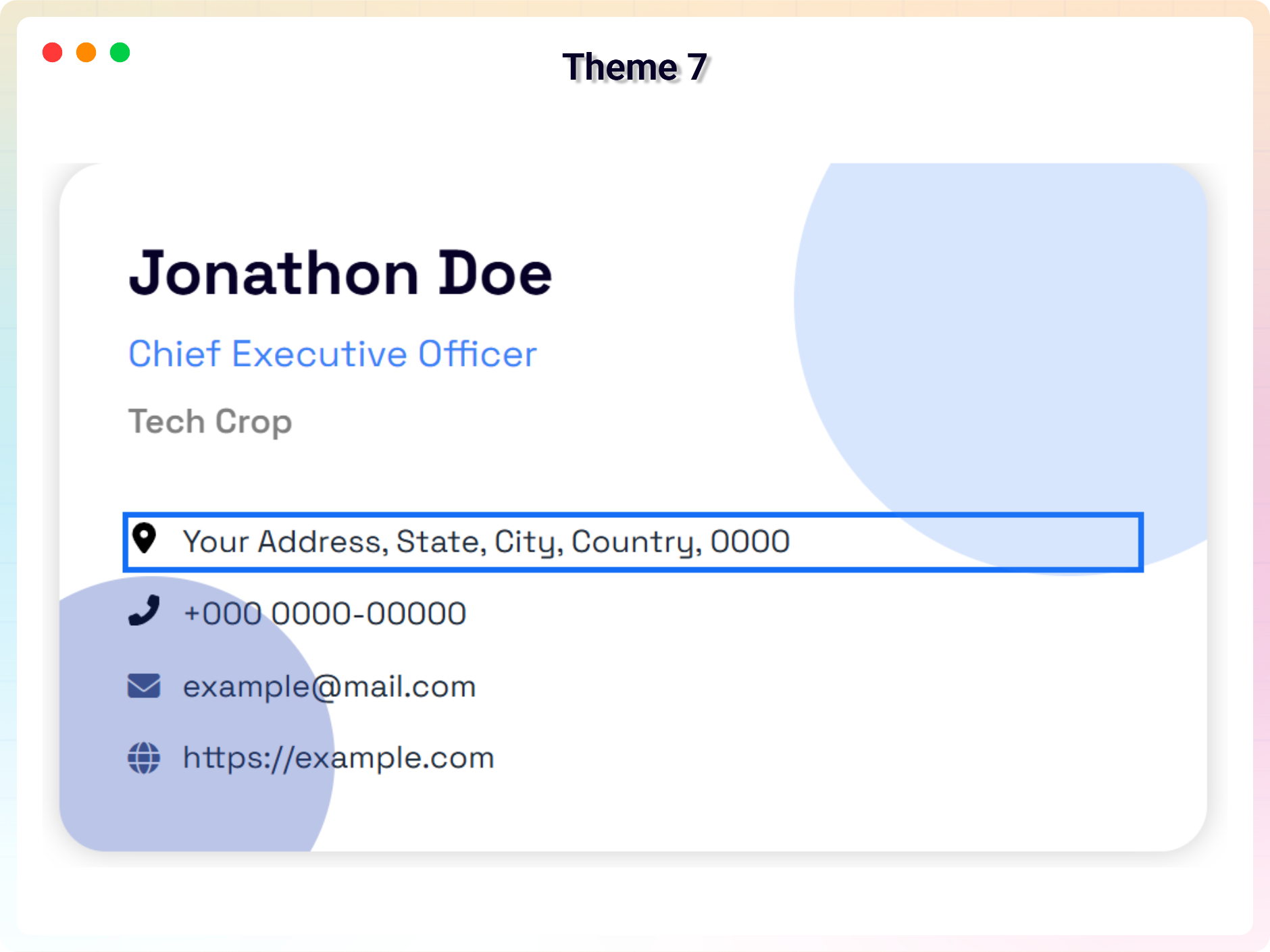
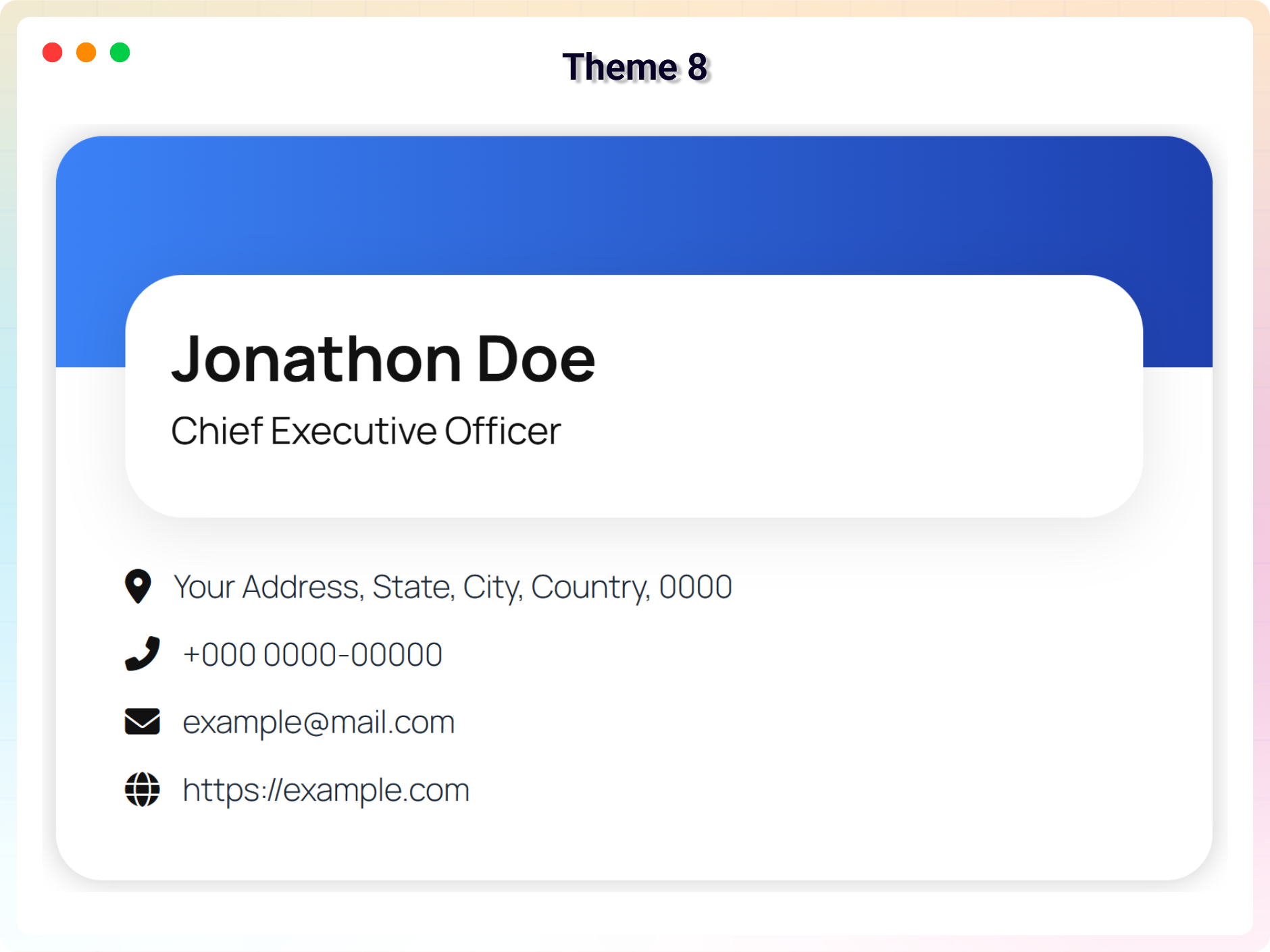
- Premium Card Themes: Unlock Themes 4 to 8 for a wider range of professional and creative layouts.
- Advanced Styling Controls: Typography for name, title, company, tagline, and contact text; advanced borders, radius, box shadows; independent header, sidebar, and background styling; decorative shape controls.
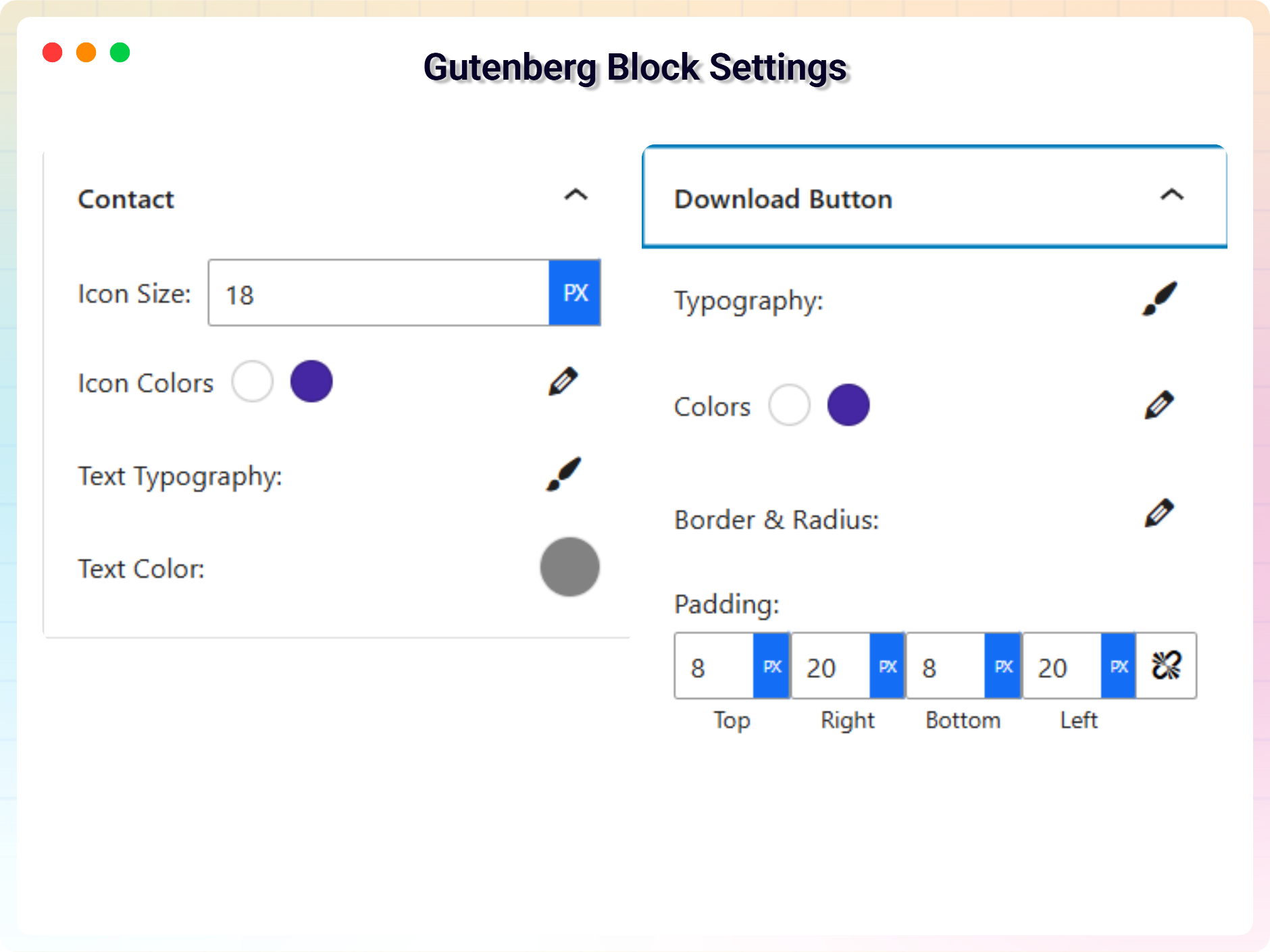
- Contact & Social Icon Styling: Icon sizes plus advanced color and hover effects.
- Advanced Download Button Controls: Position, typography, colors, hover styles, borders, radius, and padding.
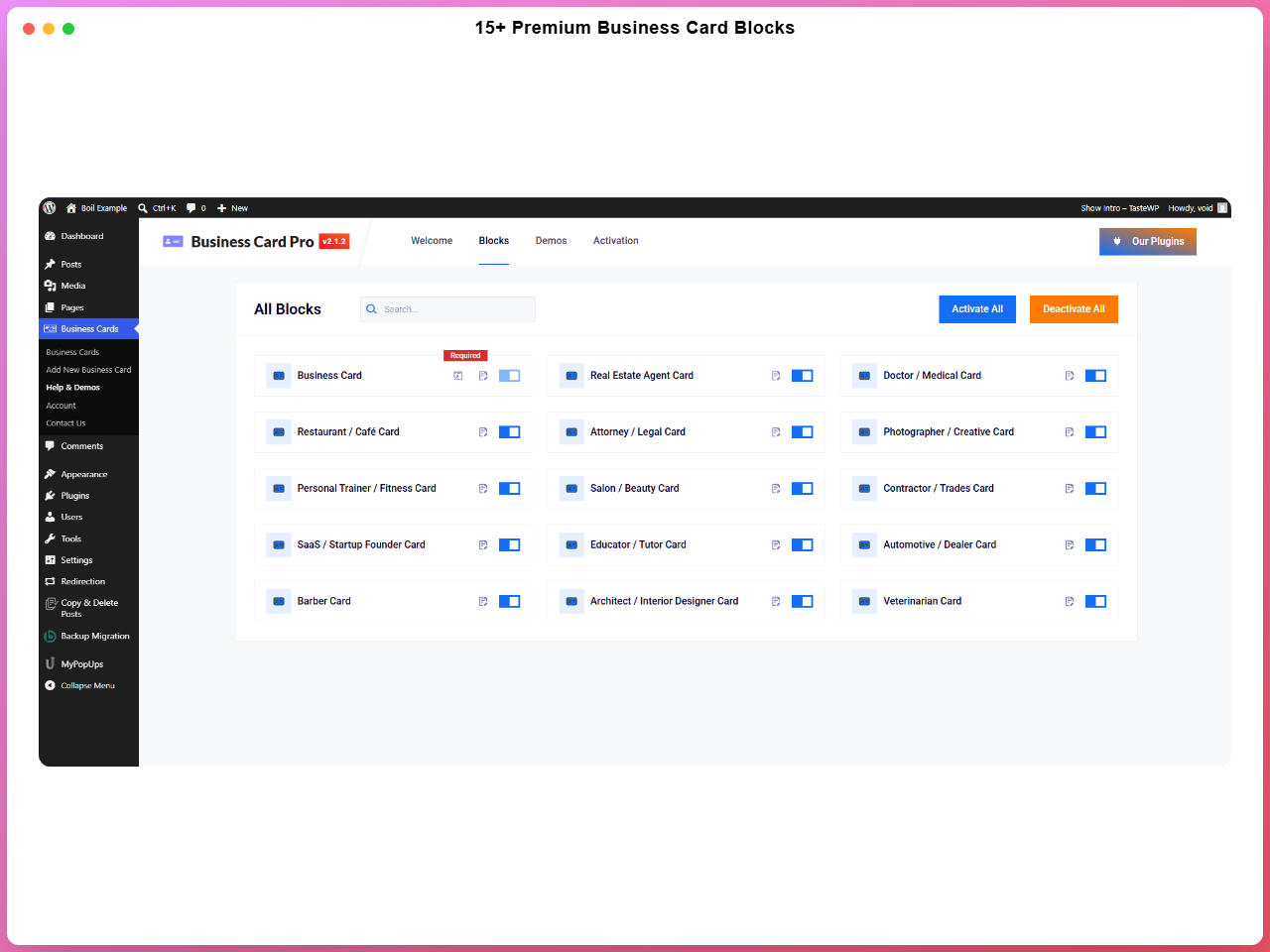
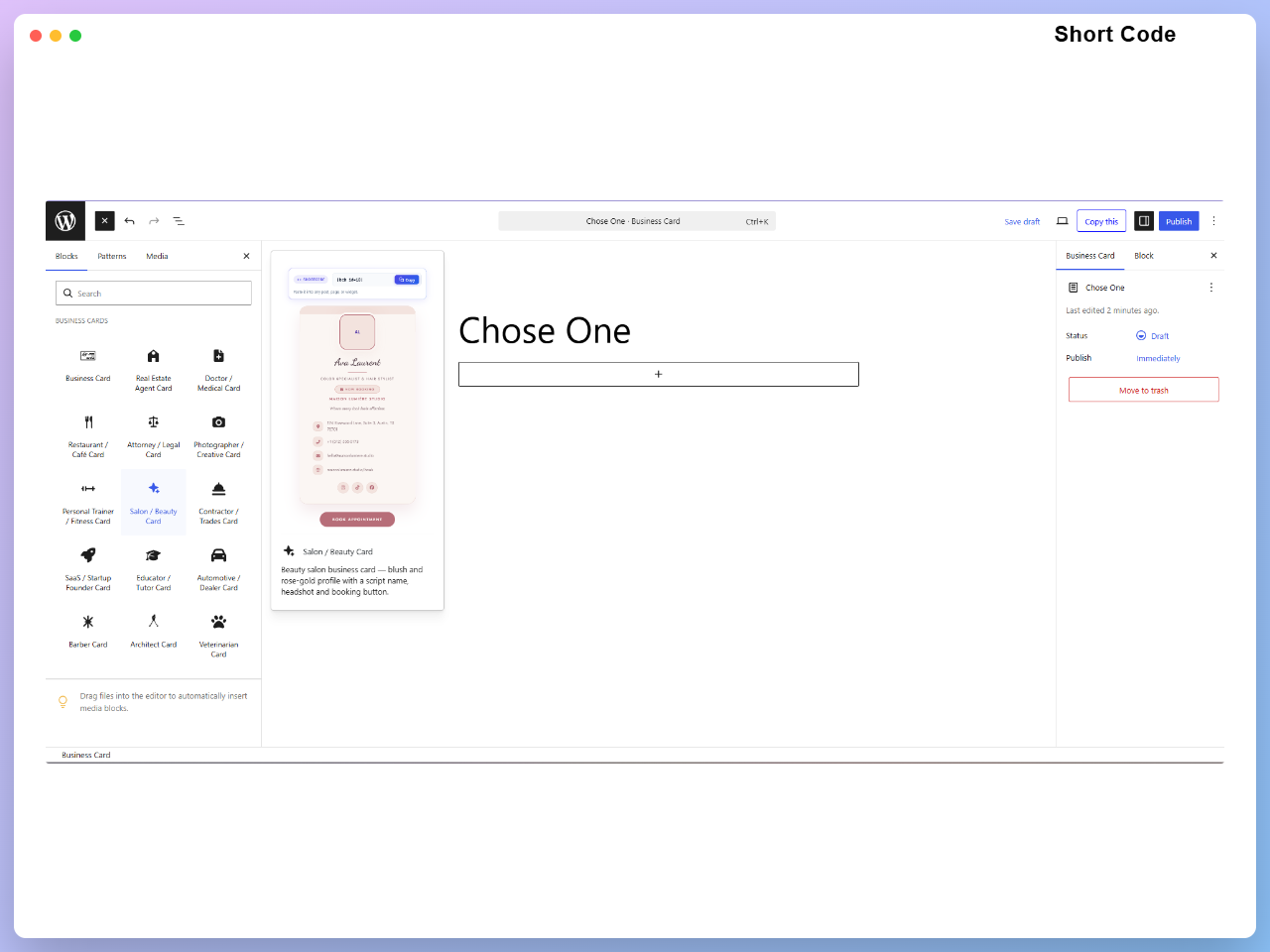
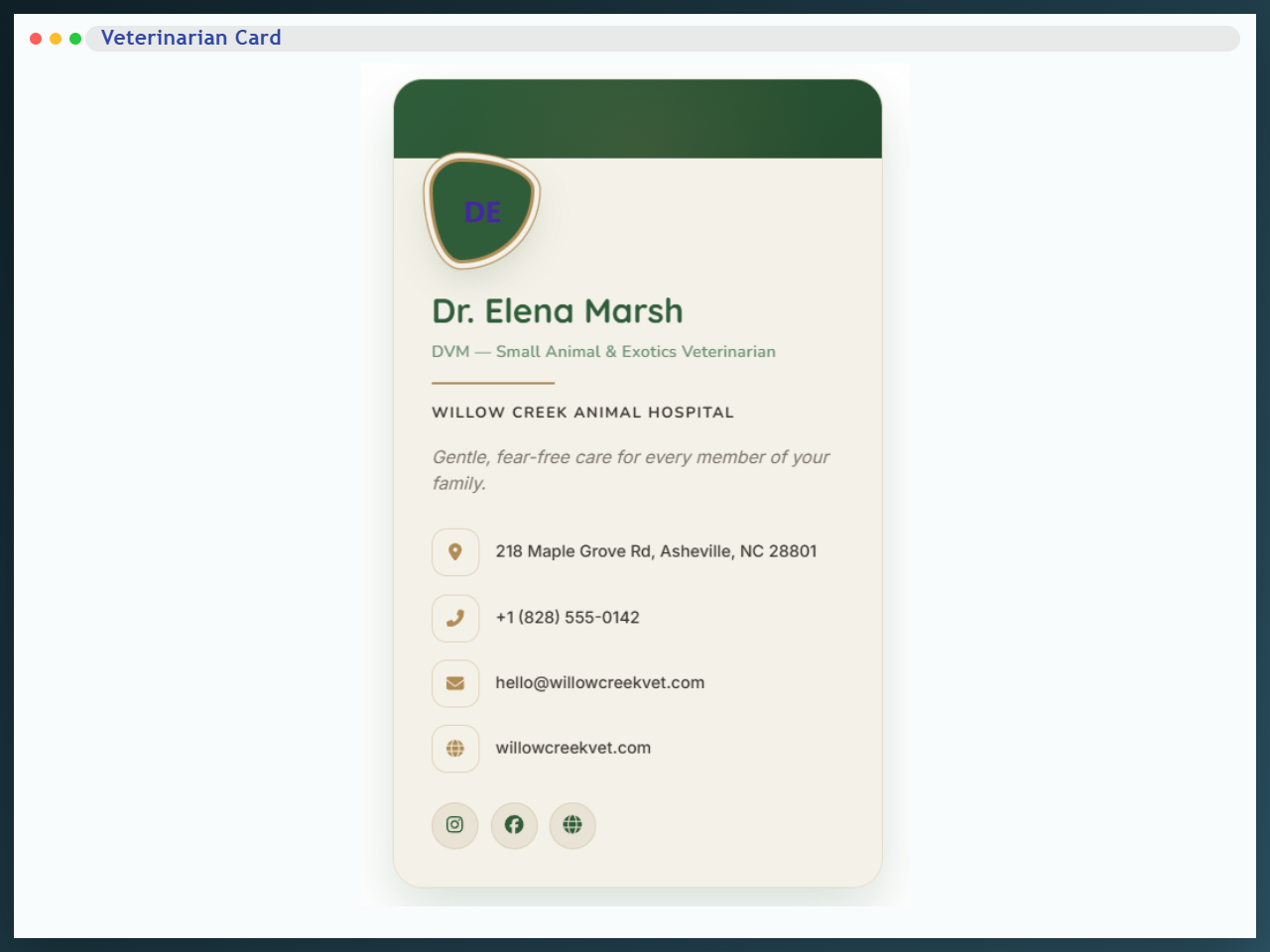
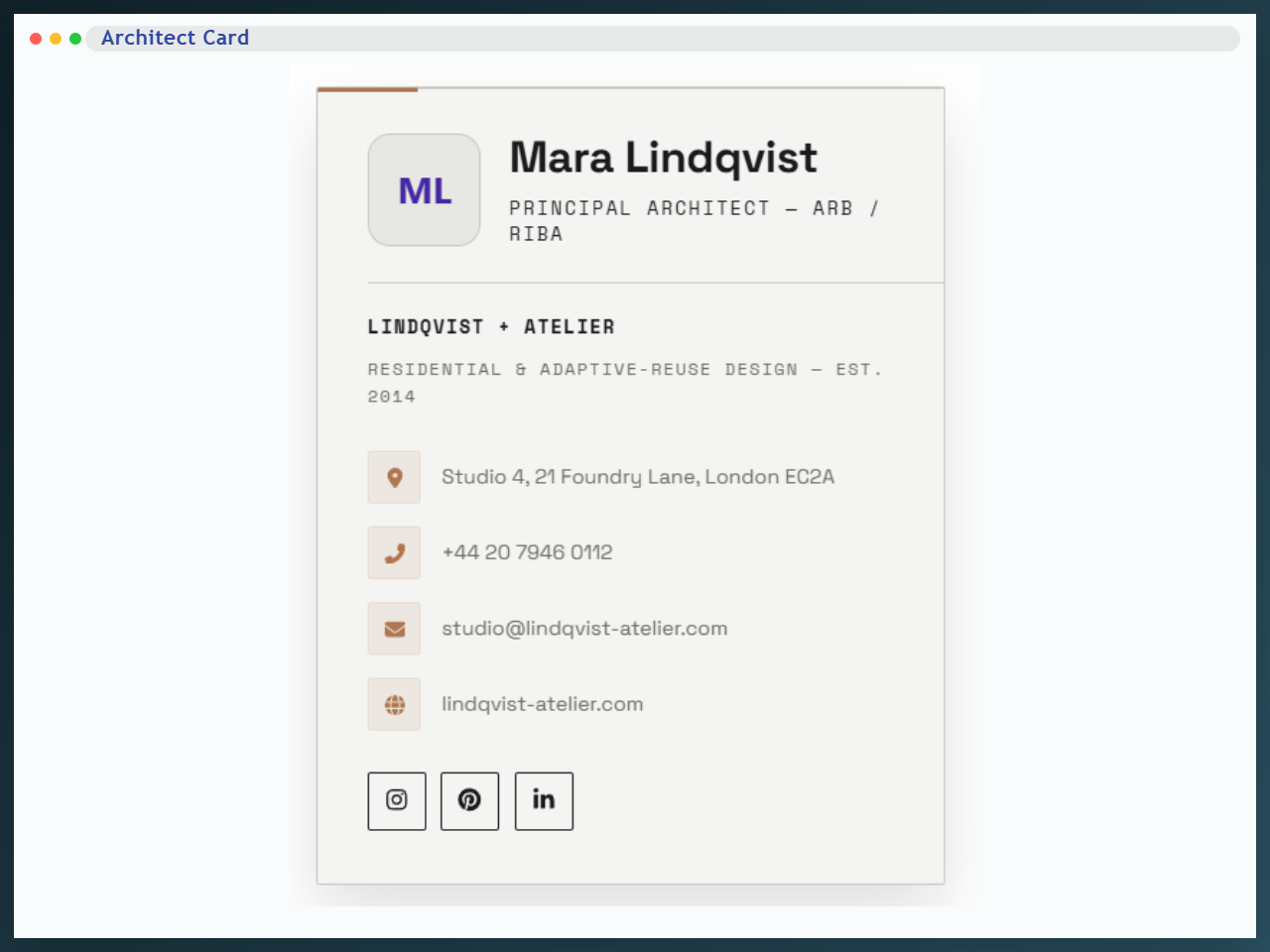
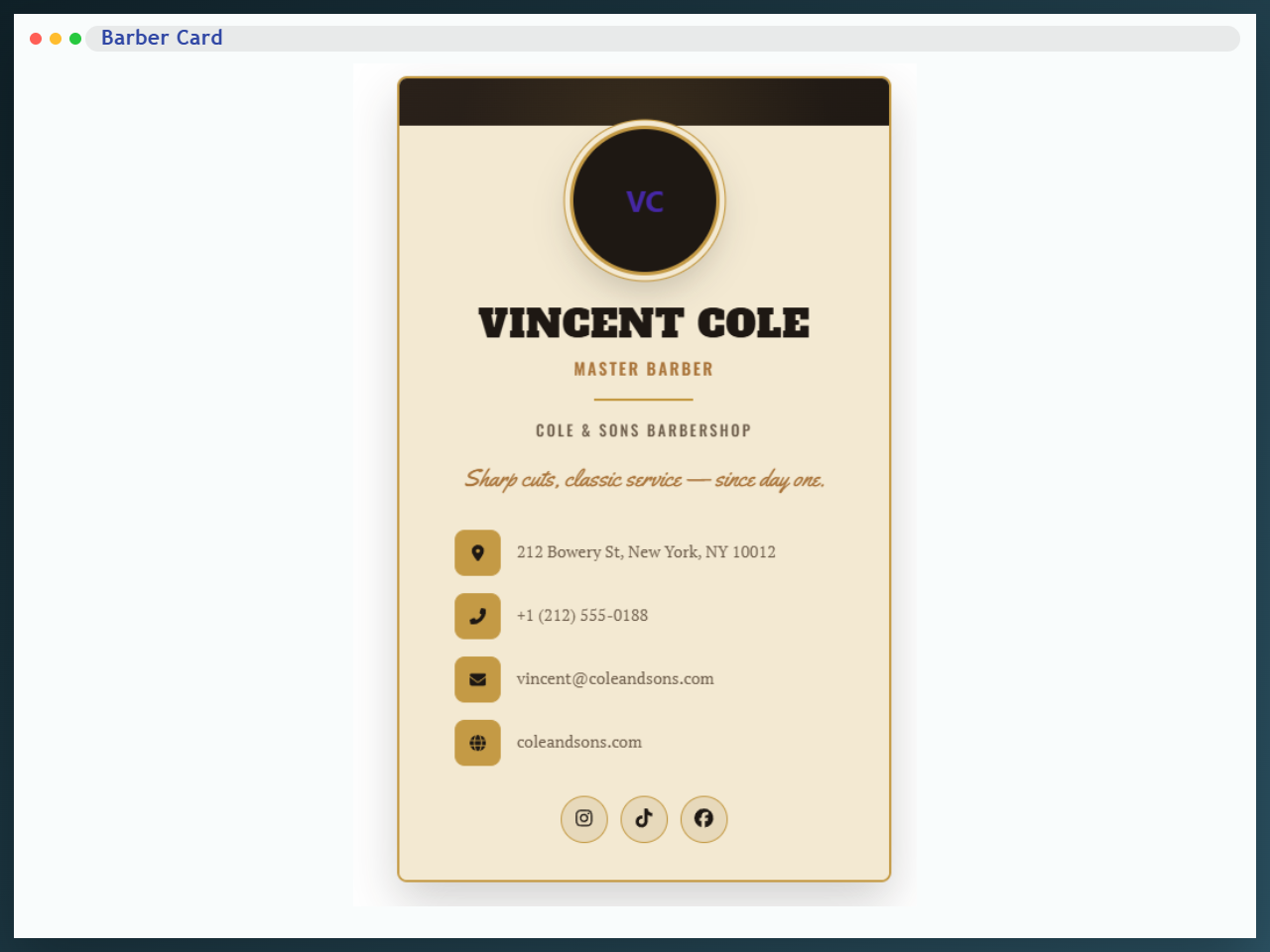
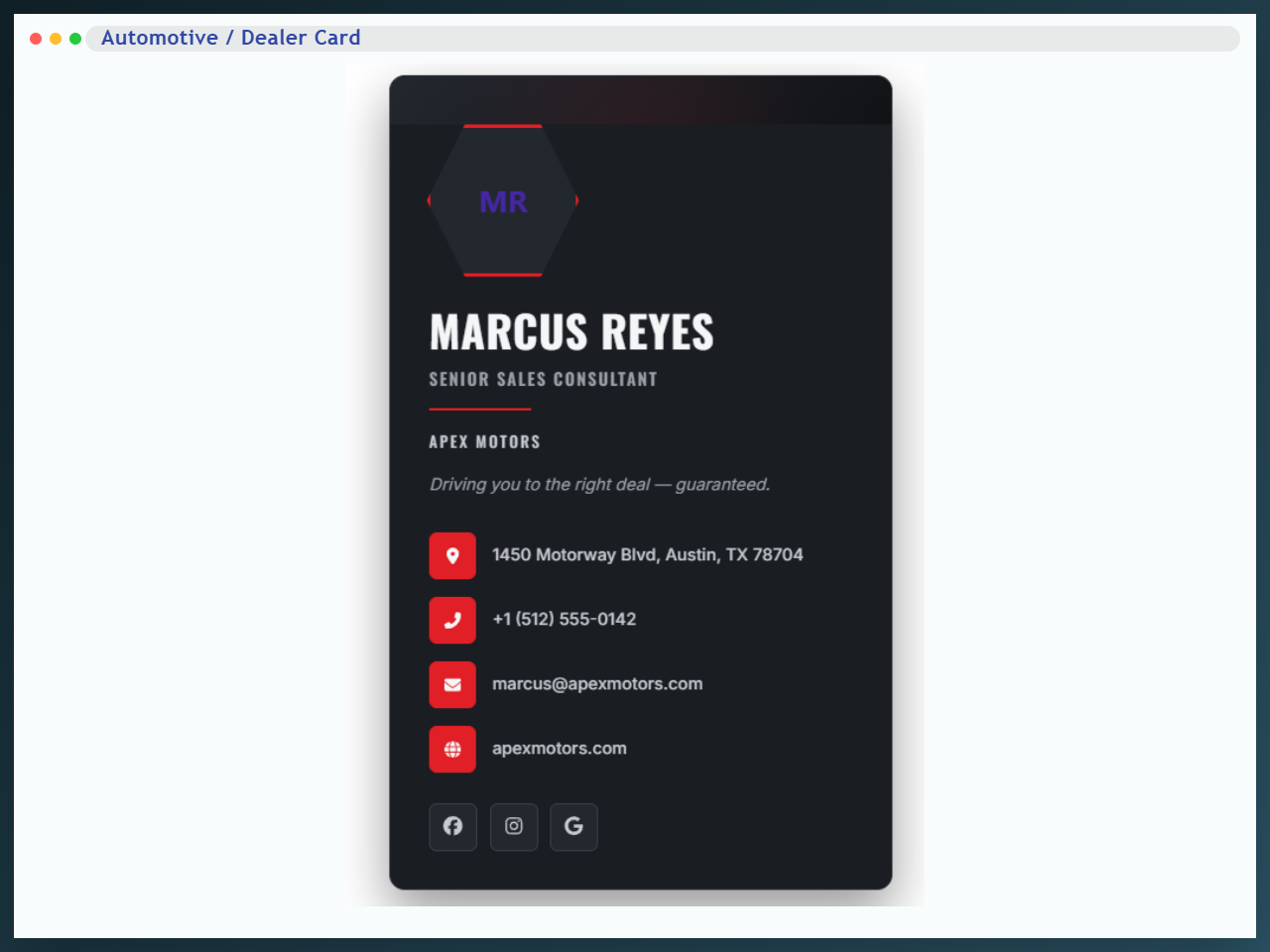
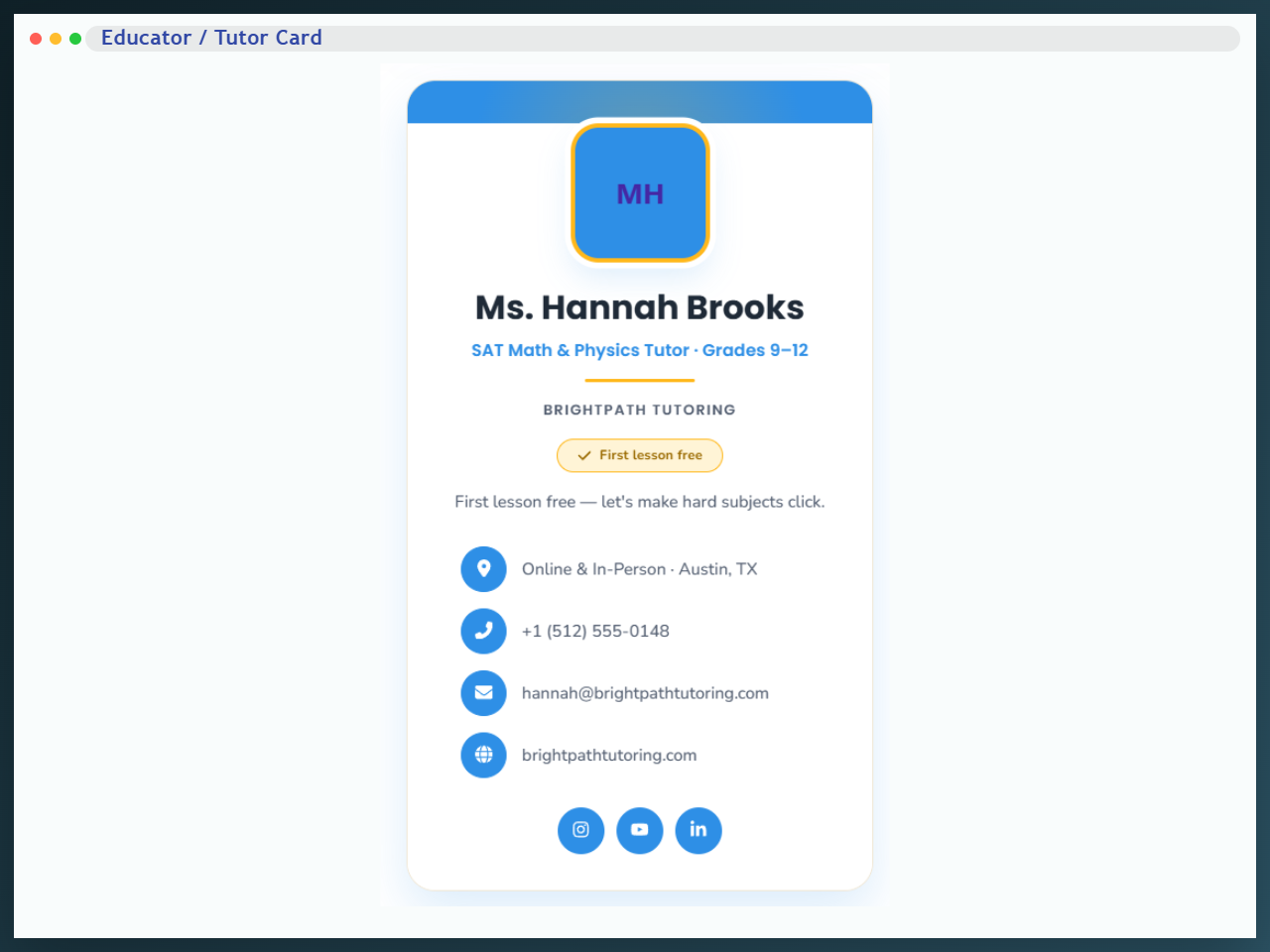
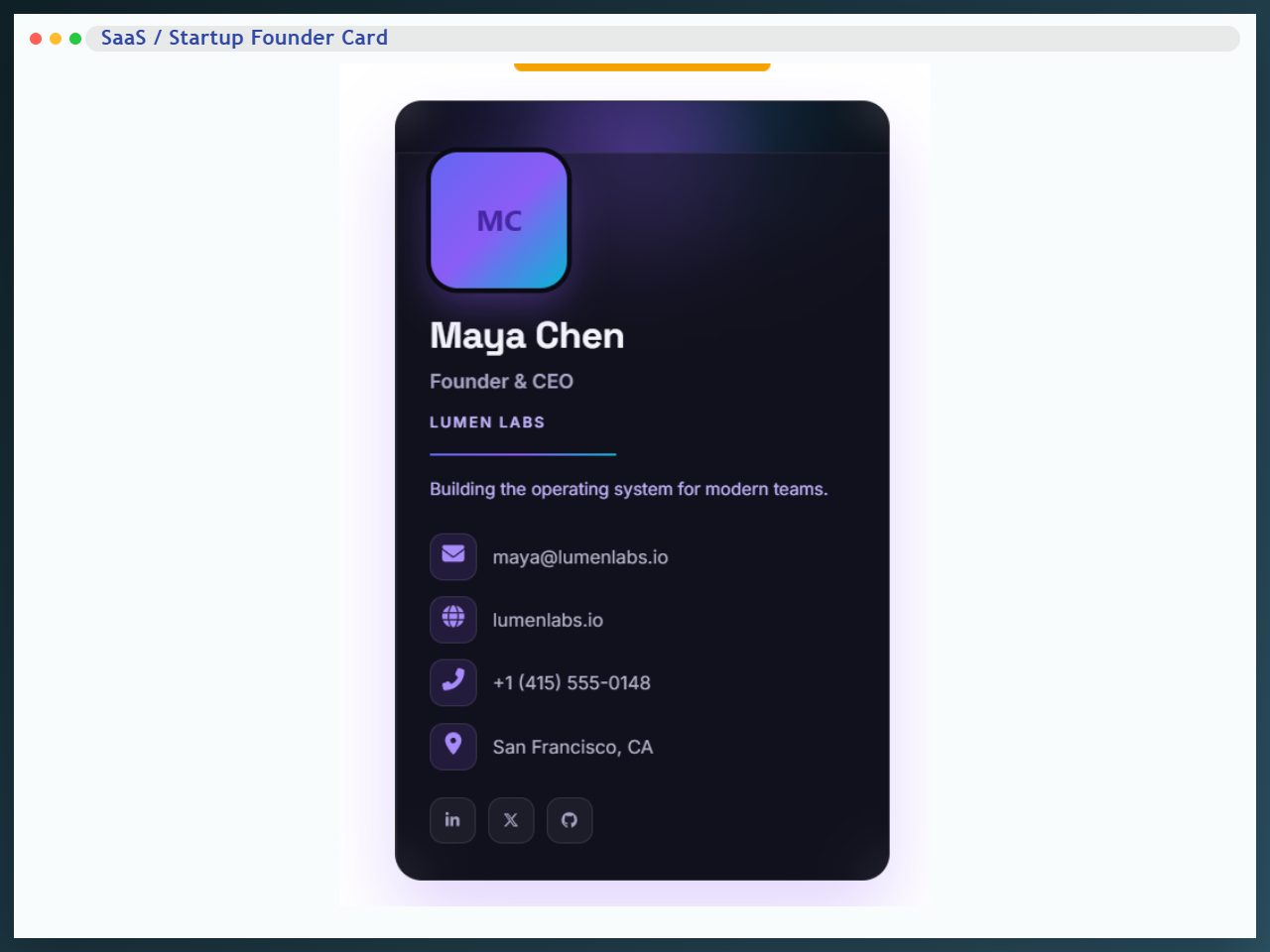
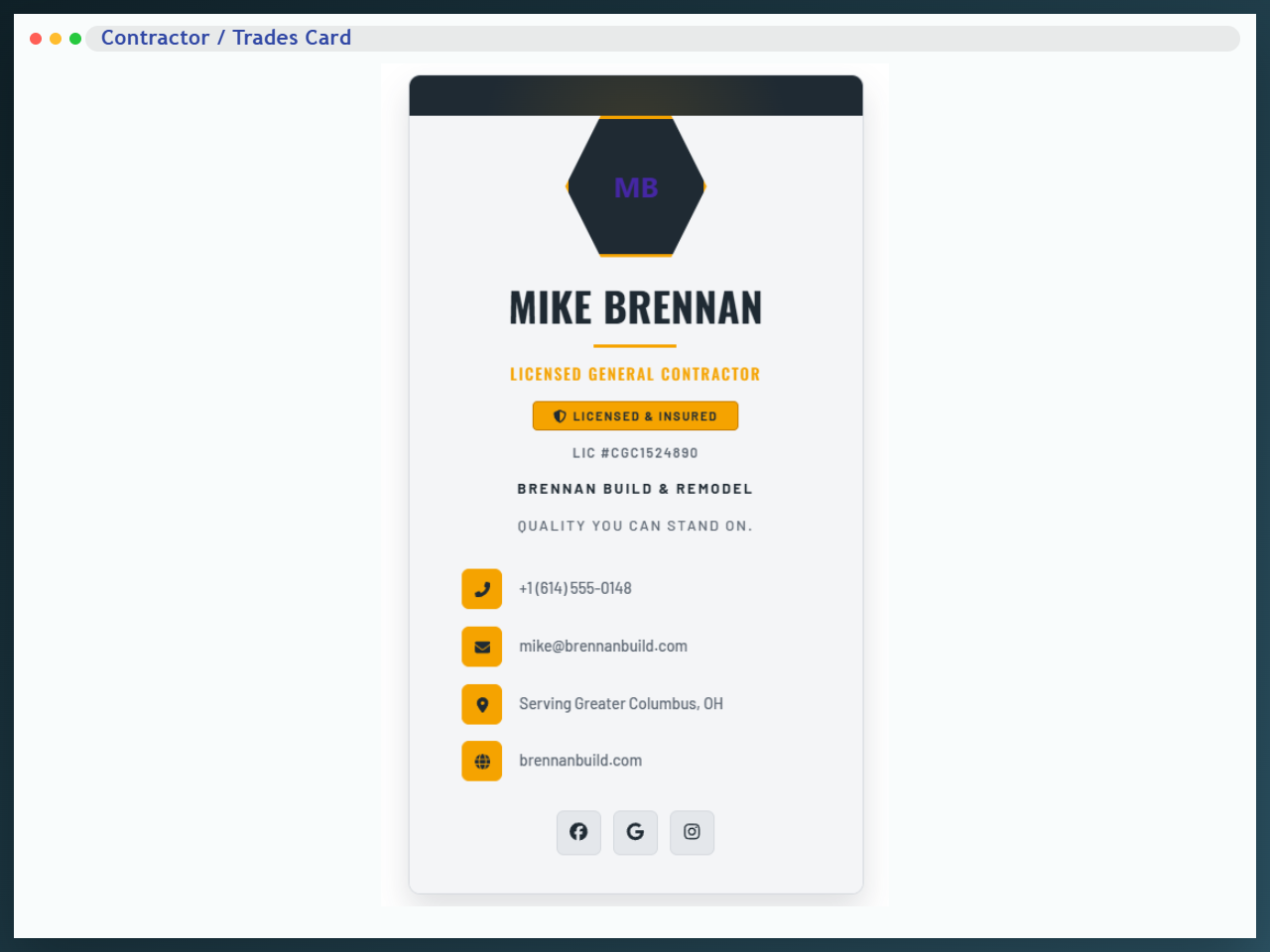
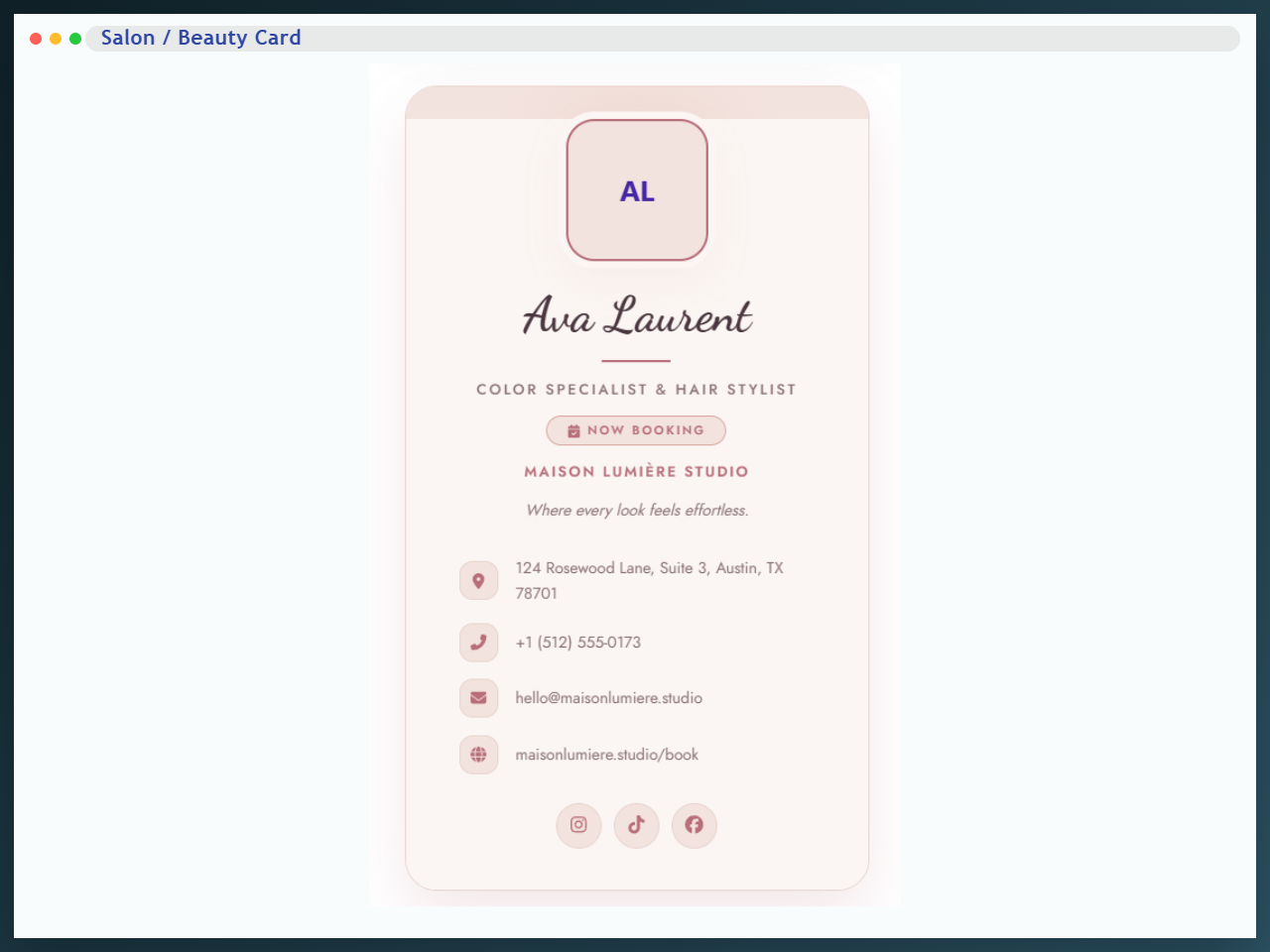
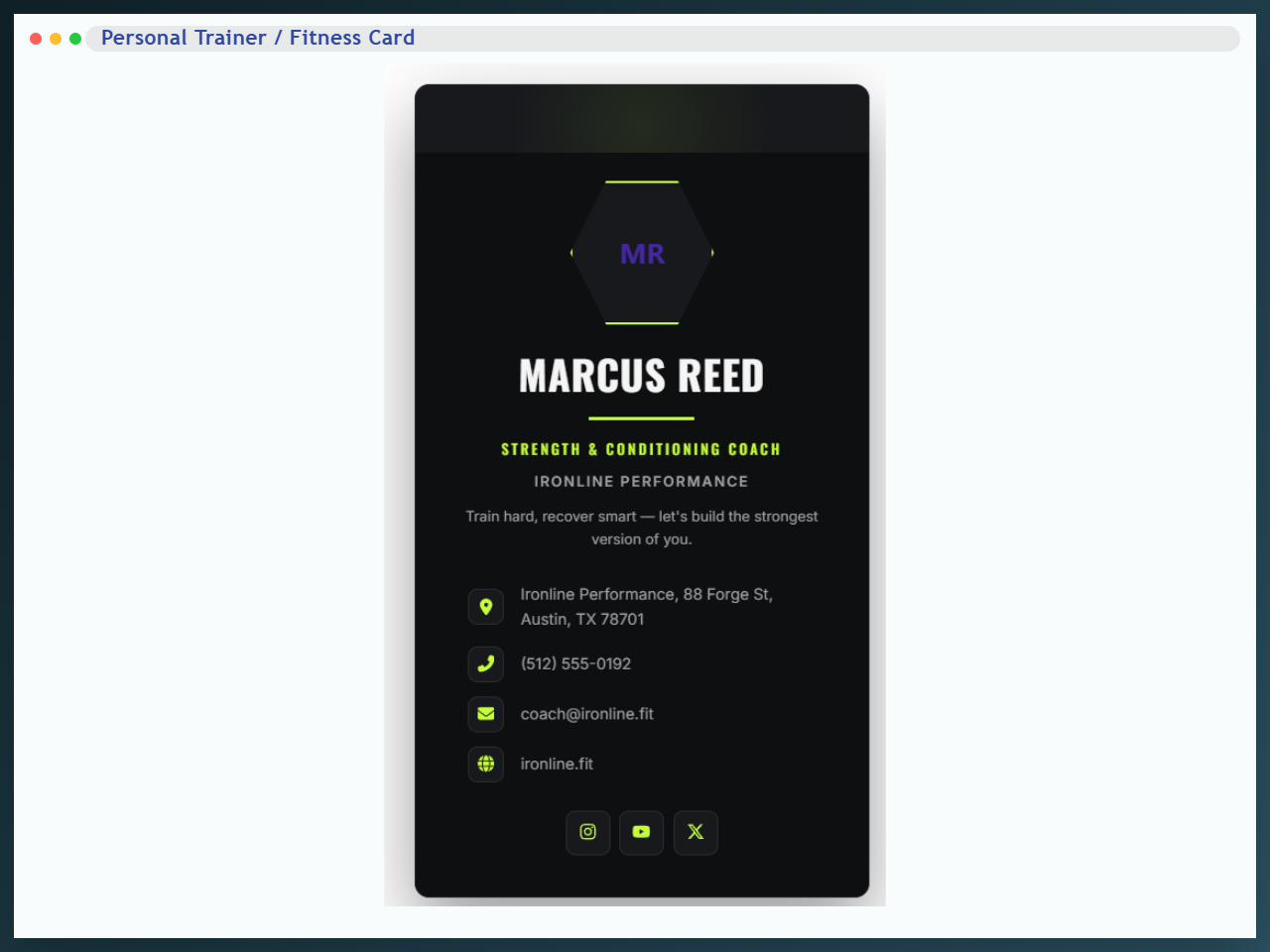
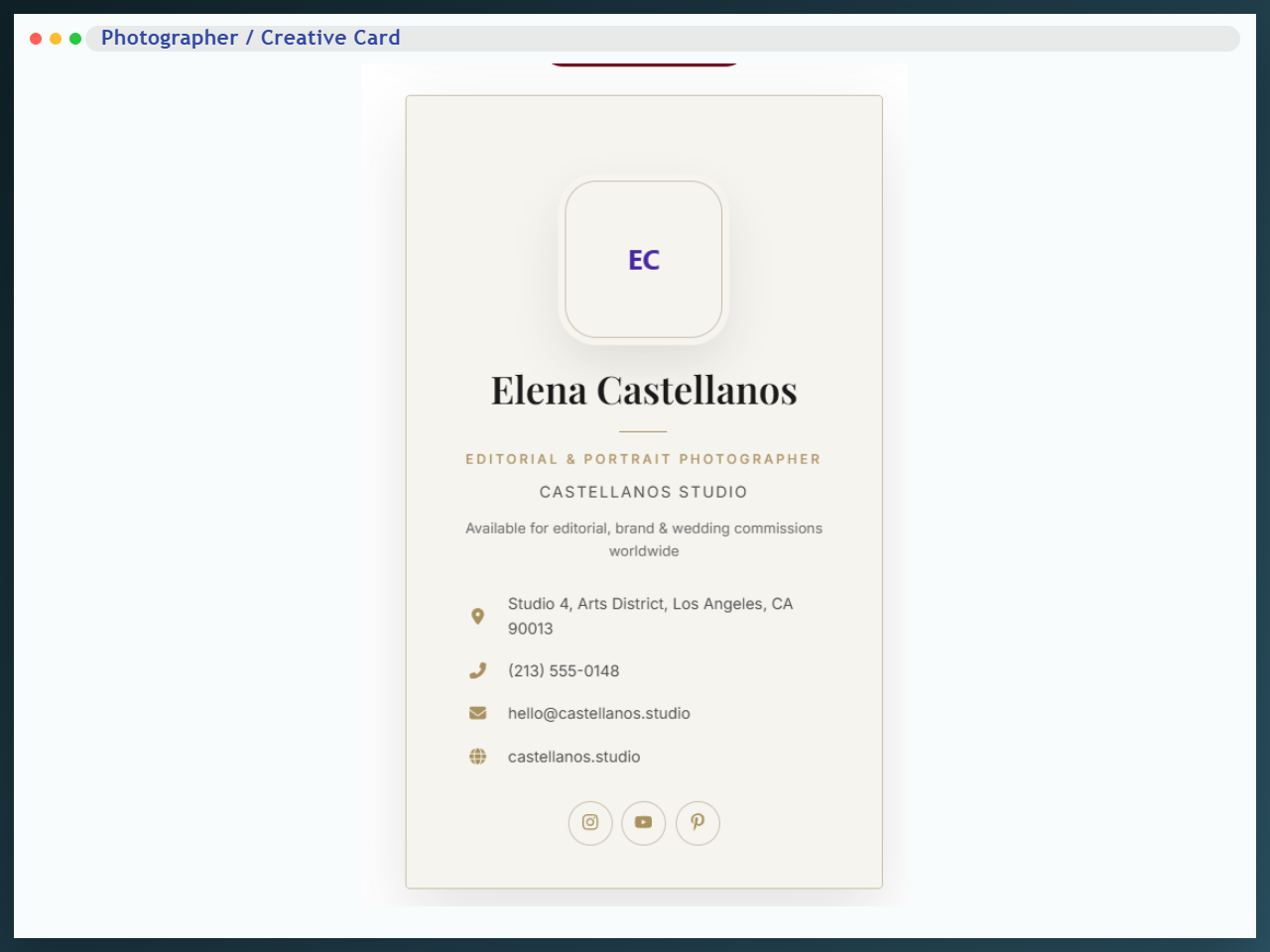
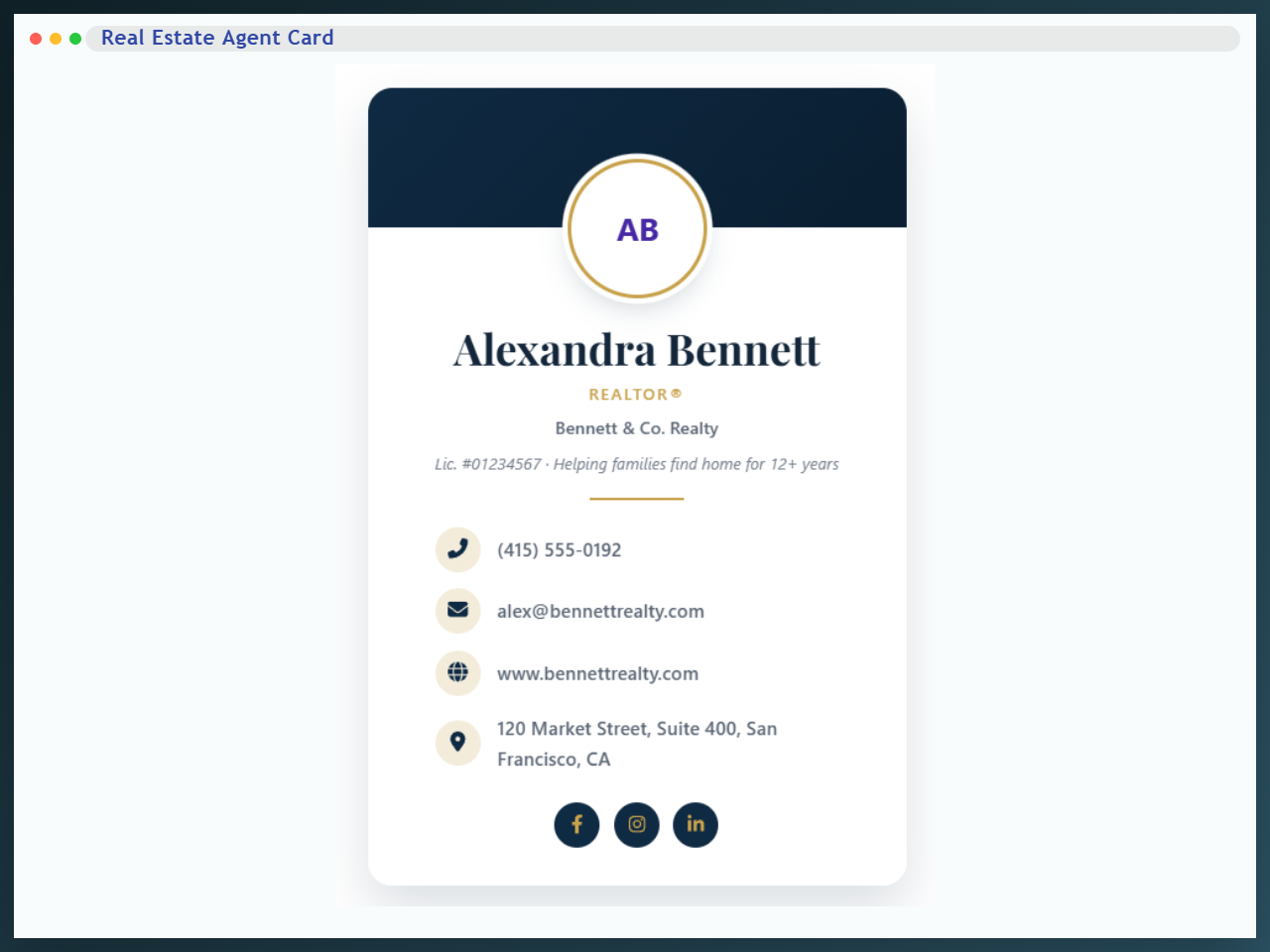
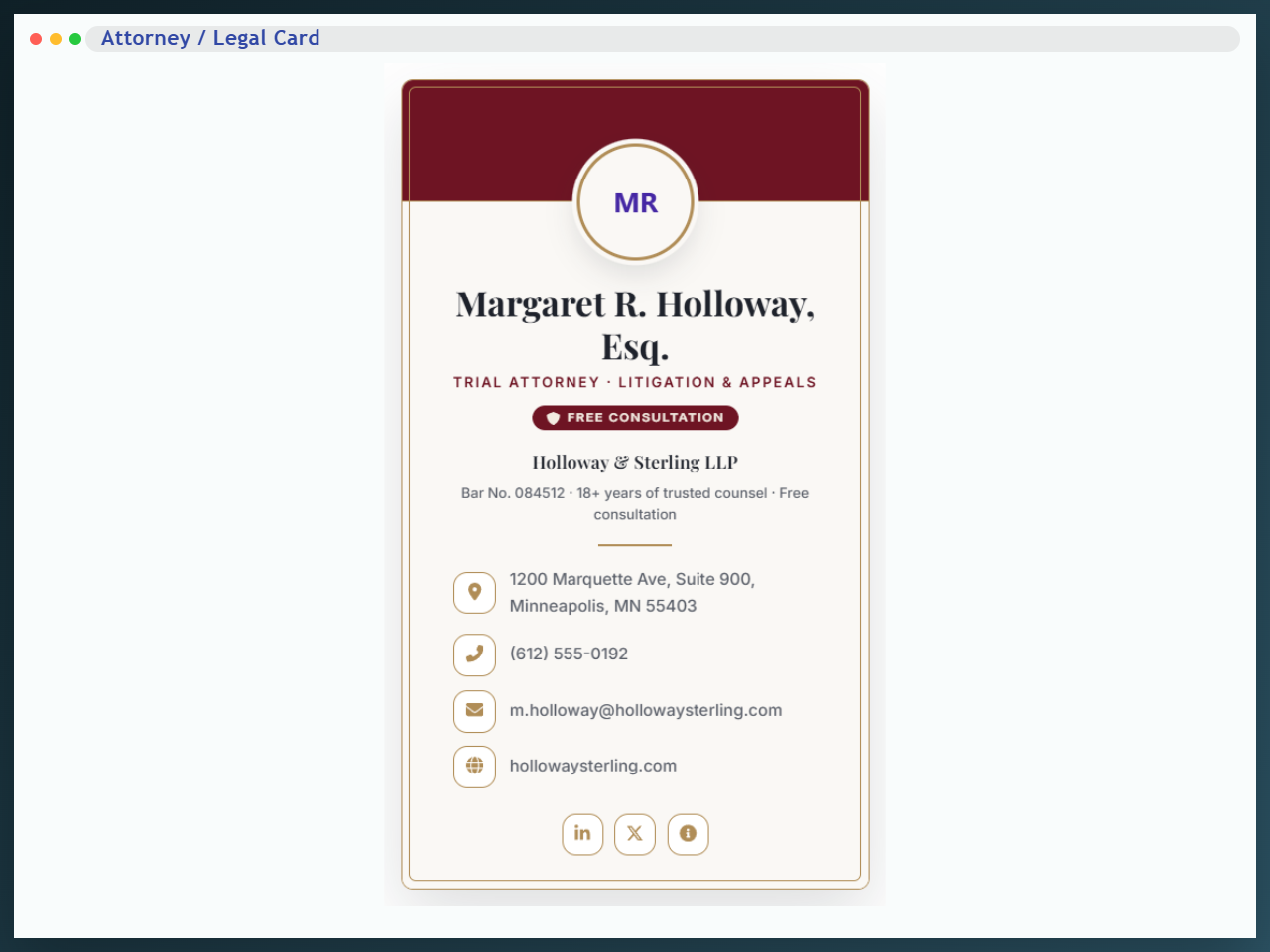
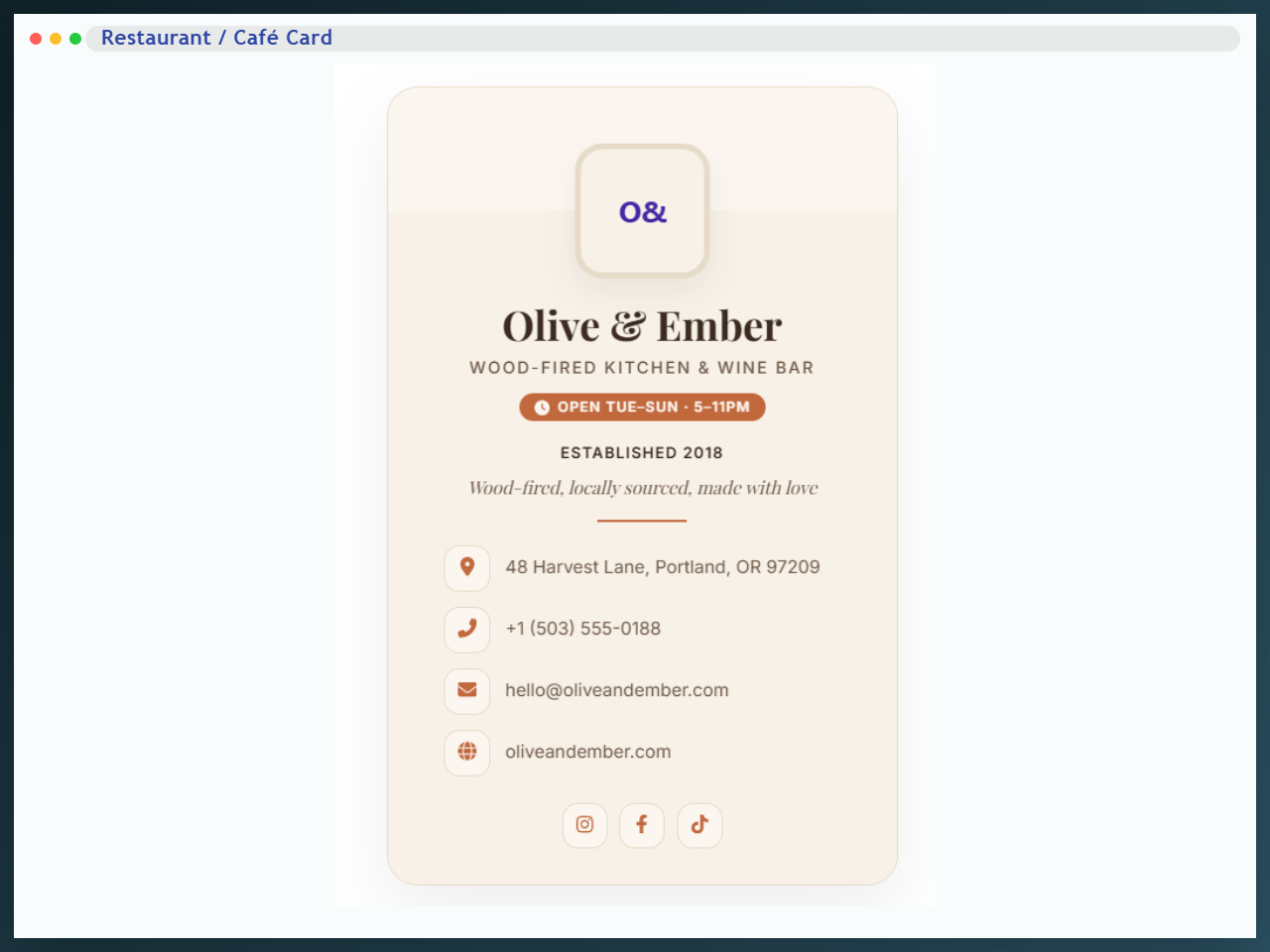
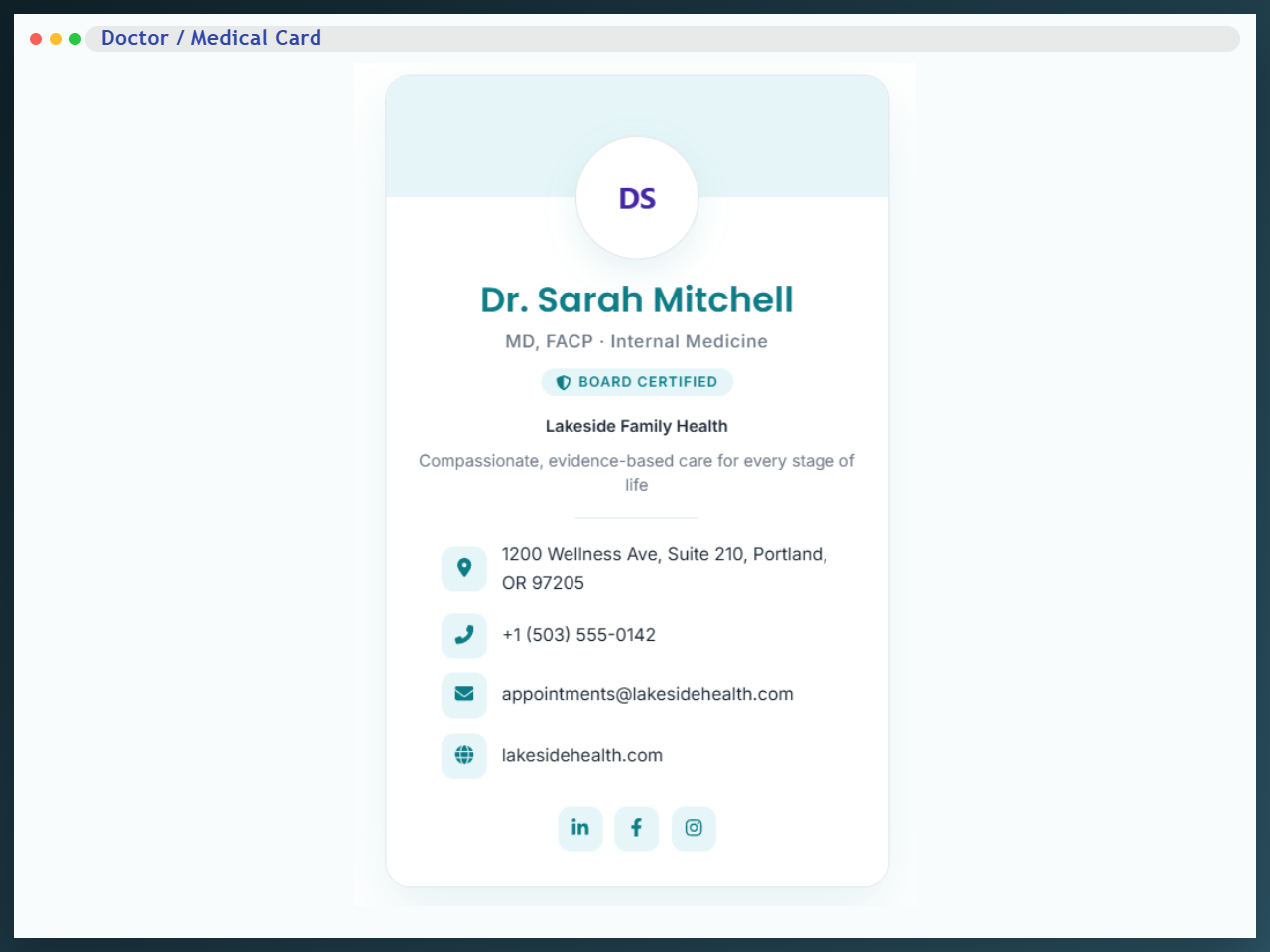
- 14 Industry-Specific Card Blocks: Real Estate Agent, Doctor/Medical, Restaurant/Café, Photographer/Creative, Architect, Barber, Veterinarian, Automotive/Dealer, Educator/Tutor, SaaS/Startup Founder, Personal Trainer/Fitness, Contractor/Trades, Salon/Beauty, and Attorney/Legal card re-skins.
- Team Member / Staff Grid Block: Responsive team directories with an unlimited drag-and-drop member repeater.
- Testimonial / Review Card Block: Social proof with an unlimited testimonial repeater, sliders, and schema.org support.
How to Use – Quick Start
- Install and activate the Business Card Block plugin.
- Open the WordPress block editor.
- Add the Business Card block from the block inserter.
- Customize content, layout, and styling from the block settings panel.
- Publish or update your page.
Use Cases
- Digital Business Cards & vCards: Let visitors download your contact info instantly with dedicated buttons.
- Team & Staff Directories: Introduce your company’s employees with professional, uniform profile cards.
- Author Boxes & Bios: Highlight post authors with elegant contact sections.
- Freelancer Profiles: Showcase your skills, job title, and social links to attract clients.
- Company Contact Info: Display dedicated support or sales team details cleanly on contact pages.
Have a suggestion or question? Email us: support@bplugins.com
Check out our other WordPress Plugins-
Html5 Video Player – Display videos as single and playlist in multiple skins.
PDF Poster – Display/Embed PDF files with different styles.
Html5 Audio Player – Listen audios with awesome visuals.
StreamCast – Customizable radio player with different skins.
3D Viewer – Embed 3D models and 3D products with interaction.
Advanced Post Block – Show posts and custom posts in different layouts.
bBlocks – A blocks collection and page building tool for Gutenberg.
Ekran Görüntüleri
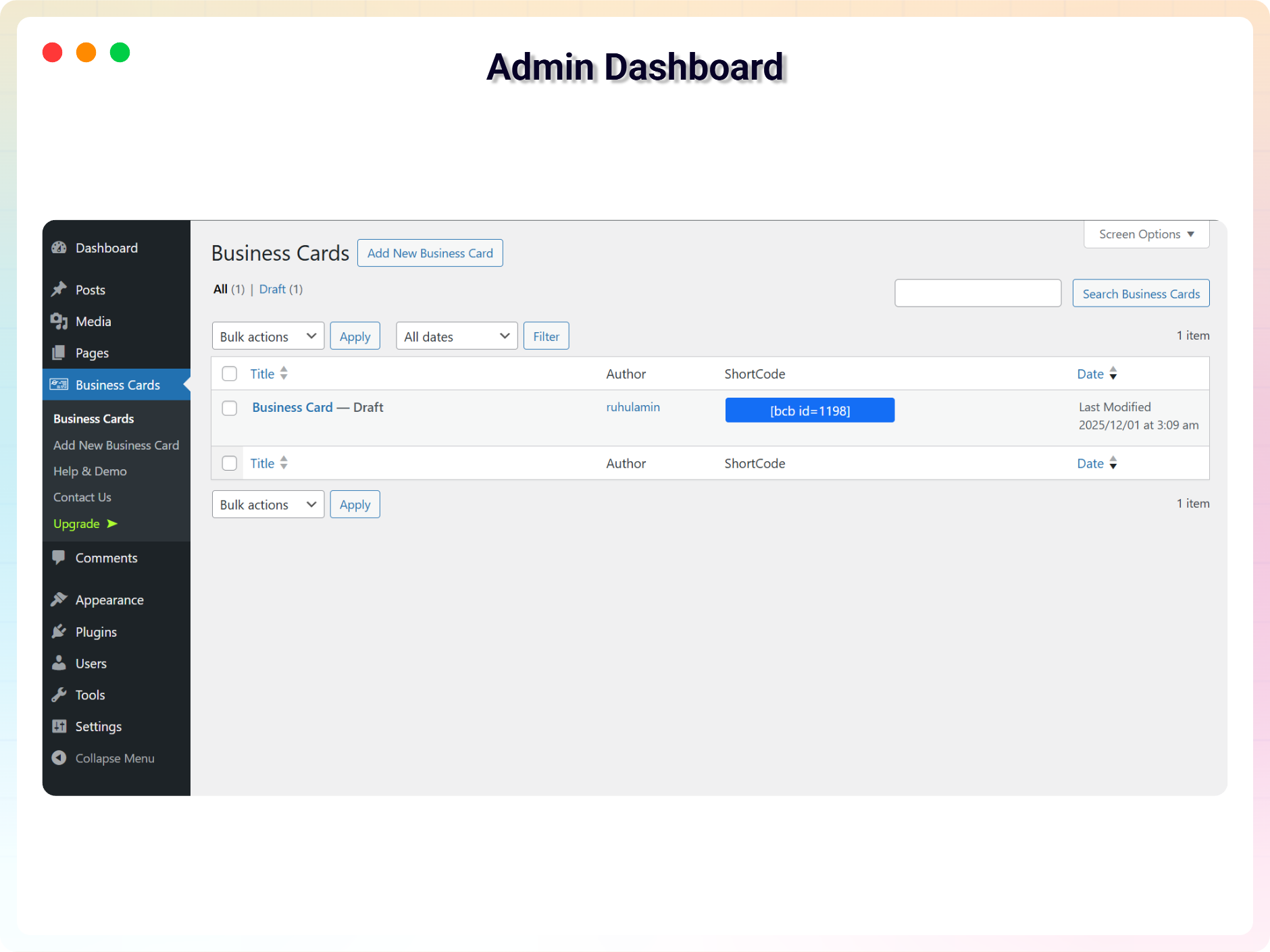
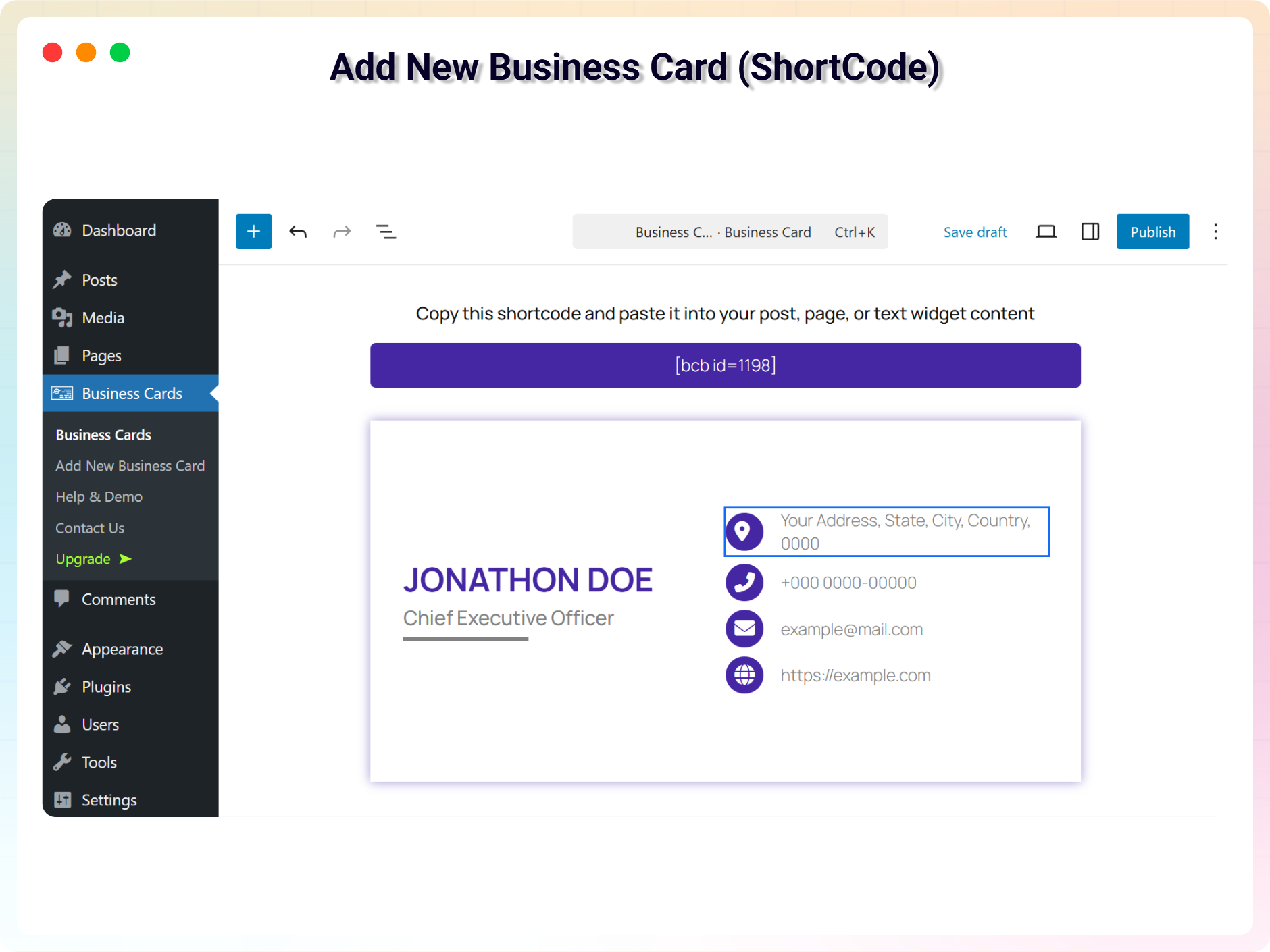
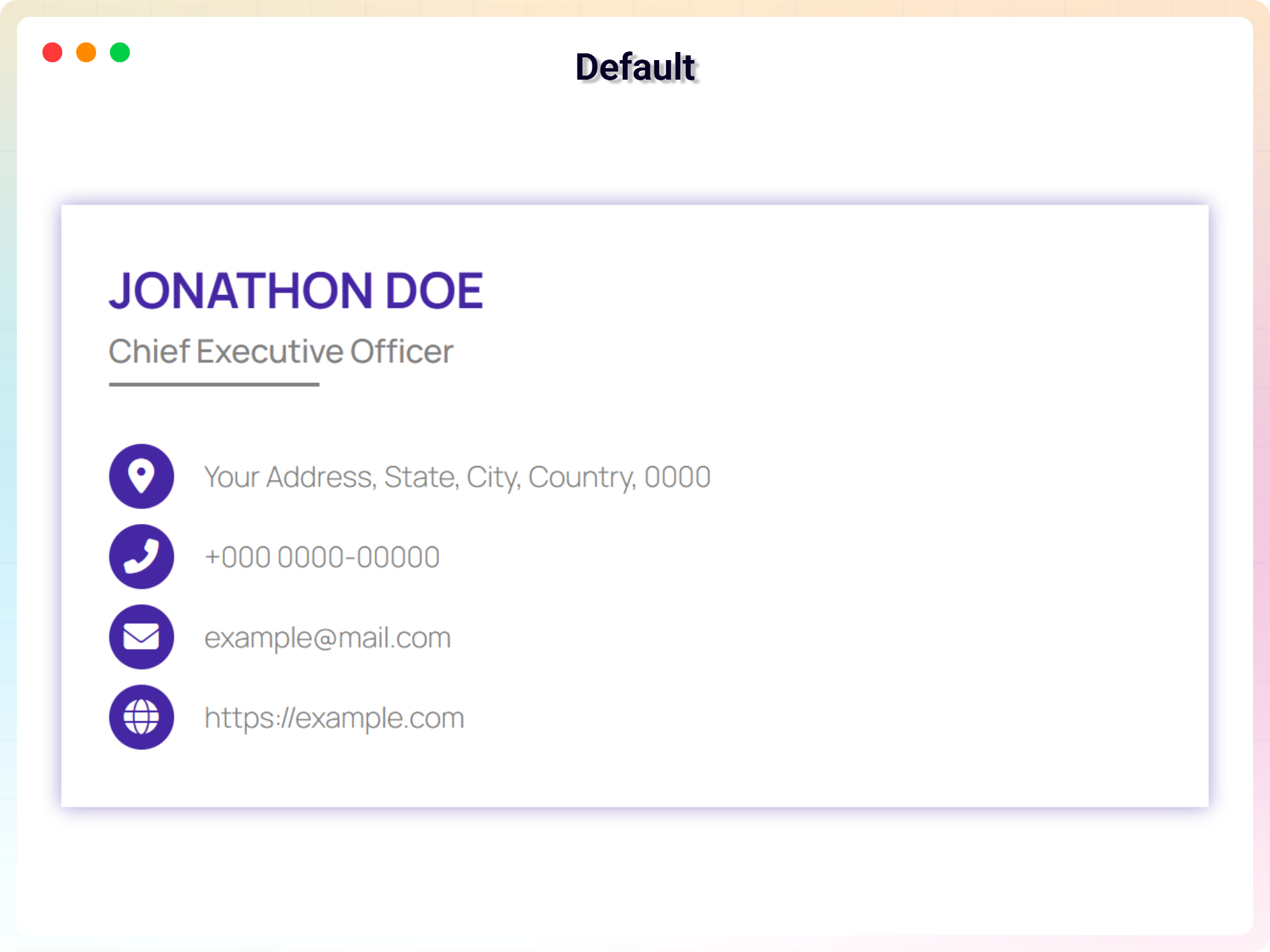
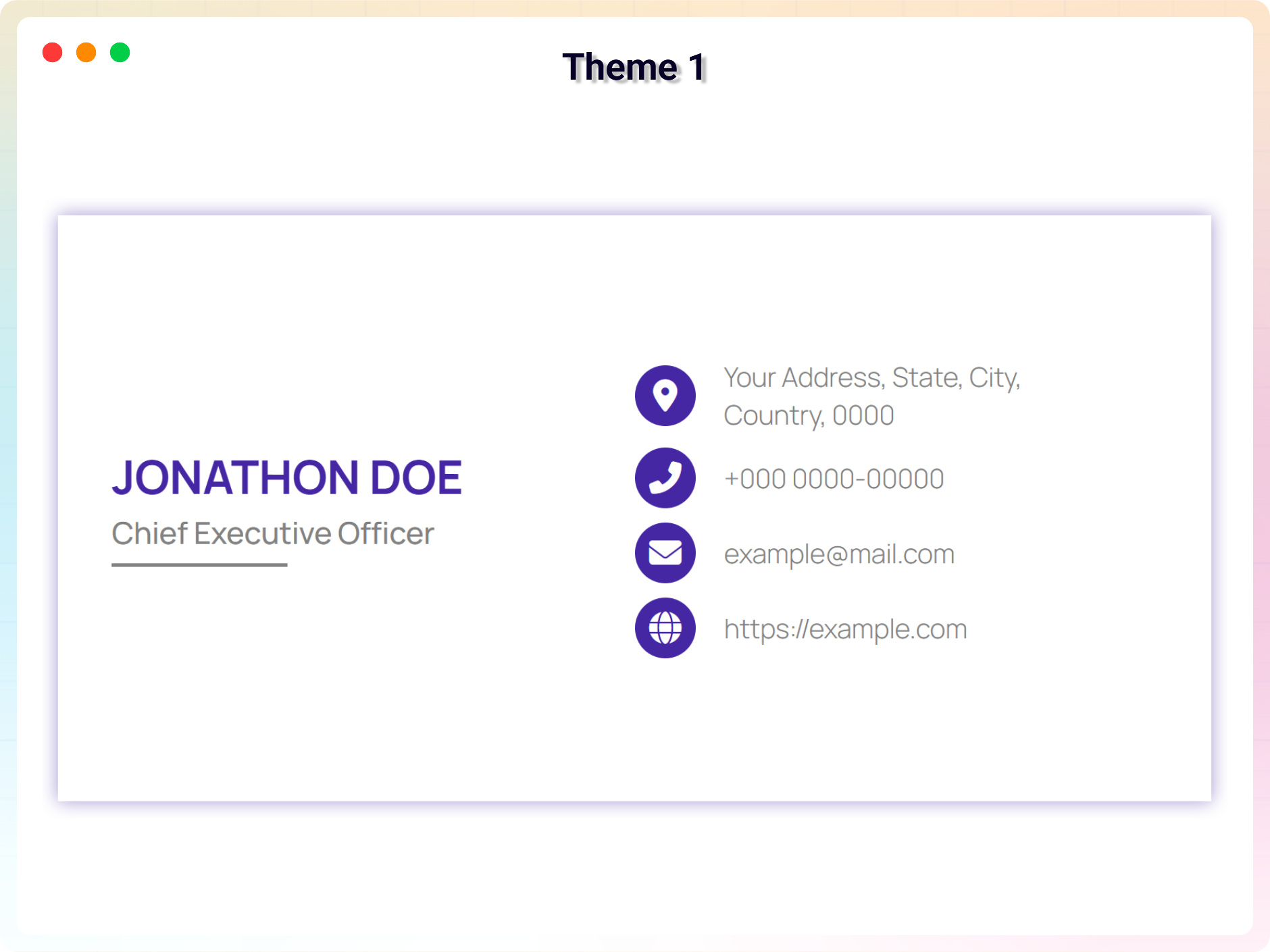
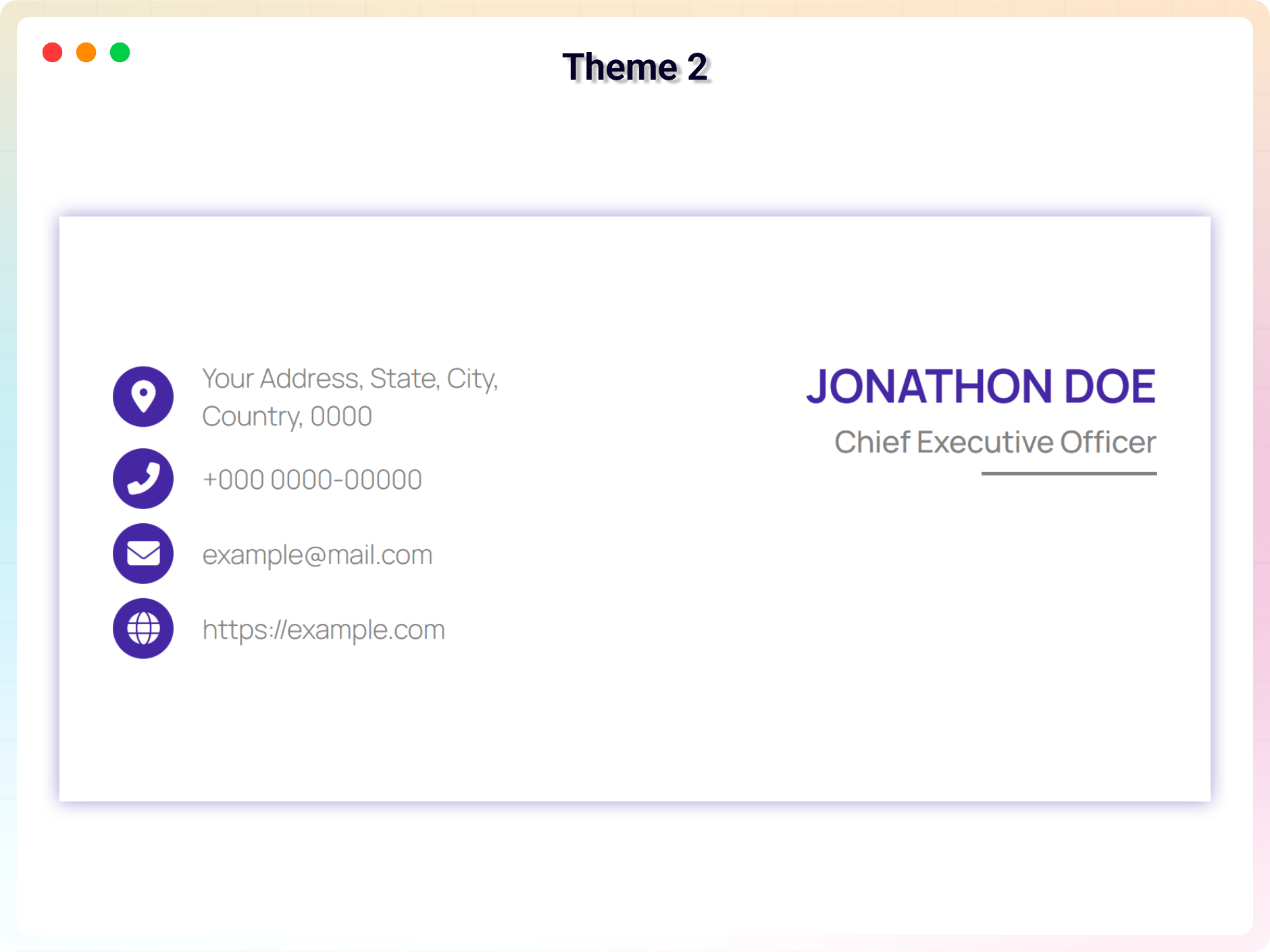
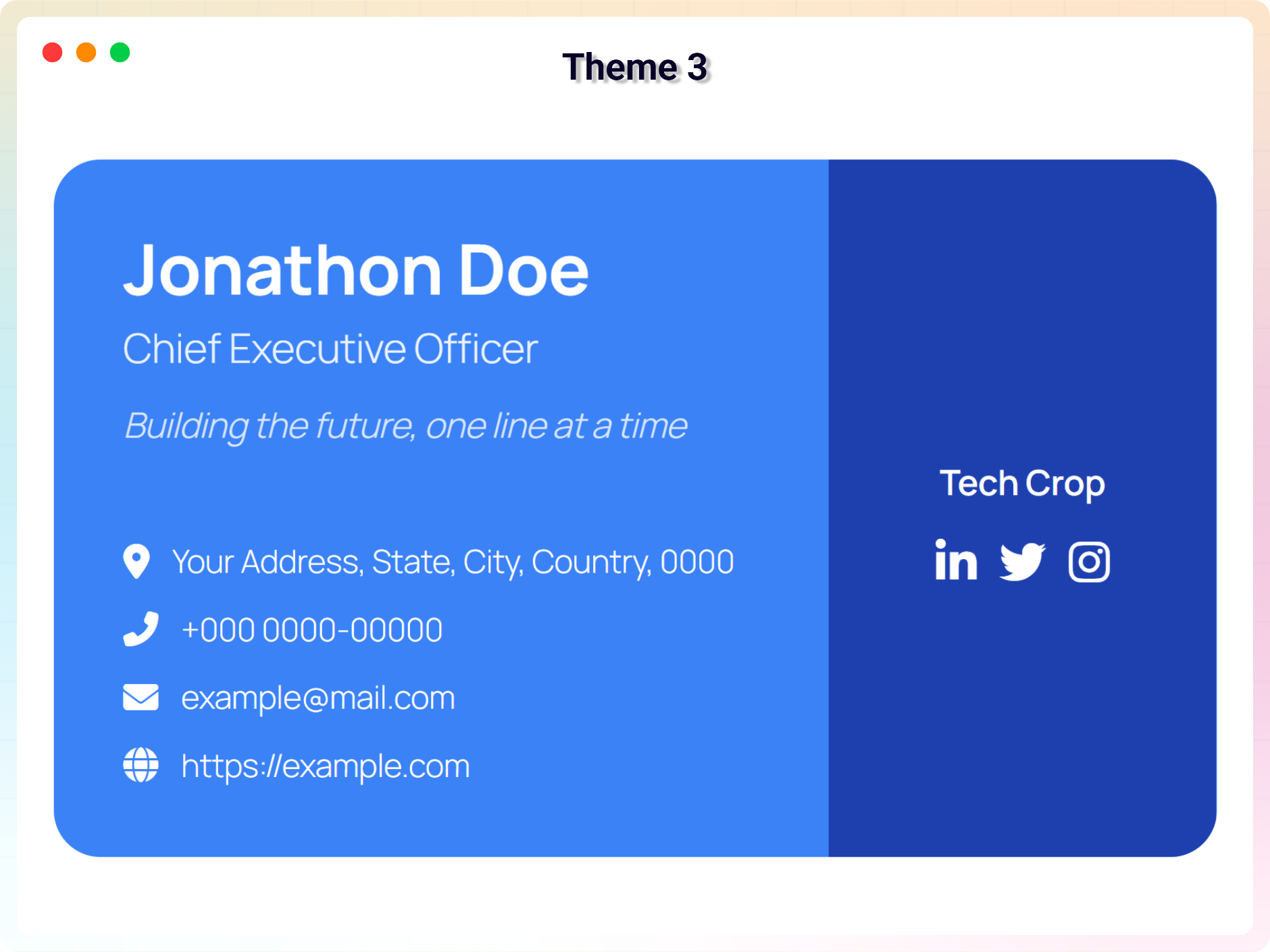
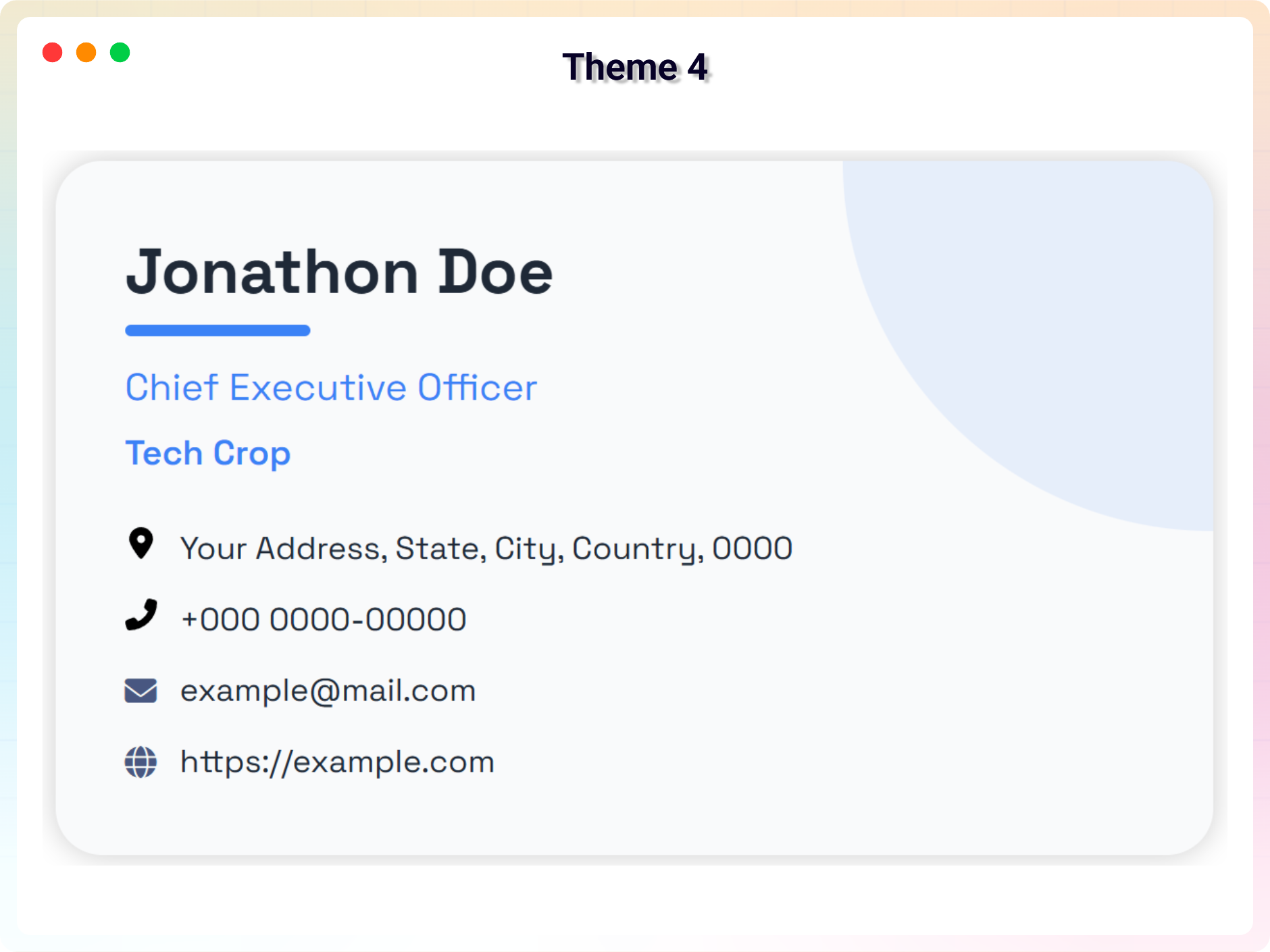
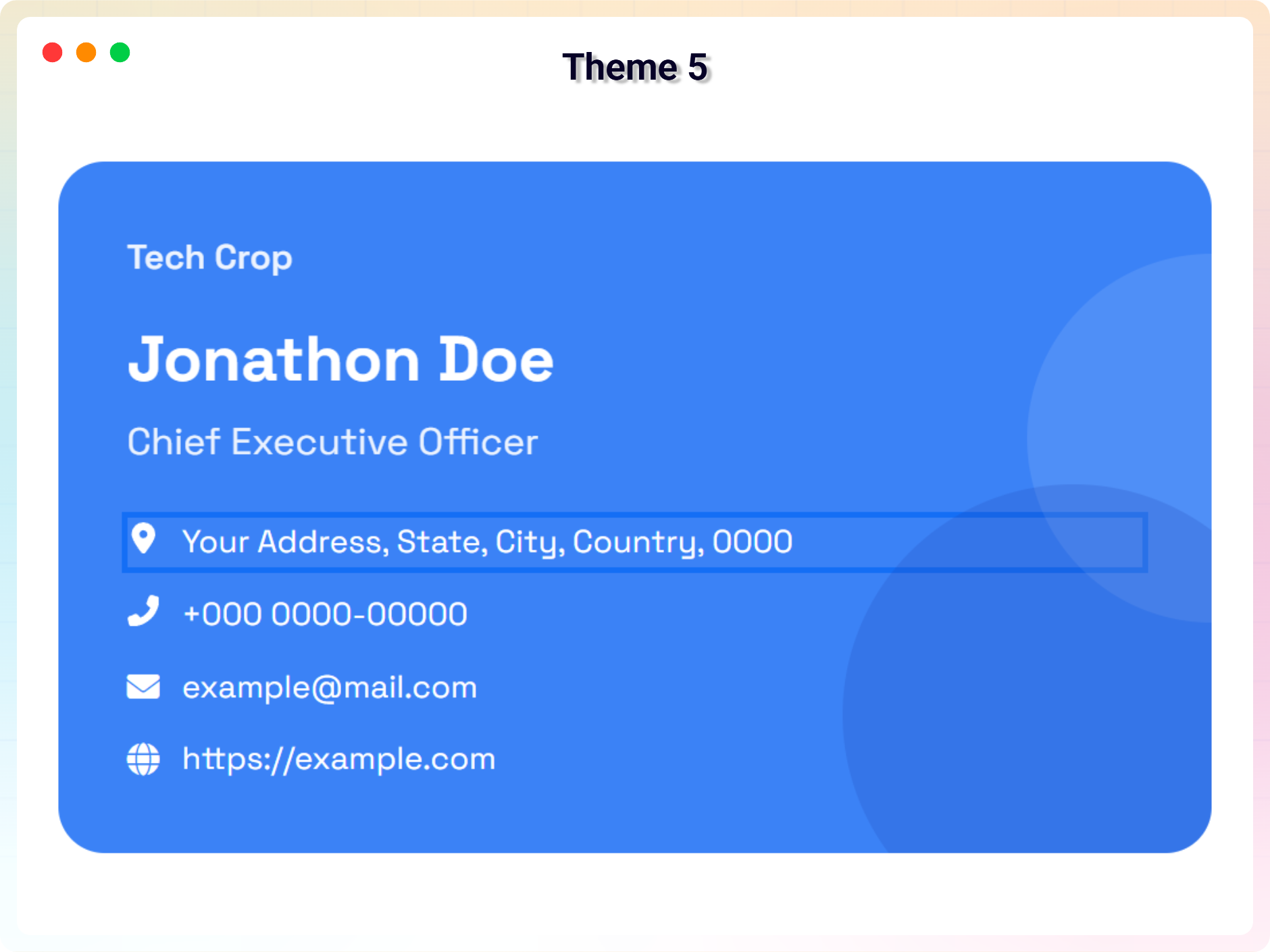
Bloklar
Bu eklenti 1 blok sağlar.
- Business Card Show your business card in web.
Yükleme
From your WordPress dashboard (recommended):
- Go to Plugins Add New.
- Search for “Business Card Block”.
- Click Install Now, then Activate.
- Add the Business Card block to any post or page from the block inserter.
Manual installation:
- Download the Business Card plugin (.zip file).
- In your admin area, go to Plugins Add New and click Upload Plugin.
- Choose the
business-card.zipfile and click Install Now. - Activate the plugin through the Plugins menu in WordPress.
SSS
-
Is Business Card Block free?
-
Yes, the Business Card block is a free Gutenberg block plugin. A Pro version adds premium themes, industry-specific card blocks, and advanced styling controls.
-
Can visitors download my contact information?
-
Yes. You can enable a download button on the card so visitors can save or access your contact information easily.
-
Does it work with any WordPress theme?
-
Yes, it will work with any standard WordPress theme.
-
Can I use it to build a team or staff directory?
-
Yes. You can add uniform profile cards for each team member. The Pro version also includes a Team Member / Staff Grid block with an unlimited drag-and-drop member repeater.
-
Are there designs for specific industries?
-
Yes. The Pro version includes 14 industry-specific card blocks, such as Real Estate, Medical, Restaurant, Photographer, Legal, Fitness, and more.
-
Can I change block settings?
-
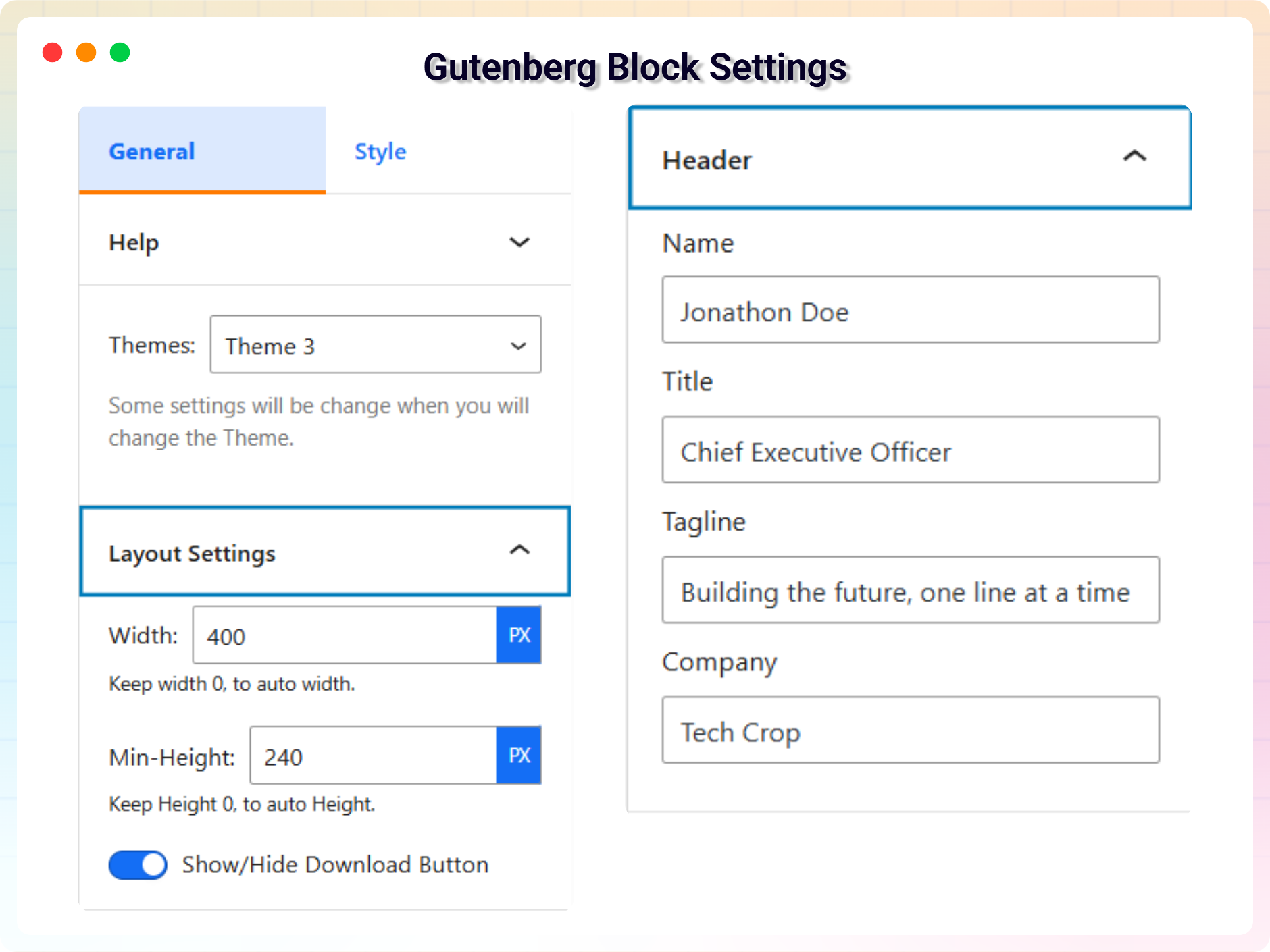
Yes, you can change block settings from the Gutenberg block editor’s right sidebar.
-
How many times can I reuse a block?
-
You can use the block unlimited times across your site.
-
Where can I get support?
-
You can post your questions on the support forum here
İncelemeler


Katkıda Bulunanlar ve Geliştiriciler
“Business Card Block – present your team and contact info in style” açık kaynaklı yazılımdır. Aşağıdaki kişiler bu eklentiye katkıda bulunmuşlardır.
Katkıda bulunanlar


“Business Card Block – present your team and contact info in style” eklentisini dilinize çevirin.
Geliştirmeyle ilgilenir misiniz?
Kodu görüntüleyin, SVN deposuna göz atın ya da RSS ile geliştirme günlüğüne abone olun.
Değişiklik Kaydı
2.1.3 – 5 July 2026
- Improvement: Added demo previews for 14 new industry-specific Business Card blocks
- Improvement: Added new screenshots to the readme to showcase the latest features and block designs.
2.1.2 – 29 June 2026
- New: Add Short Code Support For All Child Blocks
- Fix: enhance LicenseActivation with i18n, PHPDoc, and validation improvements
2.1.1 – 24 June 2026
- Improvement: Global Bug Fix: Added strict max character constraints (50-255 characters) to all inputs across all 15 blocks to prevent layout-breaking text.
- Improvement: UI Fix: Adjusted the rendering fallback logic for empty social items and empty SVGs to fix object rendering bugs.
- Improvement: Layout Fix: Enabled safe flex wrapping and word breaks across core elements to preserve geometry under edge cases.
- Improvement: Stability Fix: Updated text fields, constraints, and inputs directly on native controls.
2.1.0 – 23 June 2026
- New: Added 14 new industry-specific Pro Business Card blocks (Restaurant, Medical, Real Estate, Veterinarian, Architect, Barber, Automotive, Tutor, SaaS Founder, Contractor, Salon, Fitness, Photographer, Legal).
- Improvement: Redesigned the Admin Dashboard with a modern Welcome page and a new Blocks manager to enable/disable specific cards.
- Improvement: Grouped all plugin blocks under a dedicated “Business Cards” category in the block inserter.
2.0.5 – 11 June 2026
- New: Added High-Performance Animation System with viewport-aware triggering, 5 animation types, and granular controls.
- New: Added Advanced Branding & Identity System with Overlap/Stack layouts, custom masking, hover effects, and Monochrome mode.
- Improvement: Improved Responsive Architecture 2.0 with intelligent stacking, identity auto-scaling, and contact word-breaking.
- Improvement: Enhanced Performance & Stability with compositor-thread optimization and CSS variable engine.
- Fix: Fixed Help & Demos dashboard rendering blank by loading its assets on every entry URL and including the required wp-api-fetch dependency.
2.0.4 – 2 June 2026
- Improvement: update vCard
2.0.3 – 23 February 2026
- Improvement: Update Admin Dashboard
2.0.2 – 10 February 2026
- Fix: fix header margin issue
2.0.1 – 30 December 2025
- Fix: Bug fix: corrected broken links.
2.0.0 – 17 December 2025
- New: Added six new themes for improved design and customization.
1.0.6 – 14 December 2025
- Improvement: Improve security
1.0.5 – 12 February 2025
- Improvement: Reduce assets load
1.0.4 – 10 April 2023
- New: Add translate feature
1.0.3 – 17 July 2022
- Fix: Fix Width
1.0.2 – 10 May 2022
- Fix: Fix HTML Render
1.0.1 – 17 April 2022
- Fix: Fix CSS issue
1.0.0 – 12 April 2022
- Improvement: Initial Release.