

Açıklama
This plugin allows you to send messages from Contact Form 7 submissions to Google Chat.
How to find Google Chat Webhook
- Google Chat webhooks are available only if you use google workspace
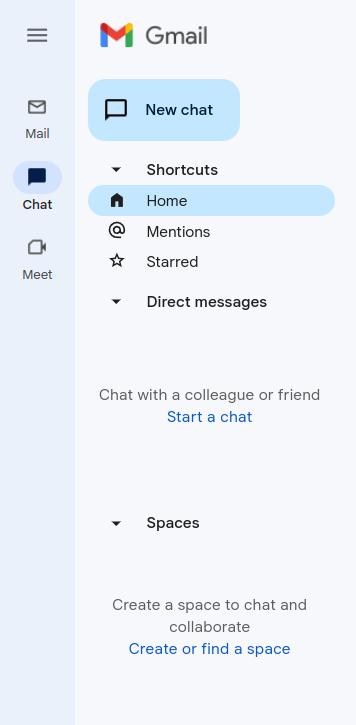
- Go to your gmail admin panel and click on chat icon and after that you need to click on “Create of find a space” – screenshot-2
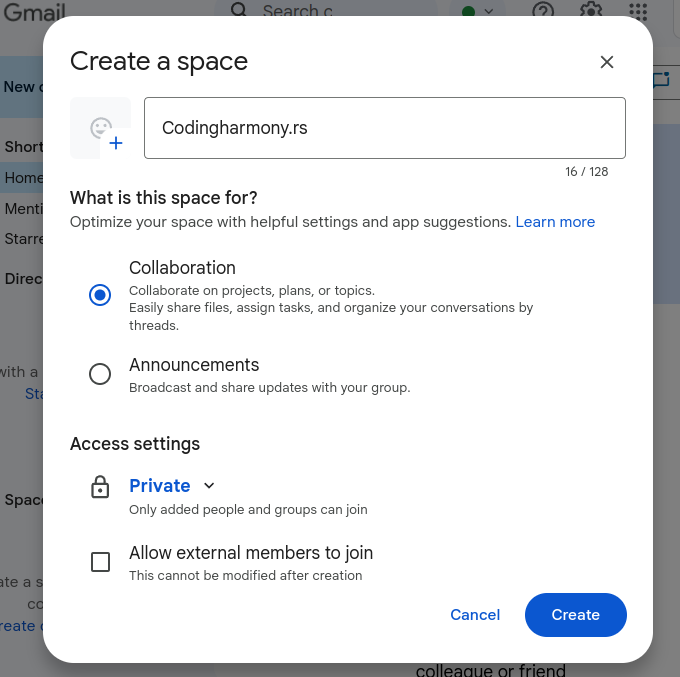
- Name your space and click on create – screenshot-3
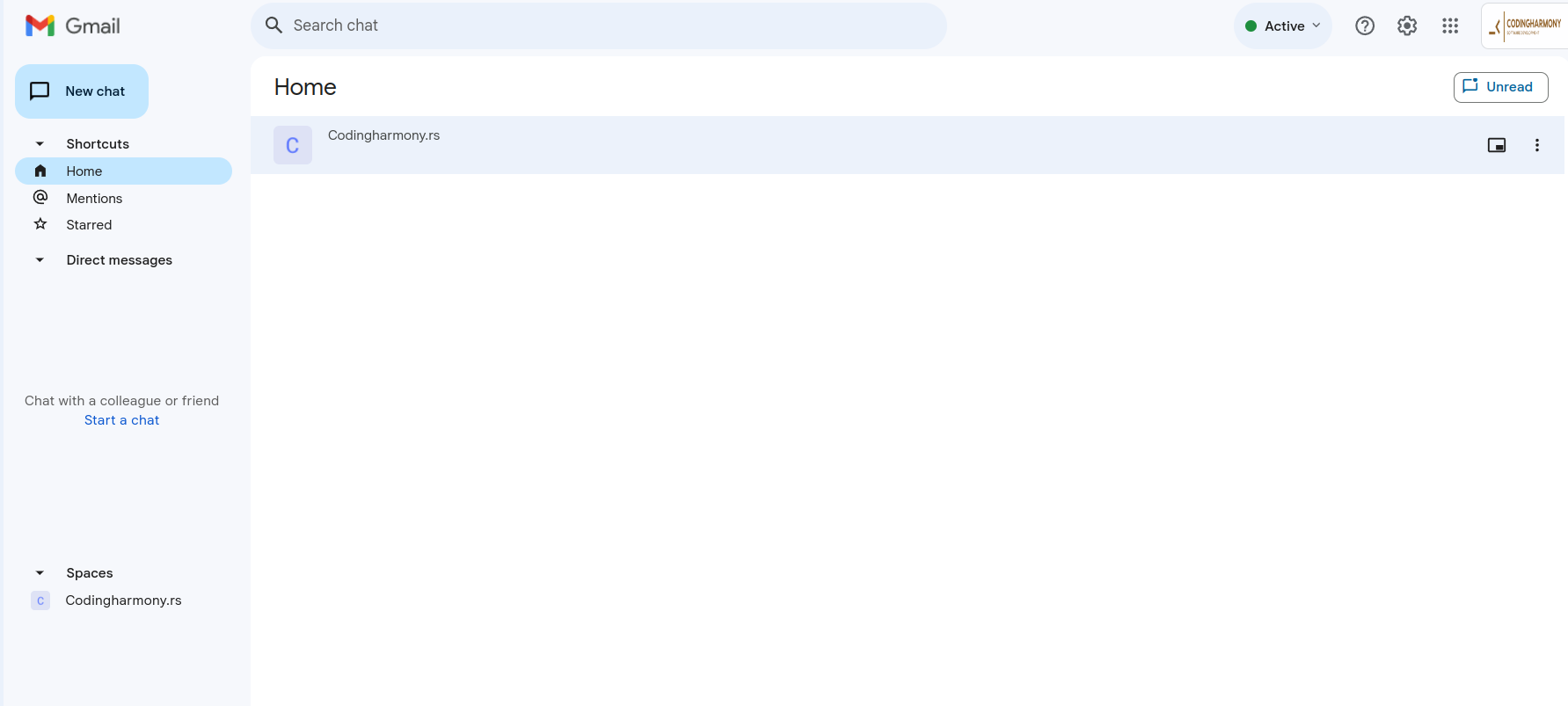
- Click on your space – screenshot-4
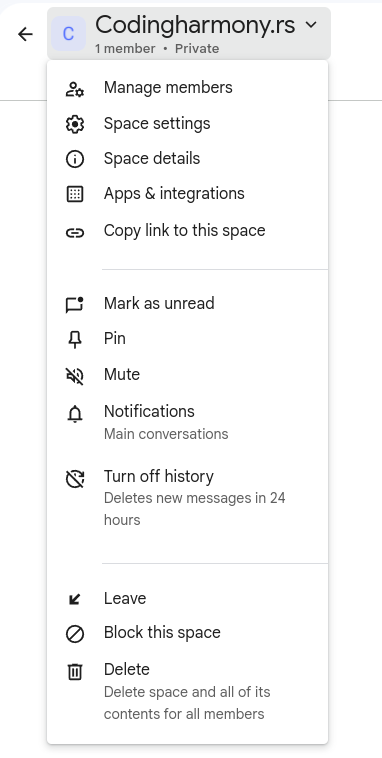
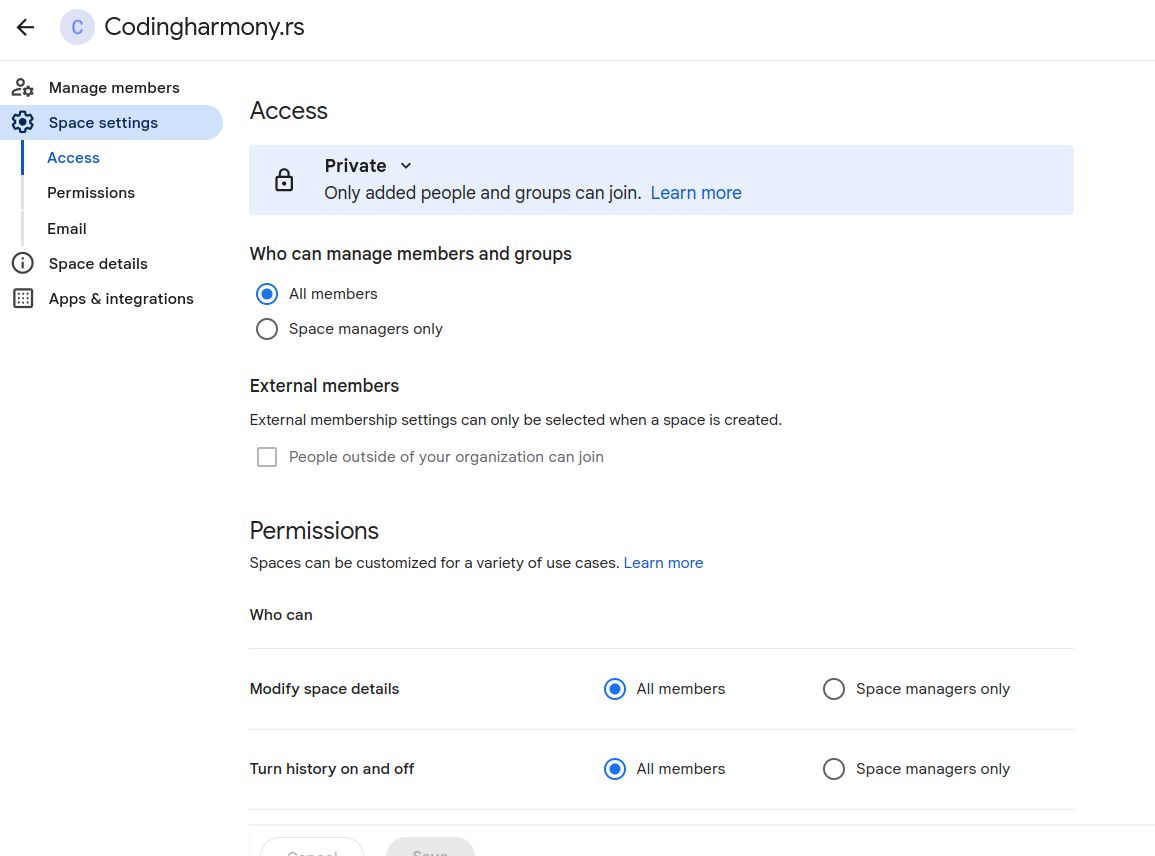
- Click on this dropdown and after that on “space settings” – screenshot-5
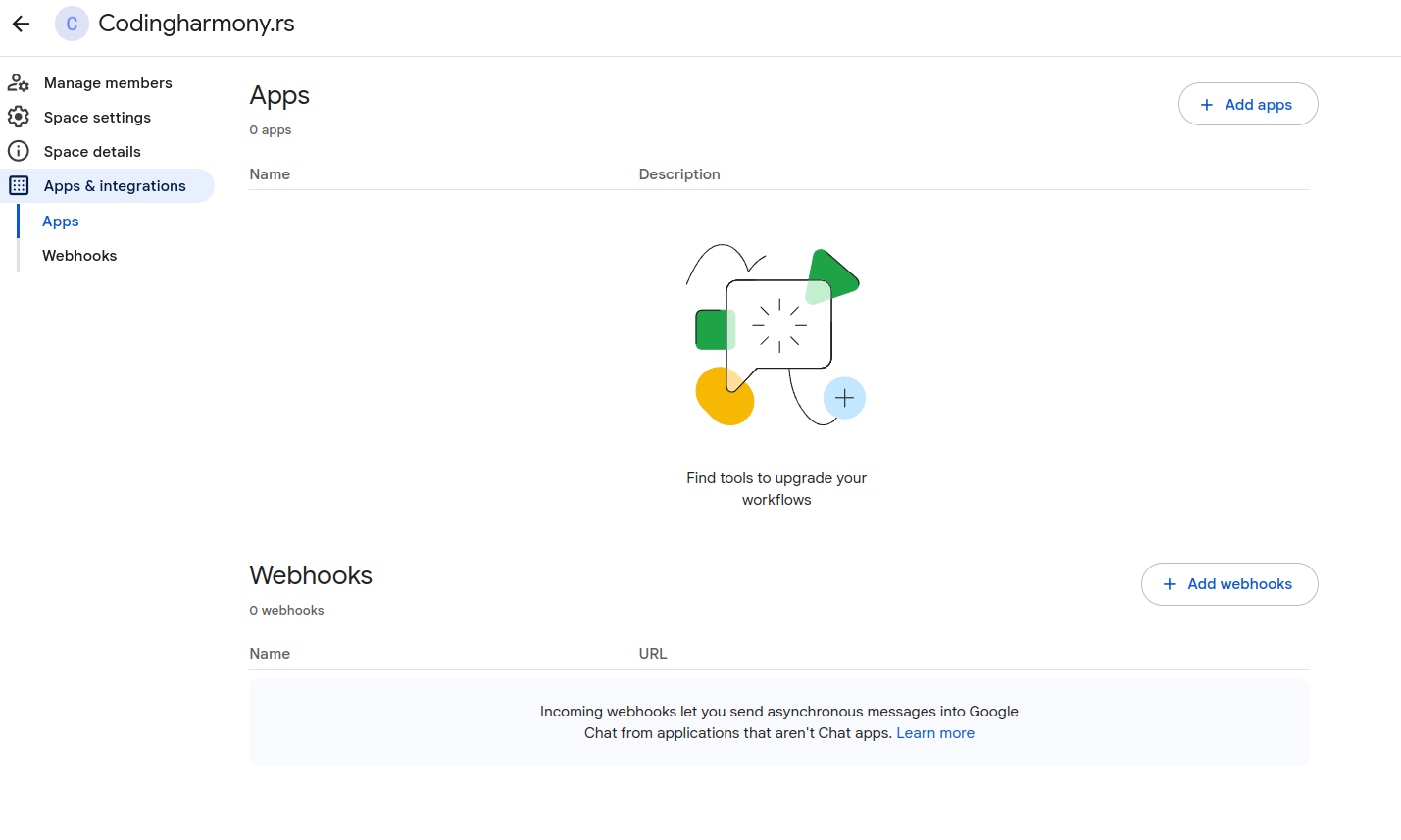
- Click on apps and integrations – screenshot-6
- Click on “add webhooks” – screenshot-7
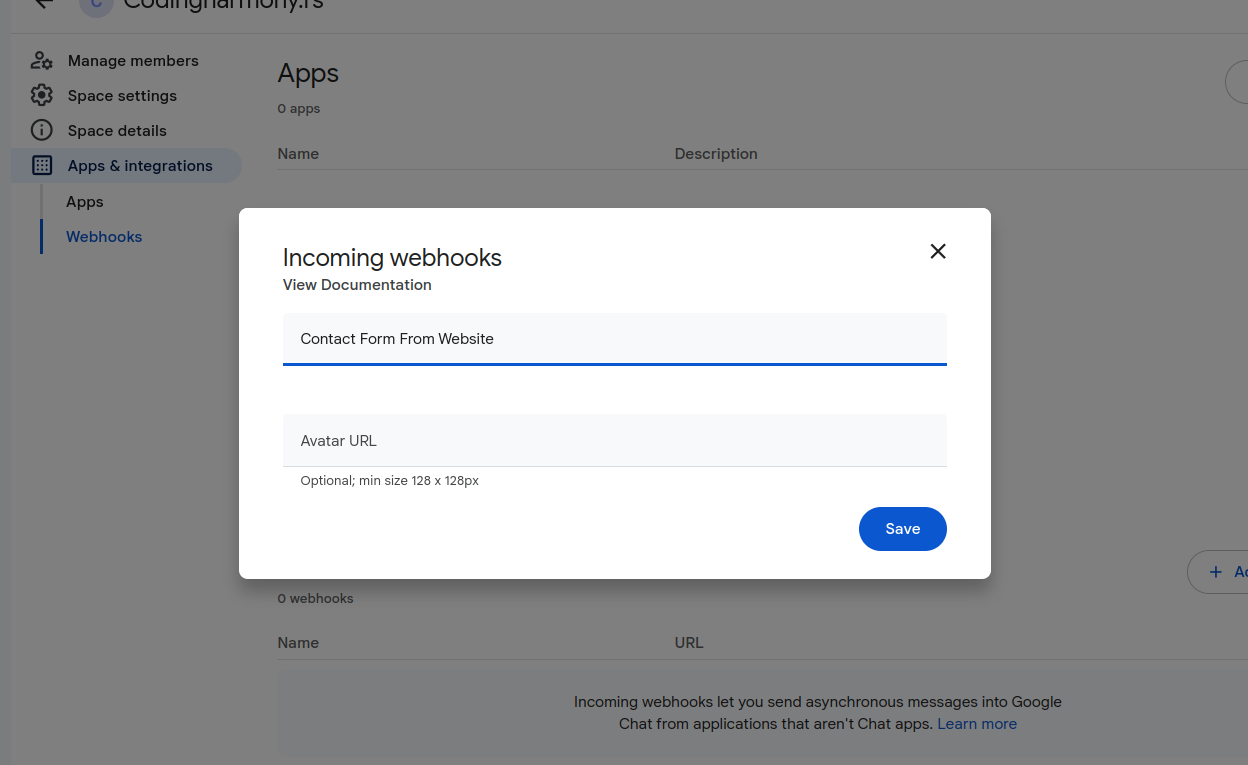
- Name your webhook and click save – screenshot-8
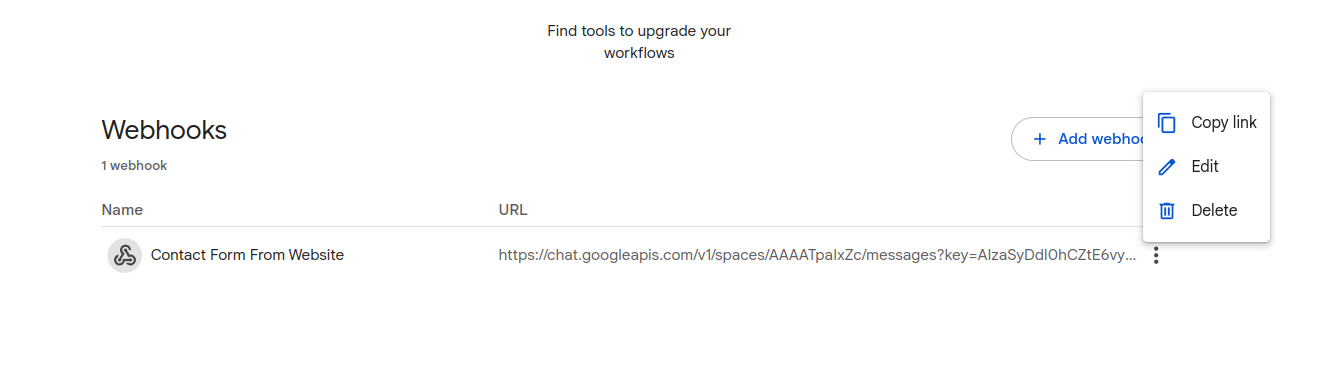
- Click on webhook settings and copy link – screenshot-9
- Paste that link to your contact form settings – screenshot-1
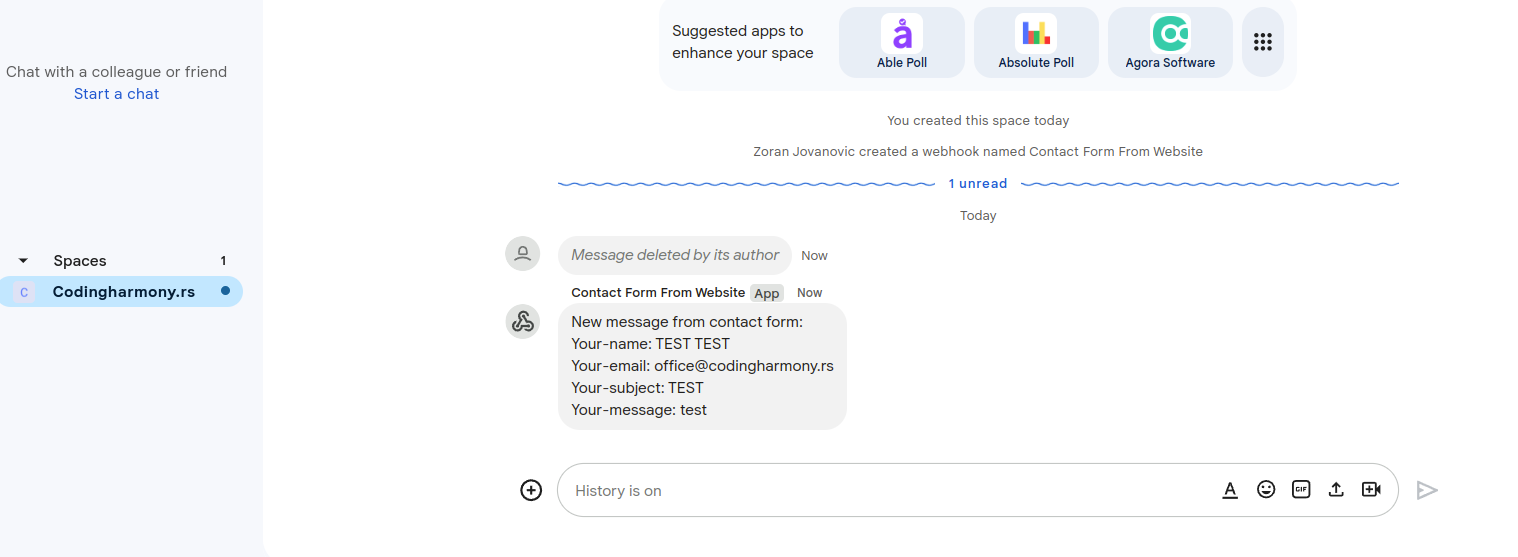
- After form is submitted on the website you will receive message to your google chat space – screenshot-10
Ekran Görüntüleri

Yükleme
- Upload the plugin files to the
/wp-content/plugins/send-message-google-chat-cf7directory, or install the plugin through the WordPress plugins screen directly. - Activate the plugin through the ‘Plugins’ screen in WordPress.
- Configure the Google Chat webhook URL in the Contact Form 7 Google Chat settings panel.
İncelemeler
Bu eklenti için herhangi bir değerlendirme bulunmuyor.
Katkıda Bulunanlar ve Geliştiriciler
“Send message to Google Chat for CF7” açık kaynaklı yazılımdır. Aşağıdaki kişiler bu eklentiye katkıda bulunmuşlardır.
Katkıda bulunanlar
“Send message to Google Chat for CF7” eklentisini dilinize çevirin.
Geliştirmeyle ilgilenir misiniz?
Kodu görüntüleyin, SVN deposuna göz atın ya da RSS ile geliştirme günlüğüne abone olun.
Değişiklik Kaydı
1.0.0
- Initial release.