

Açıklama
The FullScope Bulk Page Generator allows you to quickly create multiple WordPress pages using an existing page as a template. Perfect for creating location pages, product pages, or any other content that follows a consistent structure.
Features
- Use any existing WordPress page as a template
- Import data from CSV files
- Support for custom URL structures through parent pages
- Yoast SEO meta description and title integration
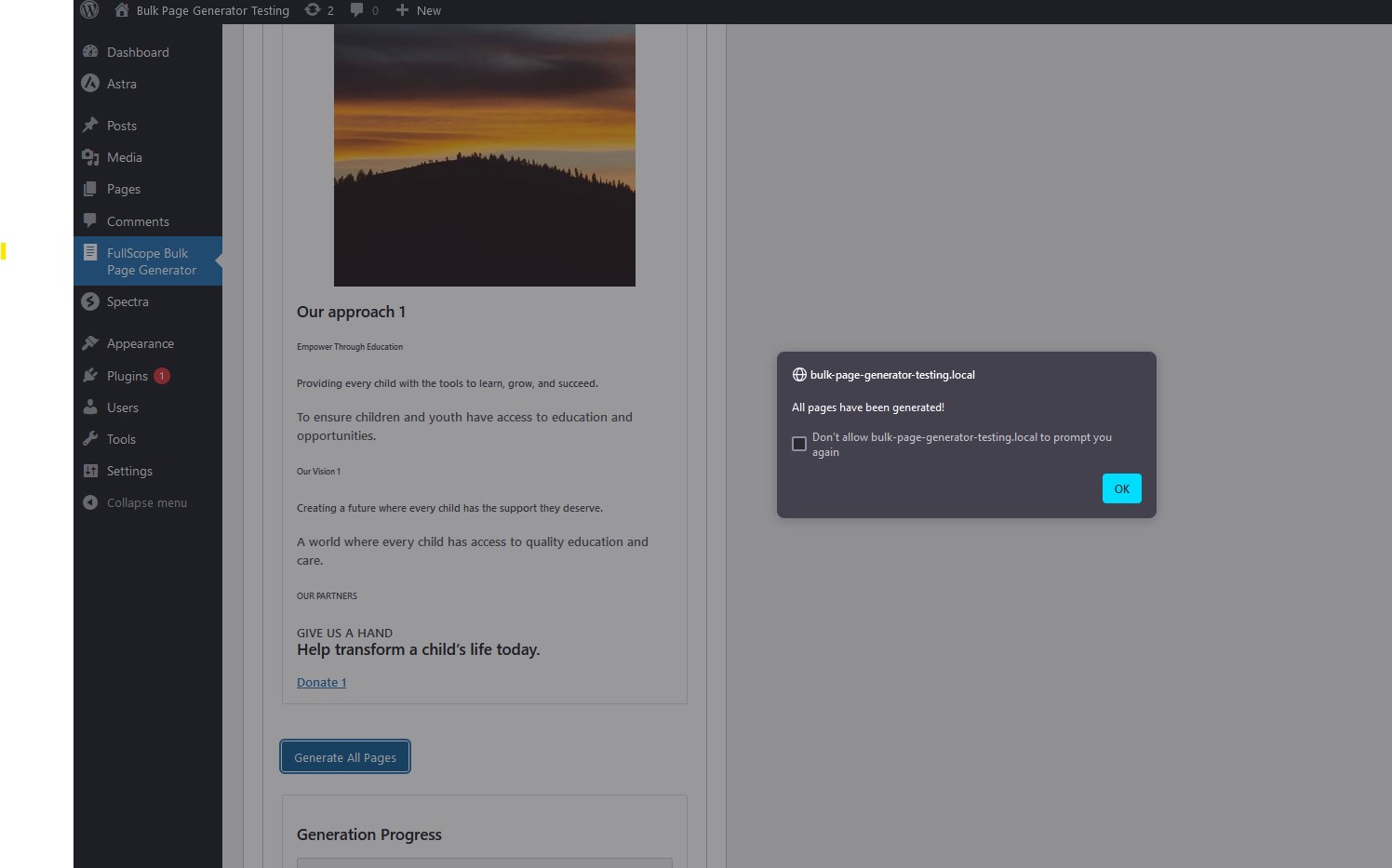
- Preview first row before generation
- Batch processing for large datasets
- Progress tracking during page creation
How it Works
- Create a template page with placeholders like {{location_name}}, {{address}}, etc.
- Prepare your CSV file with columns matching your placeholders
- Select your template page and map CSV columns to placeholders
- Choose a parent page (optional)
- Include Yoast meta_description and meta_title (optional)
- Generate all pages automatically
CSV Requirements
Your CSV file should include columns for:
* All placeholders used in your template
* URL slug
* meta_description and/or meta_title (optional, for Yoast SEO)
Ekran Görüntüleri




Yükleme
- Search for “FullScope Bulk Page Generator” in the Plugins section
- Click “Install Now”
- Activate the plugin through the ‘Plugins’ menu in WordPress
- Go to FullScope Bulk Page Generator in the admin menu
- Follow the step-by-step process to generate your pages
SSS
-
What format should my CSV file be in?
-
Your CSV file should be comma-delimited with headers in the first row. The headers should match the placeholders in your template.
-
Can I preview the pages before generating them?
-
Yes, you can preview how the first row of your CSV data will look when applied to your template.
-
Does this work with Yoast SEO?
-
Yes, if your CSV includes a column named ‘meta_description’, it will automatically be used for the Yoast SEO meta description.
-
Can I organize pages into a hierarchy?
-
Yes, you can select a parent page, and all generated pages will be created as child pages under it.
-
What happens if something goes wrong during generation?
-
The plugin processes pages in batches and provides detailed error reporting if any issues occur.
-
To enable error logging for troubleshooting, add these lines to your wp-config.php:
-
define( ‘WP_DEBUG’, true );
define( ‘WP_DEBUG_LOG’, true );
define( ‘WP_DEBUG_DISPLAY’, false ); // Prevents errors from displaying on screenLogs will be written to wp-content/debug.log
Remove these lines when you are done debugging.
İncelemeler
Bu eklenti için herhangi bir değerlendirme bulunmuyor.
Katkıda Bulunanlar ve Geliştiriciler
“FullScope Bulk Page Generator” açık kaynaklı yazılımdır. Aşağıdaki kişiler bu eklentiye katkıda bulunmuşlardır.
Katkıda bulunanlar

“FullScope Bulk Page Generator” eklentisini dilinize çevirin.
Geliştirmeyle ilgilenir misiniz?
Kodu görüntüleyin, SVN deposuna göz atın ya da RSS ile geliştirme günlüğüne abone olun.
Değişiklik Kaydı
1.0.1
- WordPress 6.8 Compatibility
1.0
- Initial release