Açıklama
Adds Timeline Addons/Widgets designed to be used with the Elementor Page Builder.
You can also add a Timeline Gutenberg Block for modern WordPress sites, or a Timeline Widget for classic themes.
Ekran Görüntüleri
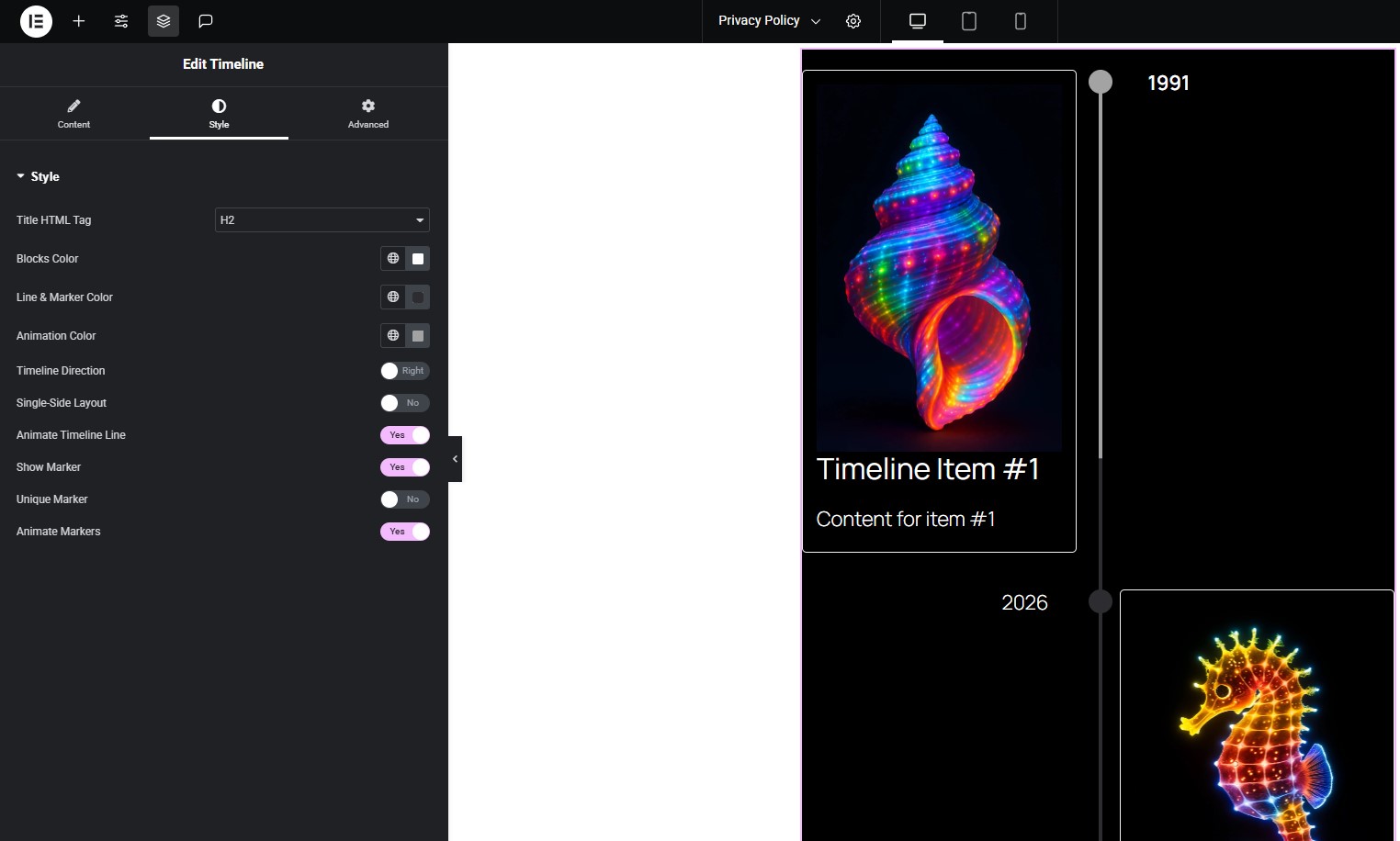
Timeline widget in Elementor. 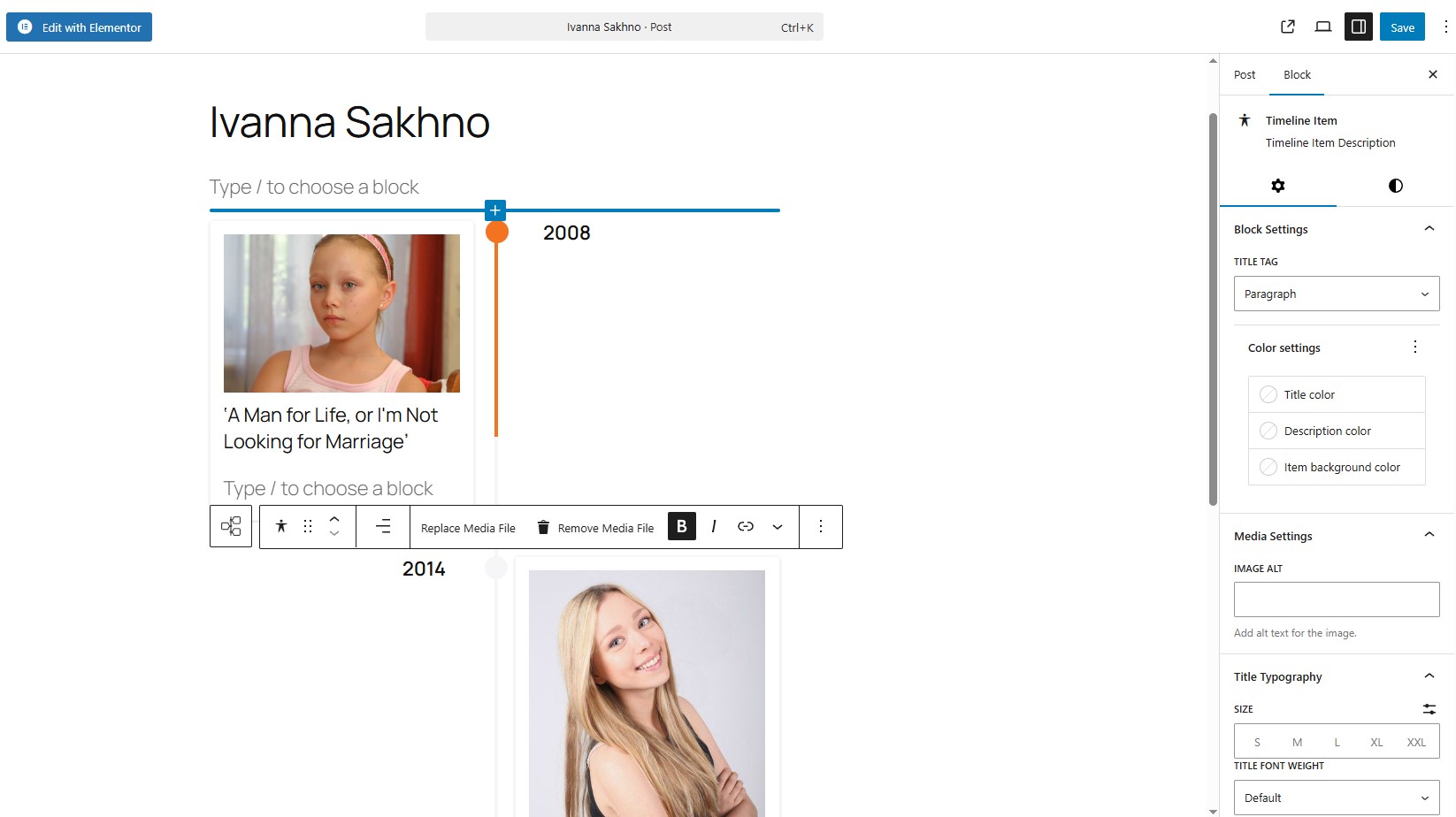
Timeline block in Gutenberg. 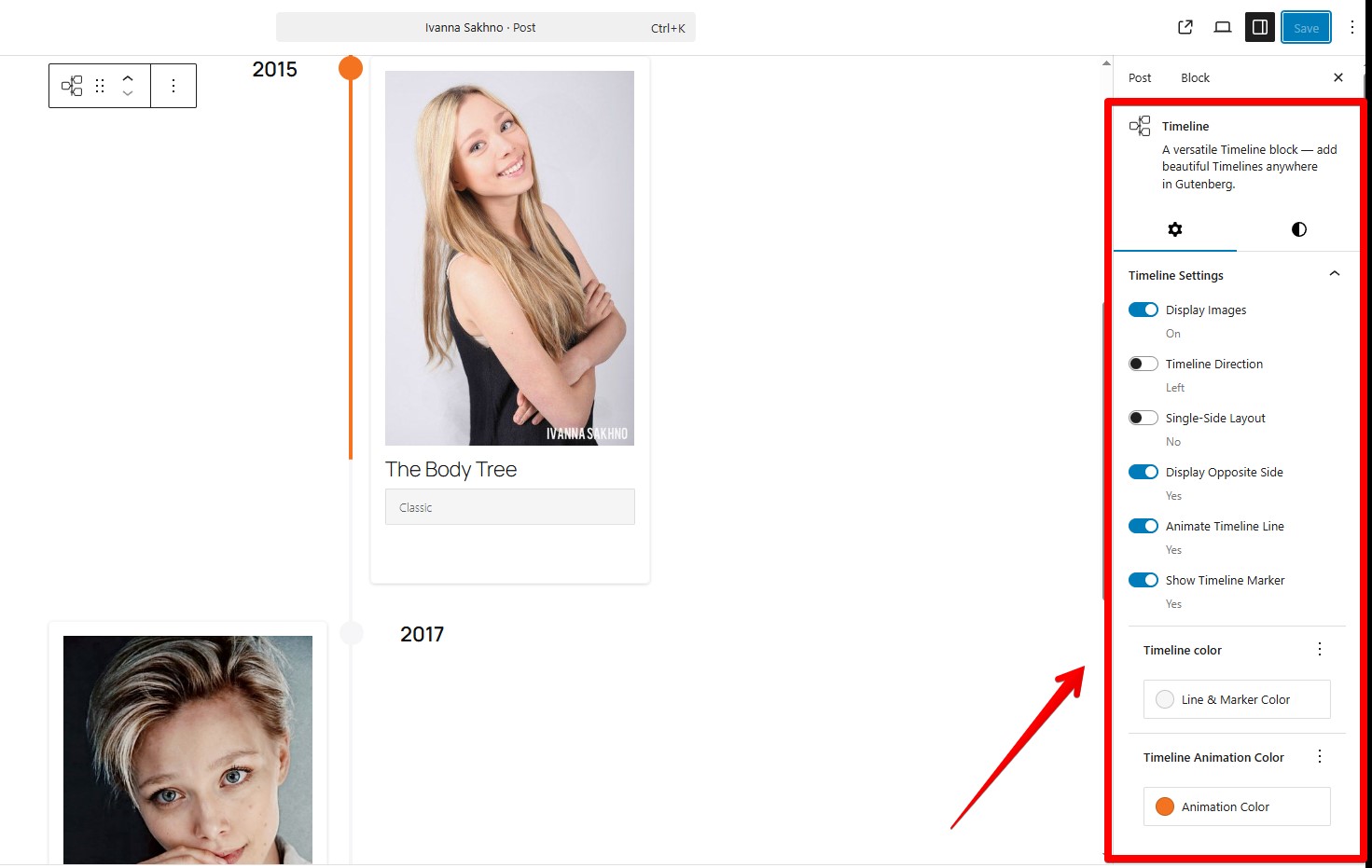
Timeline block in Gutenberg.
Bloklar
Bu eklenti 1 blok sağlar.
- Timeline Full Widget A versatile Timeline block — add beautiful Timelines anywhere in Gutenberg.
Yükleme
- Upload the plugin files to the
/wp-content/plugins/timeline-full-widgetdirectory, or install it through the WordPress plugins screen directly. - Activate the plugin through the ‘Plugins’ screen in WordPress.
- Use the Elementor editor or Gutenberg editor.
SSS
-
Does it work with the latest Elementor?
-
Yes, tested with Elementor 3.34 and WordPress 6.9
-
Can I set a unique marker that is wider (width) than 30 px?
-
Yes, but then the styles for the timeline may shift. To correct them, you will need to specify the styles separately. For example:
@media (min-width: 701px) {
.tl-mark:has(img) {
max-width: 42px !important;
height: 30px;
left: calc(50% + 2px);
}
} -
How to apply the same styles to all Timeline items in block component?
-
You can use the “Apply item styles to other items” button. It will copy the styles from the current item to all other items.
İncelemeler
Bu eklenti için herhangi bir değerlendirme bulunmuyor.
Katkıda Bulunanlar ve Geliştiriciler
“Timeline Full Widget” açık kaynaklı yazılımdır. Aşağıdaki kişiler bu eklentiye katkıda bulunmuşlardır.
Katkıda bulunanlar
“Timeline Full Widget” eklentisini dilinize çevirin.
Geliştirmeyle ilgilenir misiniz?
Kodu görüntüleyin, SVN deposuna göz atın ya da RSS ile geliştirme günlüğüne abone olun.
Değişiklik Kaydı
1.3.0
- Add button “Apply item styles to other items”.
- Corrected styles for the timeline item.
- Fixed style problems with Content Typography in Elementor.
- Separated styles for line and marker colors
- Bug fixes.
1.2.0
- Corrected styles for the timeline block.
- Bug fixes.
1.1.0
- Bug fixes.
- Add choosing font-family for a Title element in the Gutenberg block.
1.0.1
- Added sticky text settings on the opposite side of the timeline.
- Corrected animation for markers.
1.0.0
- Release Date – 25th September 2025.
- Initial Release.