

Açıklama
Blocks Export Import plugin allows you to import and export blocks as JSON in Gutenberg Block Editor.
All the code and sources for this plugin are publicly available as part of https://github.com/Codeinwp/otter-blocks.
Ekran Görüntüleri
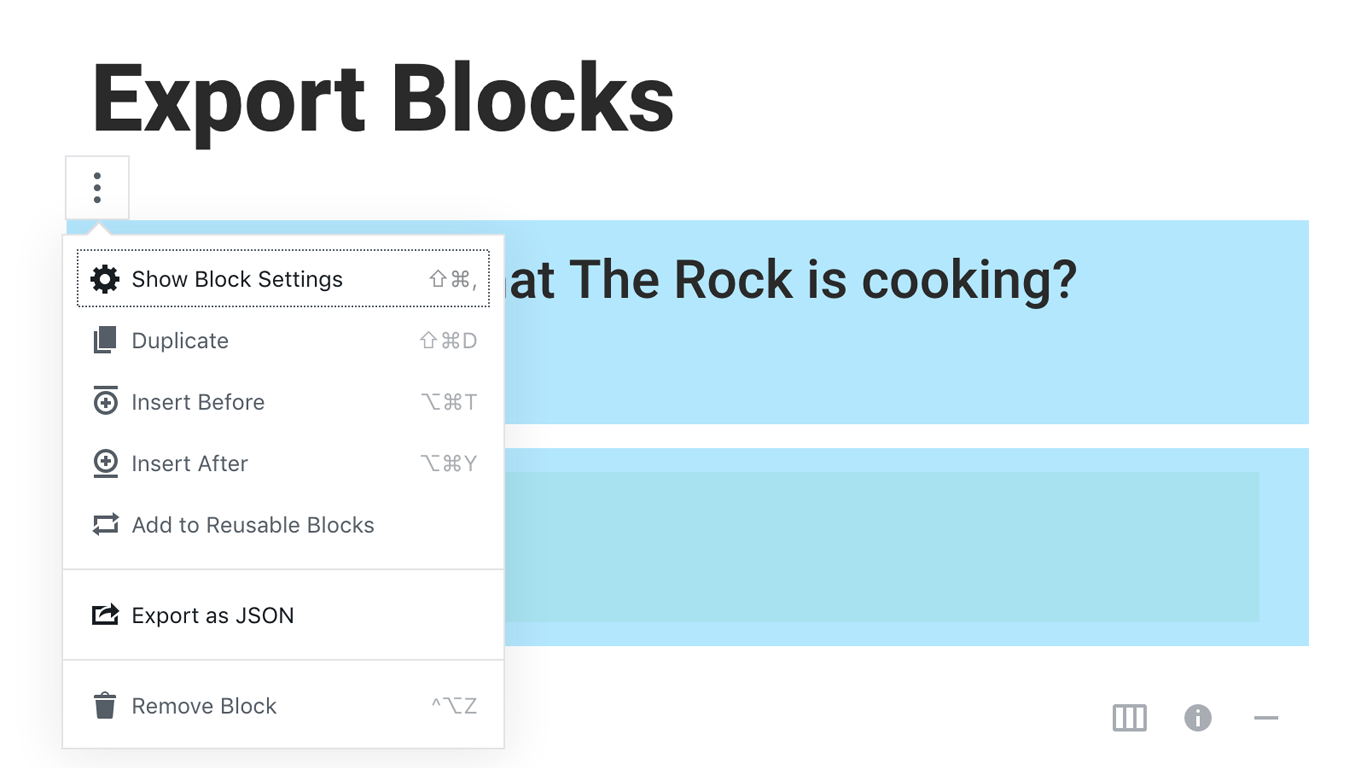
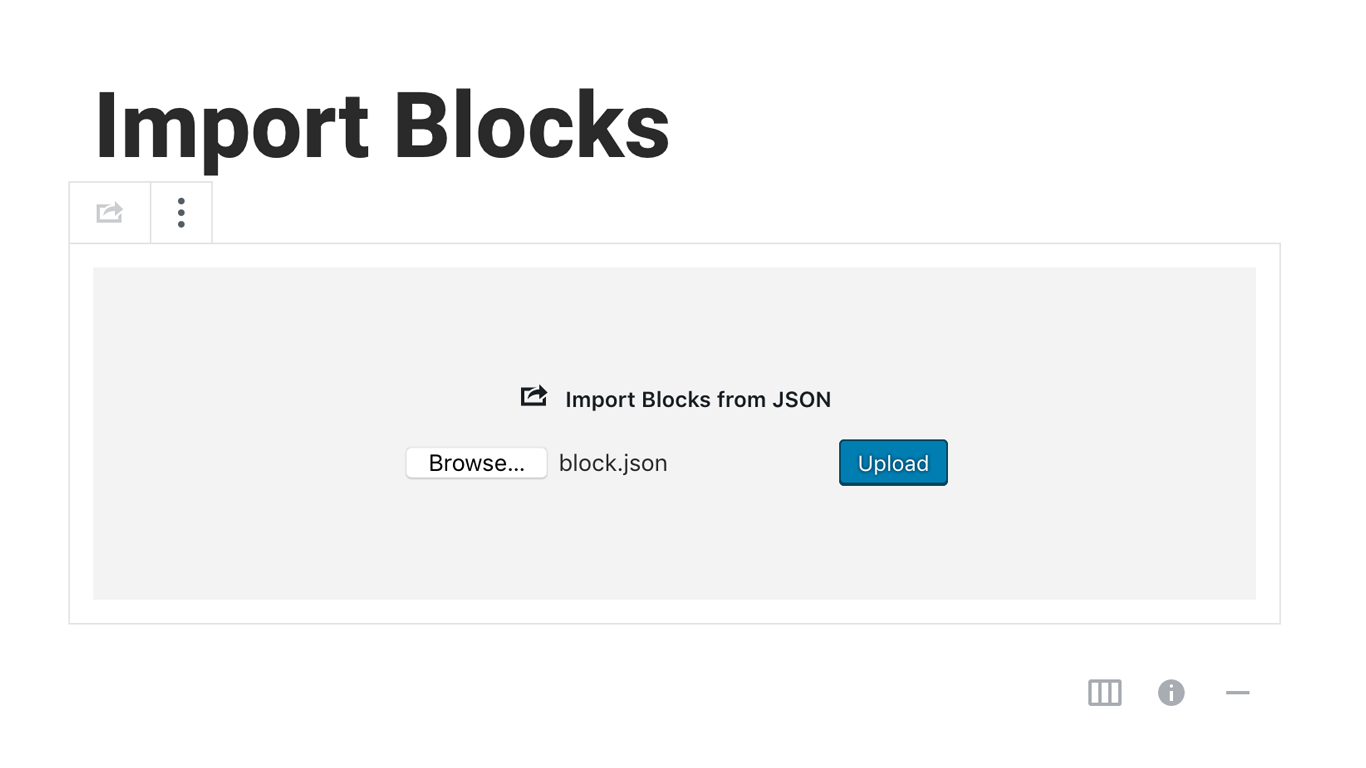
Yükleme
Activating this plugin is just like any other plugin. If you’ve uploaded the plugin package to your server already, skip to step 5 below:
- Install using the WordPress built-in Plugin installer, or Extract the zip file and drop the contents in the wp-content/plugins/ directory of your WordPress installation.
- Activate the plugin through the ‘Plugins’ menu in WordPress.
- Go to Gutenberg editor and play around with the block.

Katkıda Bulunanlar ve Geliştiriciler
“Blocks Export Import – Backup & Move Gutenberg Blocks as JSON” açık kaynaklı yazılımdır. Aşağıdaki kişiler bu eklentiye katkıda bulunmuşlardır.
Katkıda bulunanlar

“Blocks Export Import – Backup & Move Gutenberg Blocks as JSON” 1 dile çevrildi. Katkıda bulundukları için çevirmenlere teşekkürler.
“Blocks Export Import – Backup & Move Gutenberg Blocks as JSON” eklentisini dilinize çevirin.
Geliştirmeyle ilgilenir misiniz?
Kodu görüntüleyin, SVN deposuna göz atın ya da RSS ile geliştirme günlüğüne abone olun.
Değişiklik Kaydı
You can check the changelog here.