
Açıklama
Site Kit, insanların sitenizi nasıl buldukları ve nasıl kullandıkları hakkında bilgi edinmek için Google’ın resmi WordPress eklentisidir. Site Kit, siteyi web’de başarılı kılmak için kritik Google araçlarından konuşlandırma, yönetme ve bilgi alma konusunda tek adımda bir çözümdür. Birden fazla Google ürününden doğrudan WordPress panosunda ücretsiz erişim için yetkili, güncel bilgiler sunar.
En iyi Google araçlarını WordPress’e getirin
Site Kit, bu Google ürünlerini kesintisiz ve esnek hale getirmeyi sağlayan güçlü özellikler içerir:
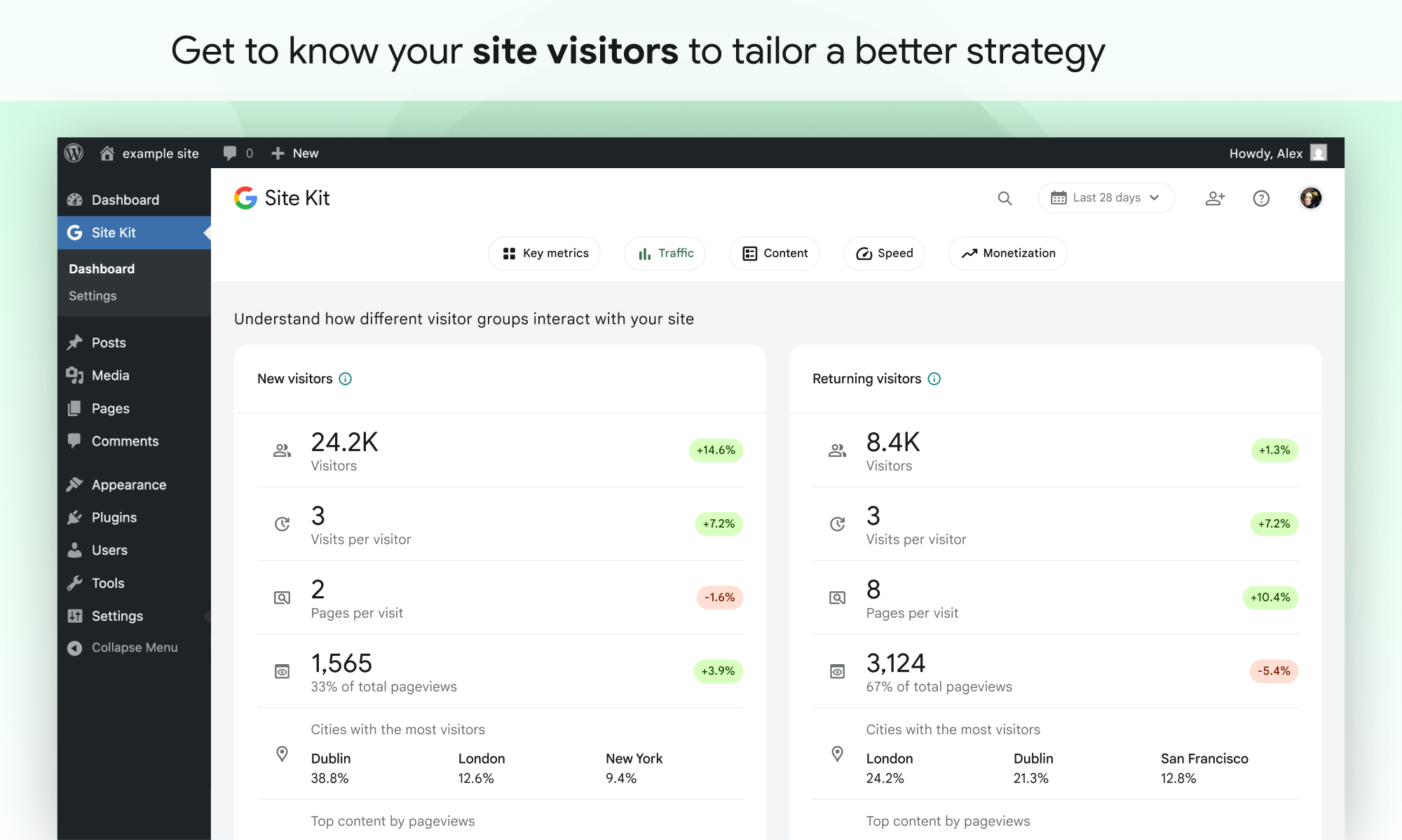
- Anlaşılması kolay istatistikler doğrudan WordPress panonuzda
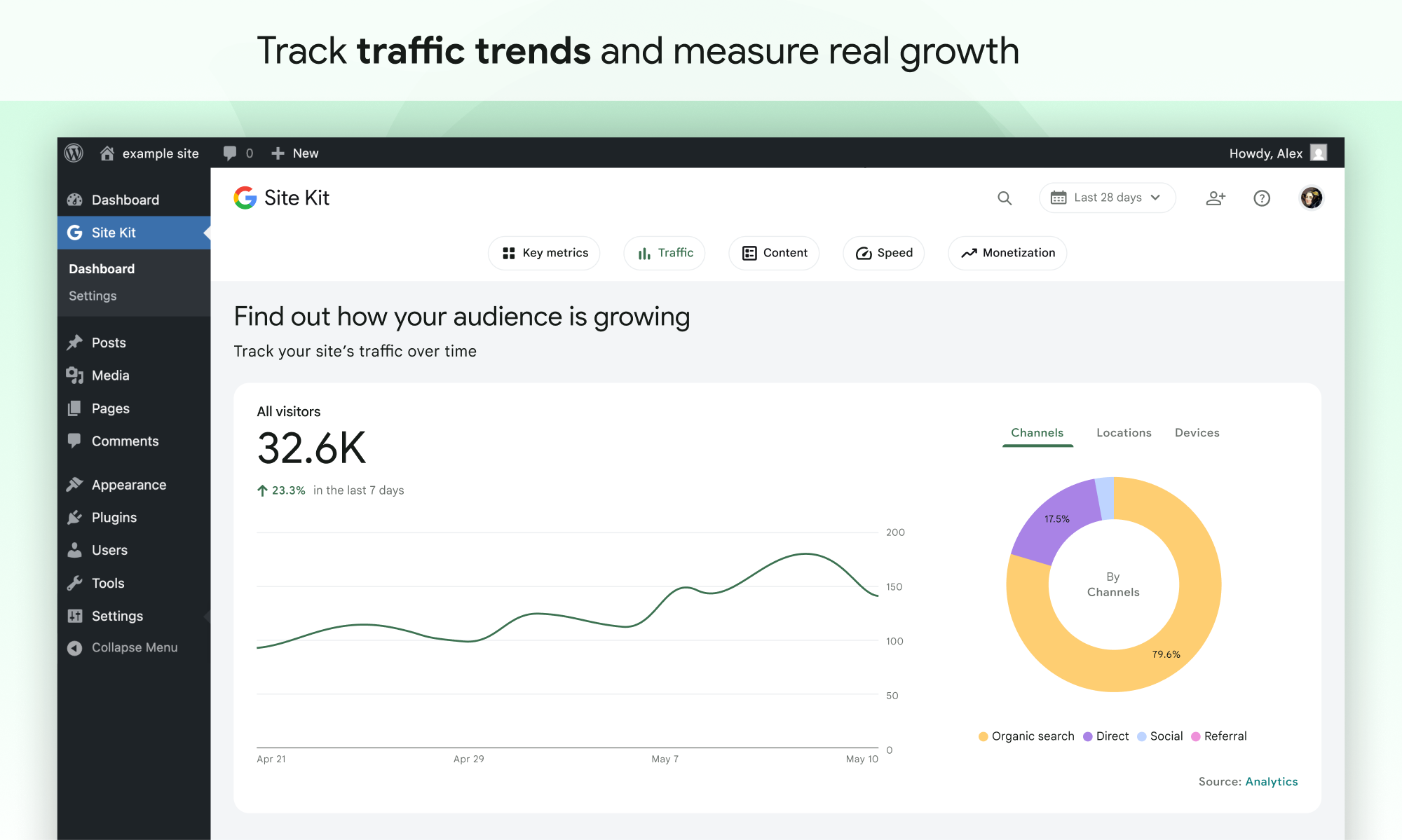
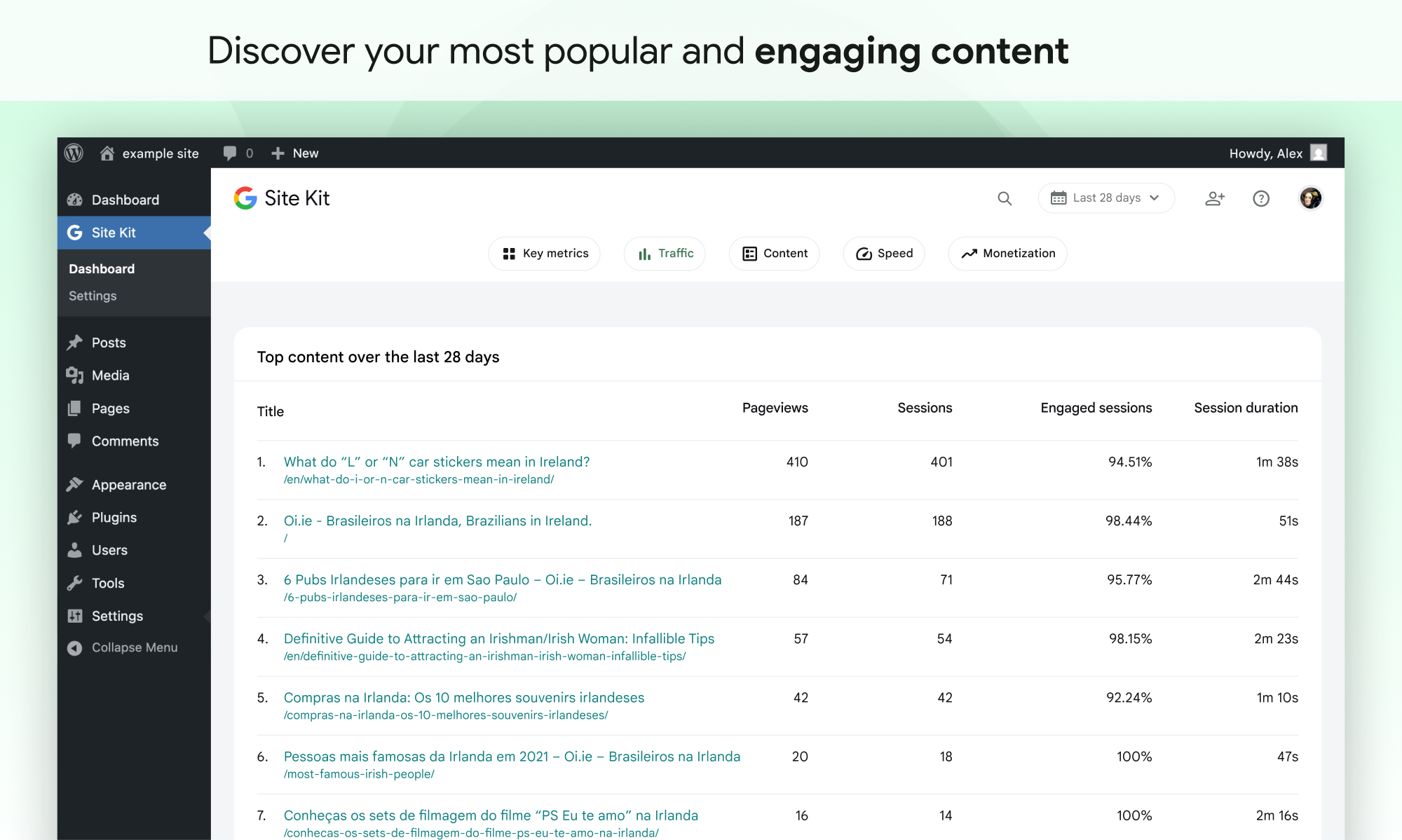
- Tek bir gösterge tablosunda, birden fazla Google aracından resmi istatistikler
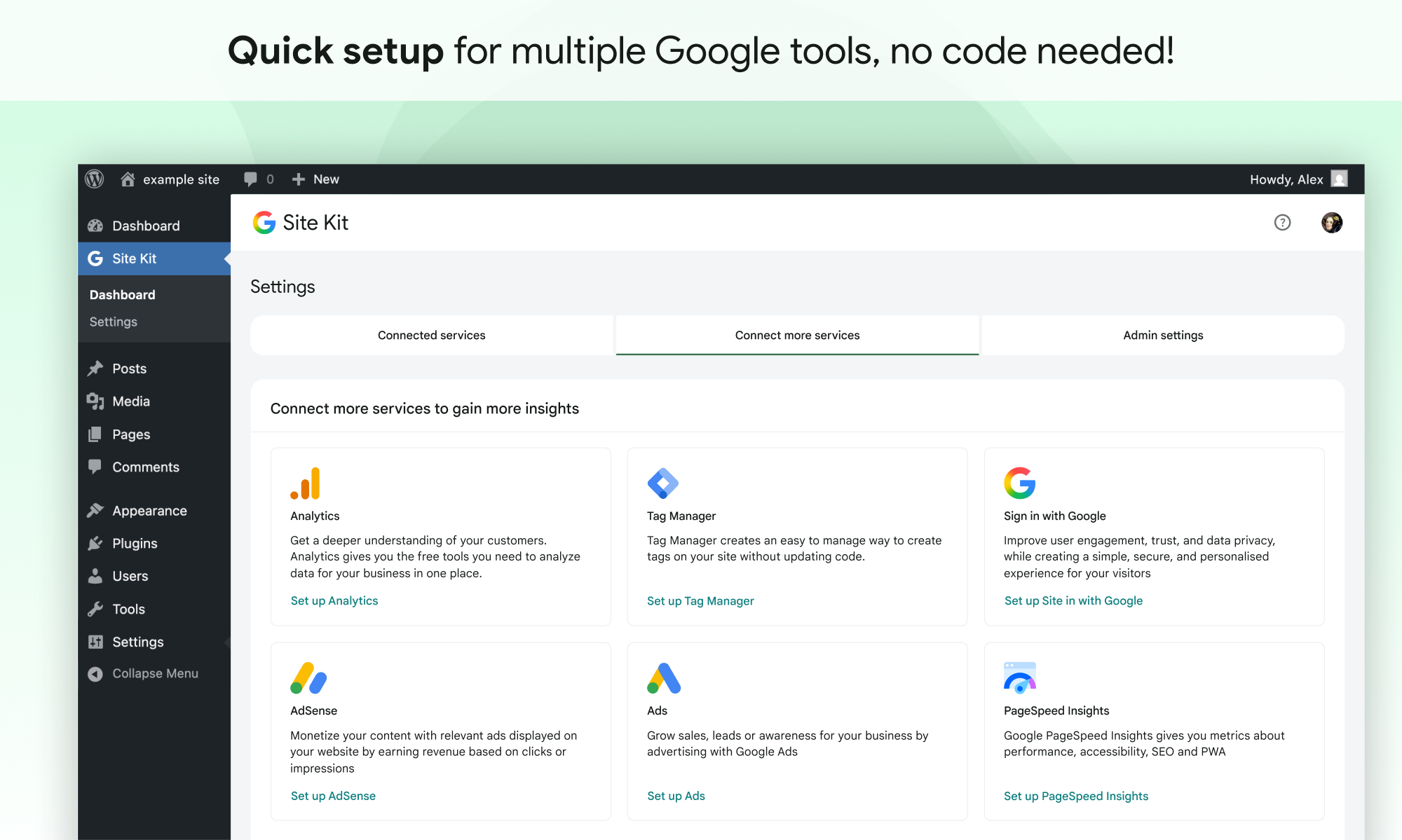
- Sitenizin kaynak kodunu düzenlemek zorunda kalmadan birden fazla Google aracı için hızlı kurulum
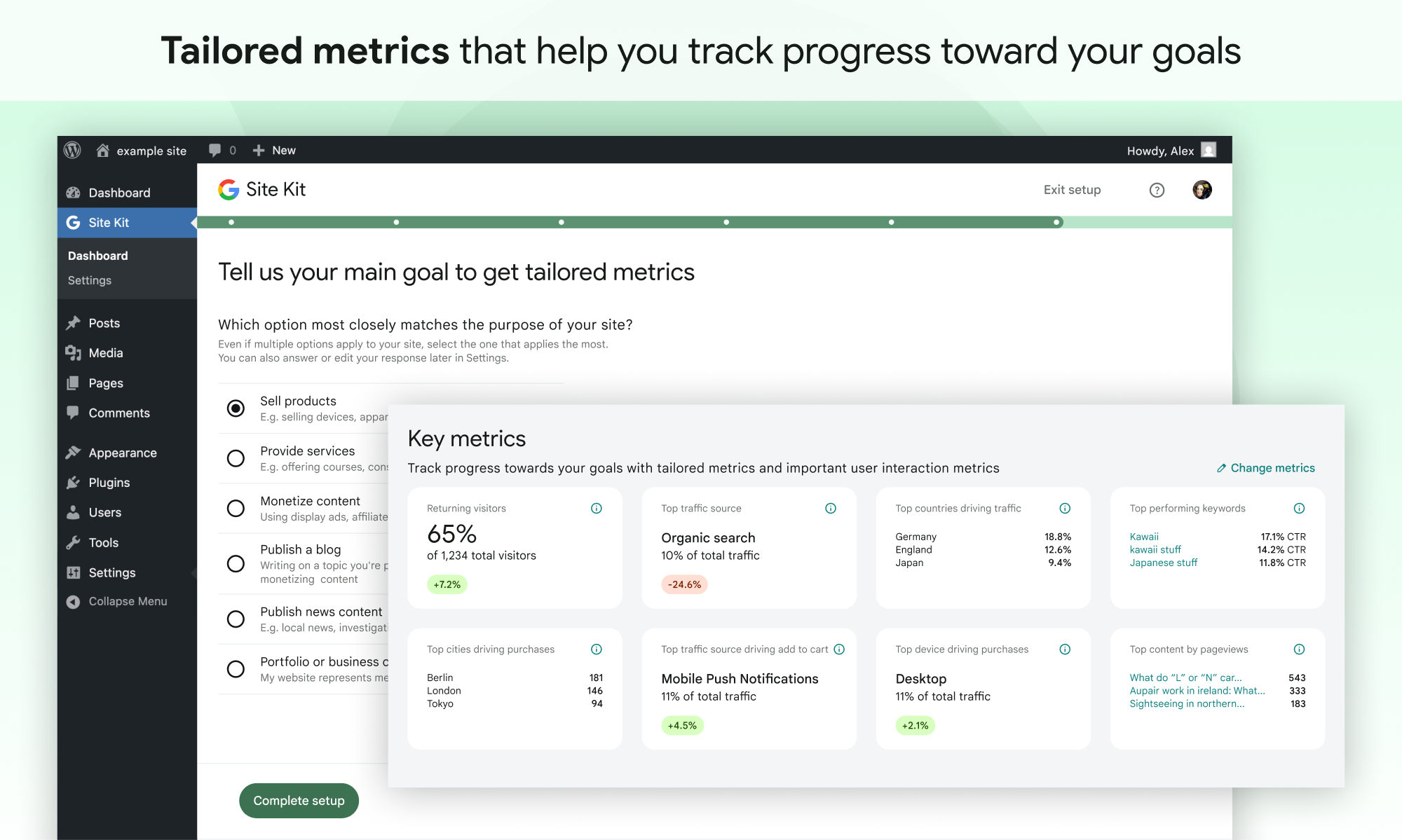
- Sitenizin tamamı ve bireysel yayınlar için ölçümler
- WordPress ve farklı Google ürünlerinde yönetimi kolay, ayrıntılı izinler
Desteklenen Google araçları
Site Kit, farklı Google ürünlerinden gelen önemli ölçümleri ve öngörüleri gösterir:
- Arama Konsolu: Google Arama’nın sayfalarınızı Google Arama’da nasıl keşfettiğini ve görüntülediğini anlayın. Sitenizi Arama sonuçlarında kaç kişinin gördüğünü ve sitenizi aramak için hangi sorguyu kullandıklarını izleyin.
- Analytics: Kullanıcıların sitenizde nasıl gezindiğini ve kullanıcılarınızın tamamlanması için belirlediğiniz hedefleri nasıl izlediğini keşfedin.
- AdSense: Sitenizin size ne kadar kazandırdığını takip edin.
- PageSpeed Insights: Sayfalarınızın diğer gerçek dünya sitelerine kıyasla nasıl performans gösterdiğini görün. PageSpeed Insights’dan alınabilir ipuçları ile performansı artırın.
- Tag Manager: Etiket Yöneticisi’ni kolayca ayarlamak için Site Kit’i kullanın; kod düzenlemeye gerek yoktur. Ardından, etiketlerinizi Etiket Yöneticisi’nde yönetin.
- Sign in with Google: Ziyaretçilerin mevcut Google hesaplarıyla sitenize kaydolmasına ve giriş yapmasına olanak tanır.
- Reader Revenue Manager: Abonelik, katkı, bültenler, anketler ve özel istemler aracılığıyla site ziyaretçilerinizi büyütmenize, elde tutmanıza ve onlarla etkileşim kurmanıza yardımcı olur.
- Ads: Google Ads’in hedefli trafiğiyle müşteri kazanın ve daha fazla satış yapın.
Ekran Görüntüleri
Yükleme
Not: Web sitenizin yayında olduğundan emin olun. Web siteniz henüz yayında değilse Site Kit size herhangi bir veri gösteremez. Ancak üretim sitenize ek olarak bir hazırlama (staging) ortamınız varsa, Site Kit üretim sitenizdeki verileri hazırlama ortamında görüntüleyebilir. Site Kit’i bir hazırlama ortamıyla nasıl kullanacağınızı öğrenin.
WordPress içinden yükleme
- Eklentiler > Yeni Ekle‘yi ziyaret edin.
- Google’dan Site Kit‘i arayın.
- Site Kit by Google kurun ve etkinleştirin.
- Site Kit’i Google hesabınıza bağlayın. Birden fazla WordPress yöneticisi varsa, eklentiye erişmek için her yöneticinin kendi Google hesabını bağlaması gerektiğini unutmayın.
Manuel Kurulum
google-site-kitklasörünün tamamını/wp-content/plugins/dizinine yükleyin.- Eklentiler‘i ziyaret edin.
- Google Site Kit’i etkinleştirin.
- Site Kit’i Google hesabınıza bağlayın. Birden fazla WordPress yöneticisi varsa, eklentiye erişmek için her yöneticinin kendi Google hesabını bağlaması gerektiğini unutmayın.
Aktivasyondan sonra
- Yeni Site Kit menüsünü ziyaret edin.
- Kurulum akışındaki talimatları izleyin.
- Arama Konsolu’ndan zaten temel ölçümleri görüntüleyen ana Site Kit kontrol paneline gidin.
- Site Kit > Ayarlar altından ek Google araçlarını bağlayın. Hangi araçların sizin için uygun olduğu hakkında daha fazla bilgi edinin.
SSS
Daha fazla bilgi için resmi Site Kit web sitesini ziyaret edin.
-
Site Kit ücretsiz mi?
-
Site Kit eklentisi ücretsiz ve açık kaynaktır ve öyle kalacaktır. Site Kit’e dahil edilen tek tek Google ürünleri, bu ürünler için (varsa) standart şartlar ve ücretlere tabidir.
-
Site Kit için minimum gereksinimler nelerdir?
-
Site Kit’i başarıyla yüklemek ve kullanmak için sitenizin aşağıdaki gereksinimleri karşılaması gerekir:
- WordPress sürümü 5.2+
- PHP sürüm 7.4+
- Modern tarayıcı – Internet Explorer desteklenmiyor
- Herkese açık olarak erişilebilir – bakım modunda değildir, yalnızca parolayla erişilebilir durumda değildir veya başka bir şekilde engellenmemiştir
- REST API kullanılabilir – Site Kit’in REST API aracılığıyla Google hizmetleriyle iletişim kurabilmesi gerekir. REST API’nin siteniz için kullanılabilir olduğundan emin olmak için Araçlar > Site Sağlığı bölümüne gidin.
-
Panomda neden “veri toplama” gösteriliyor ve hizmet verilerimin hiçbiri görünmüyor?
-
Site Kit’i bir Google hizmetine bağladıktan sonra verilerin panonuzda görüntülenmeye başlaması birkaç gün sürebilir. “Veri toplama” mesajı genellikle yakın zamanda bir Google hizmeti kurduğunuzda (yani yeni bir Analytics hesabı oluşturduğunuzda) ve/veya siteniz yeni olduğunda görünür ve veriler henüz görüntülenmeye hazır değildir.
Birkaç gün sonra bu mesajı hâlâ görüyorsanız, destek forumu üzerinden bizimle iletişime geçmekten çekinmeyin.
-
AdSense’i bağladıktan sonra sitemde neden reklam görünmüyor?
-
Site Kit üzerinden bağlandığınızda AdSense’te yeniyseniz, yeni AdSense hesabınızın ve sitenizin AdSense ekibi tarafından reklamlar için manuel olarak incelenmesi ve onaylanması gerekir. Hesabınız ve siteniz onaylanana kadar reklamlar gösterilmez. Onay süreci ve zaman çizelgesi hakkında daha fazla bilgi için bu kılavuza göz atın.
Site Kit’te onay durumunuzu kontrol etmek için Settings > Connected Services > AdSense yolunu izleyip Check your site status seçeneğine tıklayın. Bu bağlantı sizi AdSense’e yönlendirir. “Ready” görüyorsanız hesabınız ve siteniz onaylanmıştır ve reklam gösteriyor olmalıdır. “Getting ready…” görüyorsanız hesabınız ve siteniz hâlâ incelemededir; onaylanana kadar siteniz reklam göstermez.
Site Kit, AdSense snippet’ini sitenize başarıyla eklediyse ve hesabınız ile siteniz onaylandıysa ancak siteniz hâlâ reklam göstermiyorsa, yardım için AdSense Yardım Merkezi ile iletişime geçin.
Site Kit’in AdSense ile nasıl çalıştığı hakkında daha fazla bilgiyi AdSense’i Yönetme kılavuzumuzda bulabilirsiniz.
-
Site Kit GDPR uyumlu mu?
-
Site Kit’i kullanırken, site sahipleri Google’ın Hizmet Şartları‘nda açıklandığı gibi GDPR gereksinimleri de dahil olmak üzere bildirim ve onay gereksinimlerini yönetmekten sorumludur.
Site Kit, Google Analytics modülü etkinleştirildiğinde IP adreslerini varsayılan olarak anonimleştirir. Bu ayar Site Kit > Settings > Analytics > Anonymize IP addresses bölümünden kapatılabilir.
Ziyaretçi onay verene kadar Google Analytics, Tag Manager veya AdSense’in veri toplamasını engellemenize olanak tanıyan çeşitli üçüncü taraf eklentisi vardır. Bunlardan bazıları, eklentiye özel yapılandırmalar sağlayarak Site Kit ile yerel olarak çalışır. Bunlar hakkında daha fazla bilgiyi GDPR uyumluluğu ve gizlilik sayfamızı ziyaret ederek edinebilirsiniz.
-
Ek desteği nereden alabilirim?
-
Lütfen WordPress.org destek forumumuzda yeni bir konu oluşturun. Gönderirken destek forumu yönergelerine uyduğunuzdan emin olun.
İncelemeler


Katkıda Bulunanlar ve Geliştiriciler
“Google Site Kit – Analytics, Search Console, AdSense, Speed” açık kaynaklı yazılımdır. Aşağıdaki kişiler bu eklentiye katkıda bulunmuşlardır.
Katkıda bulunanlar
“Google Site Kit – Analytics, Search Console, AdSense, Speed” 32 dile çevrildi. Katkıda bulundukları için çevirmenlere teşekkürler.
“Google Site Kit – Analytics, Search Console, AdSense, Speed” eklentisini dilinize çevirin.
Geliştirmeyle ilgilenir misiniz?
Kodu görüntüleyin, SVN deposuna göz atın ya da RSS ile geliştirme günlüğüne abone olun.
Değişiklik Kaydı
1.188.0
Geliştirildi
- Move Easy Digital Downloads currency lookup into the event provider. See #13603.
- Add the
adsConversionTrackingIntentfeature flag. See #13463. - Show Site Goals groups consistently between email reports and dashboard. See #13461.
- Add key action event chart to Site Goals widgets. See #13419.
- Add the traffic breakdown columns to the new Traffic Overview widget. See #13410.
- Add total visitors information to the new traffic overview widget. See #13408.
- Add the new Traffic Overview widget when the feature is enabled. See #13407.
- Add Site Goals key metric tiles for “Selling products”. See #13404.
- Build the
FeatureCardandEffortIndicatorcomponents for the upcoming Feature Discovery Hub, and present them in Storybook. See #13320. - Add the
outbound_link_clickevent tracking. See #13291. - Add link tracking to contact links. See #13290.
- Add the feature discovery hub page shell with hero, tab navigation, and deep-linkable routes. See #13248.
- Register the feature catalog for the Feature Discovery Hub. See #13247.
- Add the feature discovery newness model and selectors for determining which features are new to a user. See #13246.
- Add online store and lead generation Site Goals sections to the PDF report. See #13206.
- Populate Reader Revenue Manager
organizationIDandconfiguredCTAssettings during publication sync. See #13057. - Update the Reader Revenue Manager settings screens to display the configured CTAs for the connected publication. See #13031.
- Add the newsletter sign-up form setup step to the Reader Revenue Manager express setup flow. See #13027.
- Add the publication policies step to the Reader Revenue Manager Express setup flow. See #13024.
- Add the Terms of Service step to the Reader Revenue Manager express setup flow. See #13023.
- Implement the Reader Revenue Manager express setup step to create a new publication. See #13022.
- Add Site Goals sections at the top of the email report. See #13014.
- Allow core dashboard effects to be registered for the main or entity dashboard. See #11712.
- Refactor the WooCommerce redirect modal to simplify its implementation. Props vivekjm. See #10832.
- Improve layout of data on SK admin bar on smaller viewports. See #8089.