

Açıklama
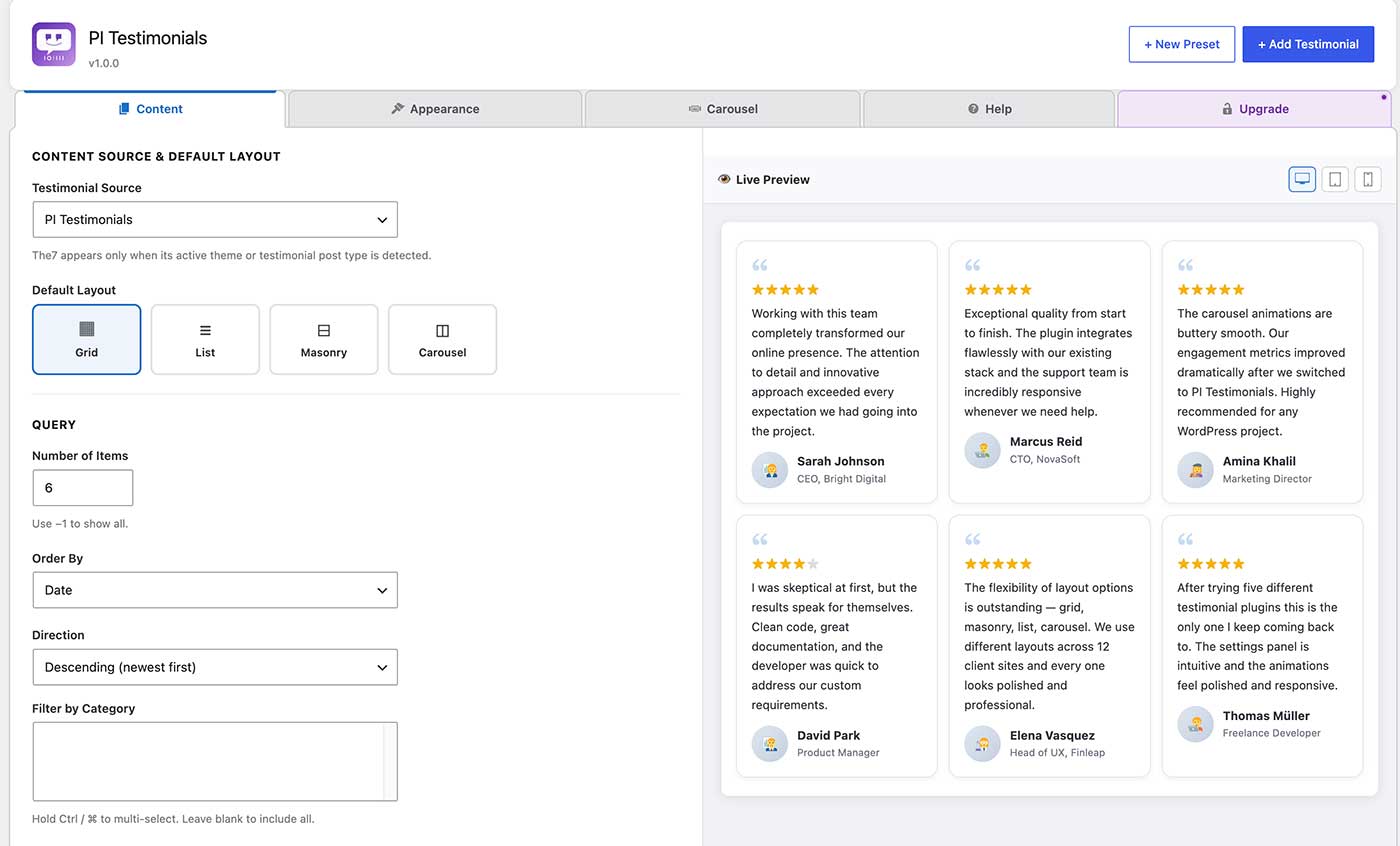
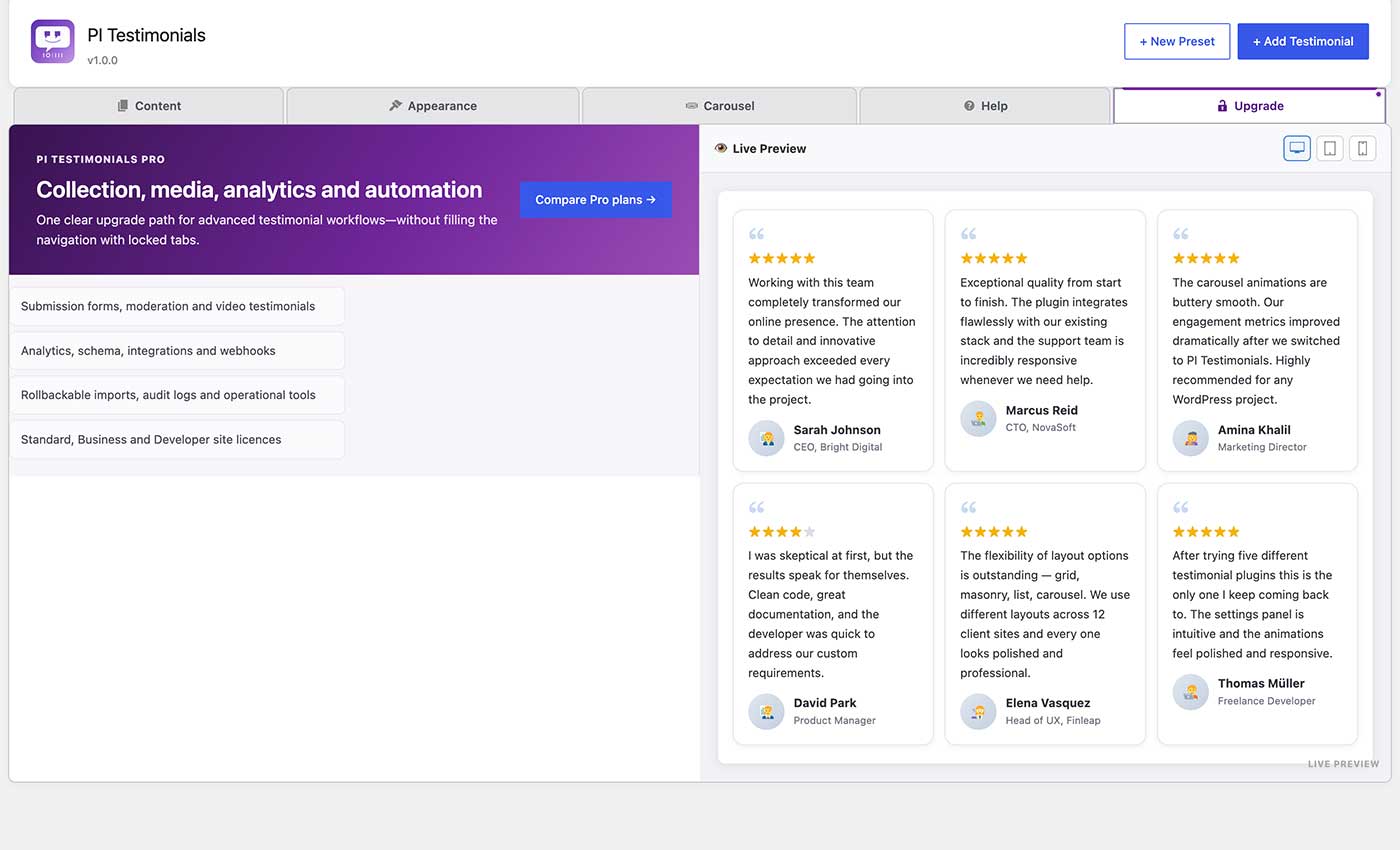
PI Testimonials provides a custom post type for managing testimonials and four display layouts via a single shortcode: grid, list, masonry, and carousel.
Create reusable Display Presets, insert testimonials visually with the dynamic Gutenberg block, back up or migrate all plugin data with JSON import/export, and keep long testimonials compact with accessible Read More controls.
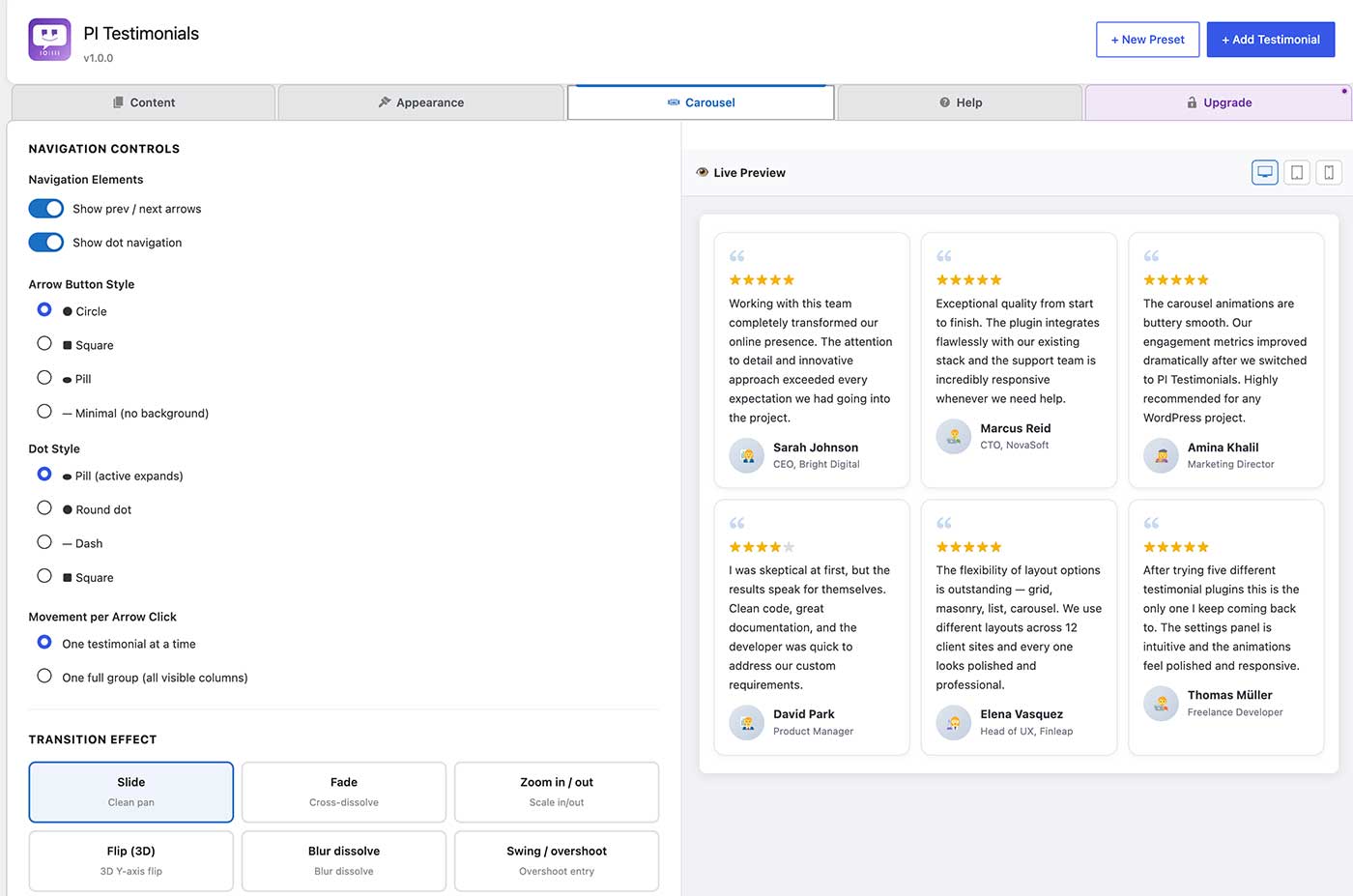
The carousel uses the browser’s native Web Animations API and CSS for professional, hardware-accelerated animations with nine distinct transition effects. No third-party animation library or CDN request is used.
Transition effects
* Slide — clean directional pan
* Fade — cross-dissolve with snap
* Zoom — scale in / scale out
* Flip — 3-D Y-axis card flip
* Blur dissolve — blur-out / blur-in
* Swing / overshoot — elastic overshoot entry
* Bounce — bouncy arrival
* Elastic snap — spring-physics snap
* Cube rotate — 3-D cube face rotation
Carousel navigation
* Prev / next arrows — move one testimonial at a time or one full group (page) at a time
* Dot navigation — jump to any group directly
* Swipe / drag support on touch and pointer devices
* Keyboard arrow-key navigation
* Hover pause, focus pause, autoplay
Content options
* Featured image (author photo) with fallback default avatar
* Star rating (1–5)
* Decorative opening-quote icon
* Position / role and company fields
* Optional category display
* Word-limit excerpt
Responsive
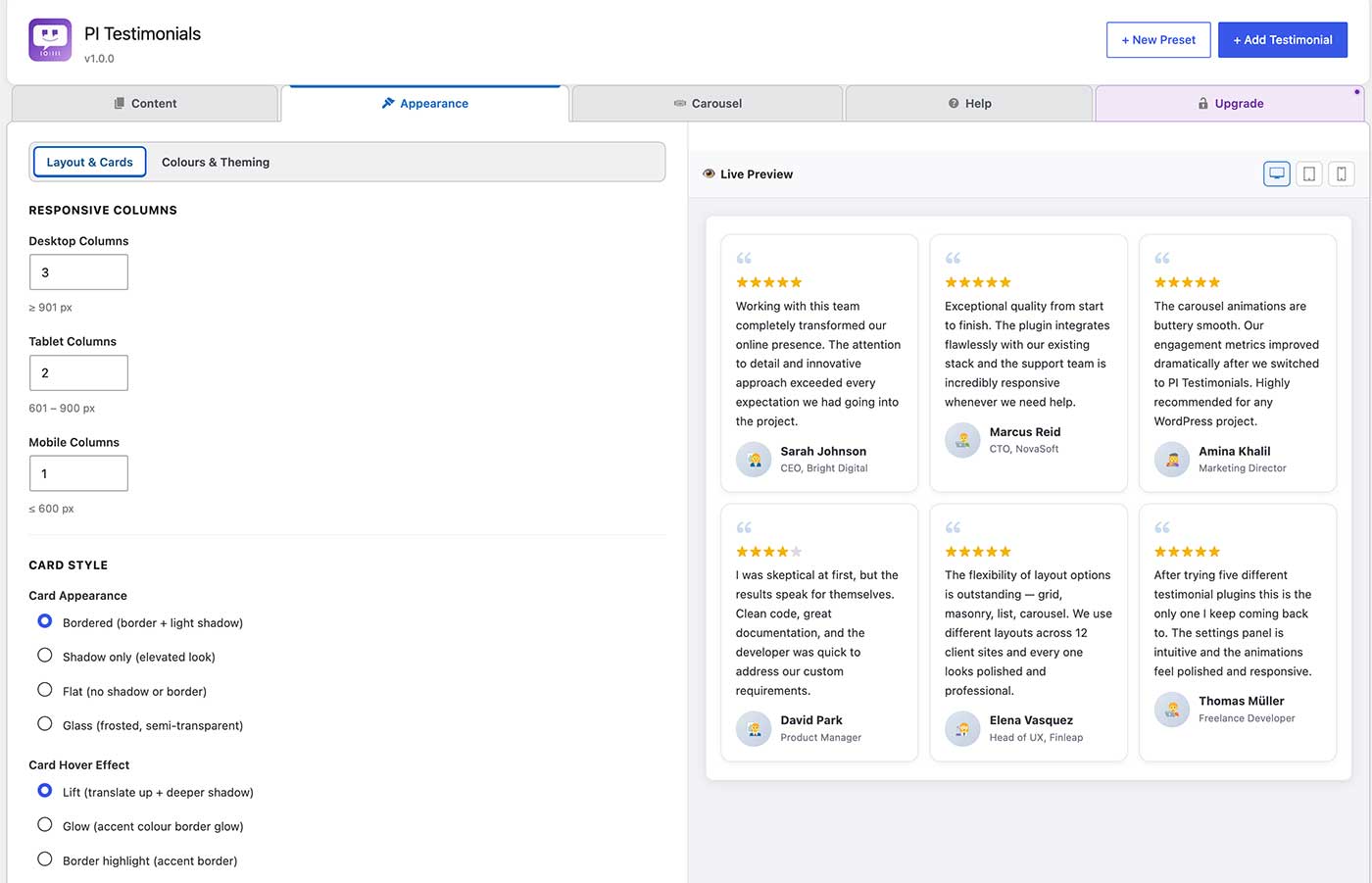
* Configurable column count for desktop, tablet (≤900 px), and mobile (≤600 px)
* Respects prefers-reduced-motion
The7 theme support
When the The7 theme is installed, you can switch the testimonial source to The7’s built-in dt_testimonials post type and display it through PI Testimonials’ layouts and carousel engine.
Shortcode reference
Basic:
[pi_testimonials]
Full example:
[pi_testimonials layout=”carousel” items=”9″ columns=”3″ columns_tablet=”2″ columns_mobile=”1″
transition_effect=”zoom” transition_speed=”500″ autoplay=”true” autoplay_speed=”5000″
carousel_move=”one” loop=”true” arrows=”true” dots=”true”]
All attributes
Attribute
Default
Values / notes
source
pi
pi, the7
layout
grid
grid, list, masonry, carousel
items
6
Any positive integer, or -1 for all
category
(all)
Comma-separated category slugs
columns
3
1–6
columns_tablet
2
1–4
columns_mobile
1
1–2
orderby
date
date, title, menu_order, rand, ID
order
DESC
DESC, ASC
show_image
1
0 / 1
show_default_avatar
1
0 / 1
show_rating
1
0 / 1
show_quote_icon
1
0 / 1
show_category
0
0 / 1
excerpt_words
0
0 = full content
card_padding
28
Card inner spacing in pixels (12–60)
card_radius
12
Card corner radius in pixels (0–40)
item_gap
24
Space between testimonial items in pixels (0–60)
text_align
left
left, center, right
content_font_size
16
Testimonial text size in pixels (12–28)
image_size
58
Author image size in pixels (32–120)
read_more
0
0 / 1
read_more_words
45
Collapsed word count (10–200)
read_more_label
Read more
Expand button label
featured
all
all, 1, 0
view
0
Display Preset post ID
autoplay
1
0 / 1
autoplay_speed
5000
Milliseconds between auto-advances (500–60000)
carousel_move
one
one (slide 1 at a time), page (slide full visible group)
transition_effect
slide
slide, fade, zoom, flip, blur, swing, bounce, elastic, cube
transition_speed
500
Animation duration in ms (80–3000)
loop
1
0 / 1
arrows
1
0 / 1
dots
1
0 / 1
class
(empty)
Extra CSS class on the wrapper
Ekran Görüntüleri
Bloklar
Bu eklenti 1 blok sağlar.
- PI Testimonials
Yükleme
- Upload the
pi-testimonialsfolder to/wp-content/plugins/. - Activate the plugin through Plugins Installed Plugins.
- Add testimonials under PI Testimonials Add New.
- Place
[pi_testimonials]in any post, page, or widget.
İncelemeler
Bu eklenti için herhangi bir değerlendirme bulunmuyor.
Katkıda Bulunanlar ve Geliştiriciler
“PI Testimonials” açık kaynaklı yazılımdır. Aşağıdaki kişiler bu eklentiye katkıda bulunmuşlardır.
Katkıda bulunanlar
“PI Testimonials” eklentisini dilinize çevirin.
Geliştirmeyle ilgilenir misiniz?
Kodu görüntüleyin, SVN deposuna göz atın ya da RSS ile geliştirme günlüğüne abone olun.
Değişiklik Kaydı
1.0.0
- Initial public release on WordPress.org.